> ## Documentation Index
> Fetch the complete documentation index at: https://help.scribe-mail.com/llms.txt
> Use this file to discover all available pages before exploring further.
# Outlook Mac (Remote Monitoring)
> Deploy Scribe signatures across your whole team's Outlook for Mac at once by pushing the Scribe desktop app silently through your RMM tool.
Follow the steps below to install your signatures on [Outlook Mac](/en/integrations/signatures/outlook-mac).
**Each user has to install and configure integration.**
**Users see signatures when composing emails.**
**Cloud-based installation.** Emails don't go through Scribe servers.
## Advanced Installation
This is an advanced user feature. IT support is required to set up this integration.
Use the Scribe DMG with any remote monitoring and management tool:
```text theme={null}
https://scribe-mail.com/desktop-app/mac-installer/latest
```
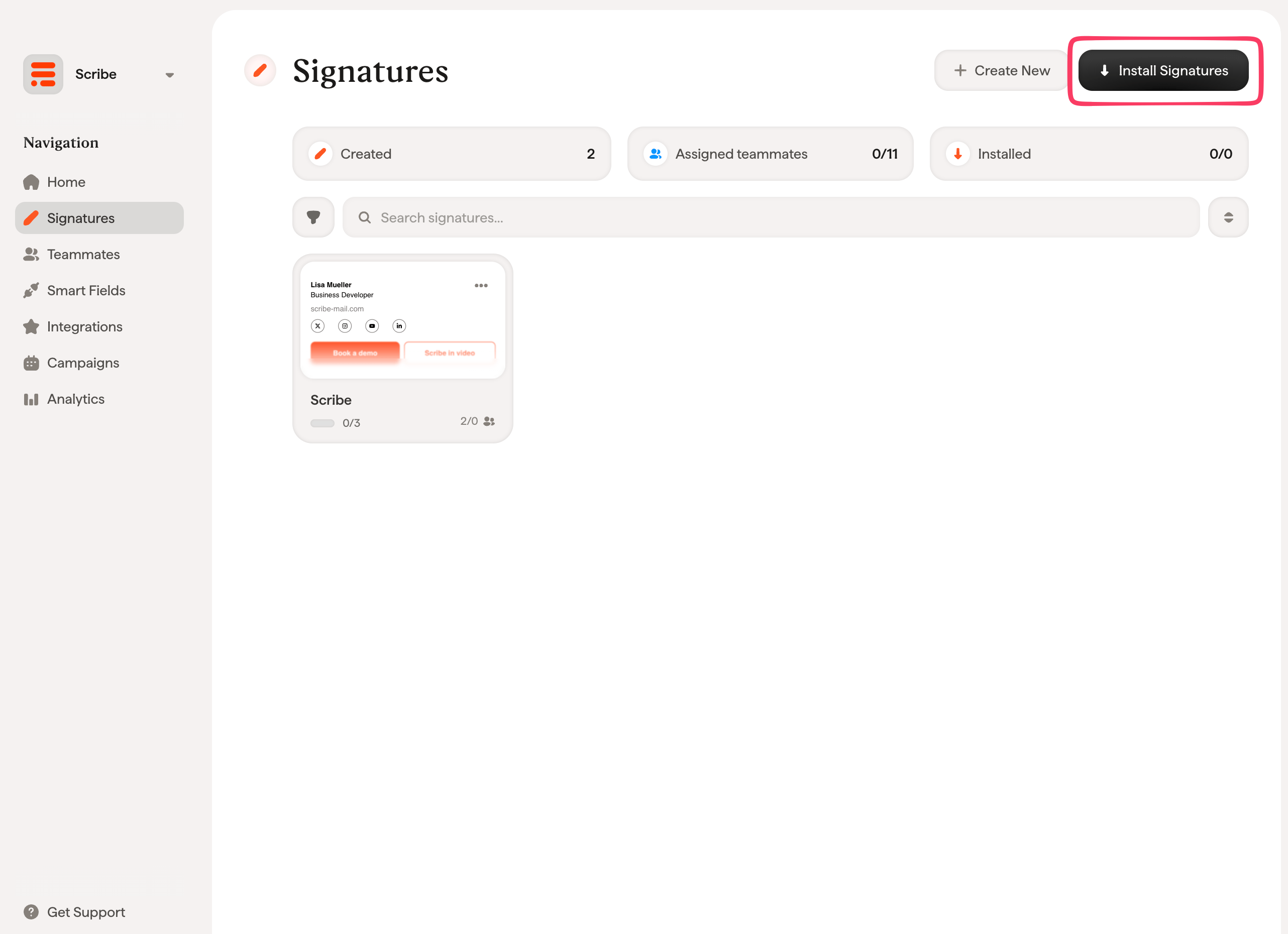
From your signatures list, [install all signatures at once for your teammates](/en/install-signatures) or install them one by one for a progressive rollout.
 ## Related articles
* [Integrations overview](/en/integrations-overview): all the ways to deploy Scribe signatures, cloud or server side.
* [Installation statuses and errors](/en/signature-installation-statuses-and-errors): what each installation status means and how to fix errors.
* [Microsoft 365](/en/integrations/signatures/microsoft-365-client-side): one-click cloud install for Microsoft 365 and Outlook.
## Related articles
* [Integrations overview](/en/integrations-overview): all the ways to deploy Scribe signatures, cloud or server side.
* [Installation statuses and errors](/en/signature-installation-statuses-and-errors): what each installation status means and how to fix errors.
* [Microsoft 365](/en/integrations/signatures/microsoft-365-client-side): one-click cloud install for Microsoft 365 and Outlook.