> ## Documentation Index
> Fetch the complete documentation index at: https://help.scribe-mail.com/llms.txt
> Use this file to discover all available pages before exploring further.
# Chili Piper
> Keep email signatures accurate and up to date by syncing teammate details from Chili Piper, your scheduling and lead-routing tool, so booking links stay right.
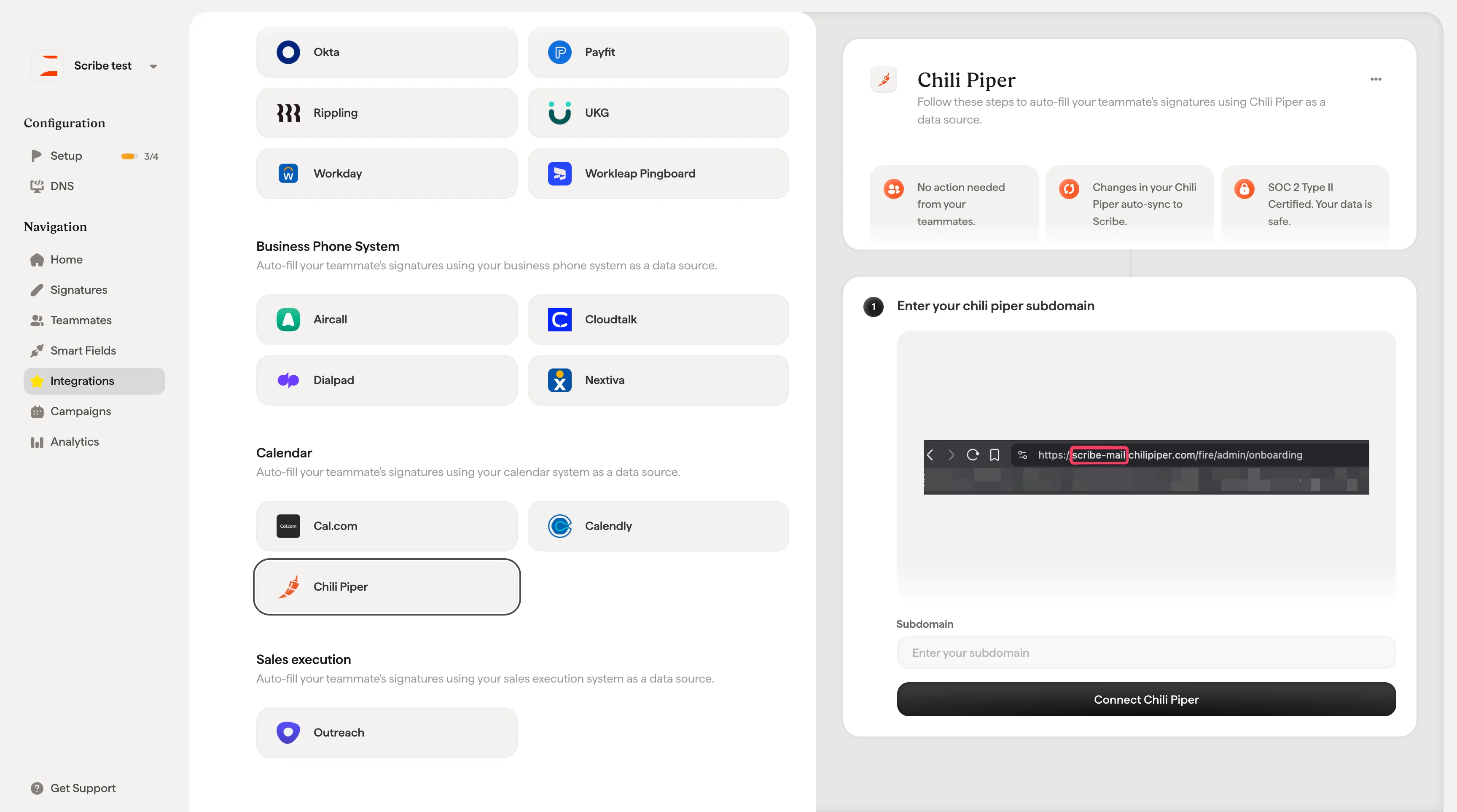
Follow these steps to [auto-fill your teammate's signatures](/en/smart-fields) using Chili Piper as a data source.
**No action is needed from your teammates.**
**Changes in your Chili Piper auto-sync to Scribe.**
**SOC 2 Type II Certified.** [Your data is safe](/en/what-scribe-does-concerning-security).
## Installation guide
### Prerequisites
* Admin access to your Chili Piper account
* A Scribe account with admin access
Find your subdomain in your Chili Piper URL. It's the part before `.chilipiper.com` (e.g. `scribe-mail` in `https://scribe-mail.chilipiper.com/fire/admin/onboarding`).

 ## Related articles
* [Cal.com](/en/integrations/smart-fields/calcom-smart-fields): sync Cal.com data into your signatures.
* [Calendly](/en/integrations/smart-fields/calendly-smart-fields): sync Calendly data into your signatures.
* [Assign teammates to a signature](/en/assign-teammates-to-a-signature): use Smart Field conditions to assign signatures automatically.
## Related articles
* [Cal.com](/en/integrations/smart-fields/calcom-smart-fields): sync Cal.com data into your signatures.
* [Calendly](/en/integrations/smart-fields/calendly-smart-fields): sync Calendly data into your signatures.
* [Assign teammates to a signature](/en/assign-teammates-to-a-signature): use Smart Field conditions to assign signatures automatically.