> ## Documentation Index
> Fetch the complete documentation index at: https://help.scribe-mail.com/llms.txt
> Use this file to discover all available pages before exploring further.
# Front
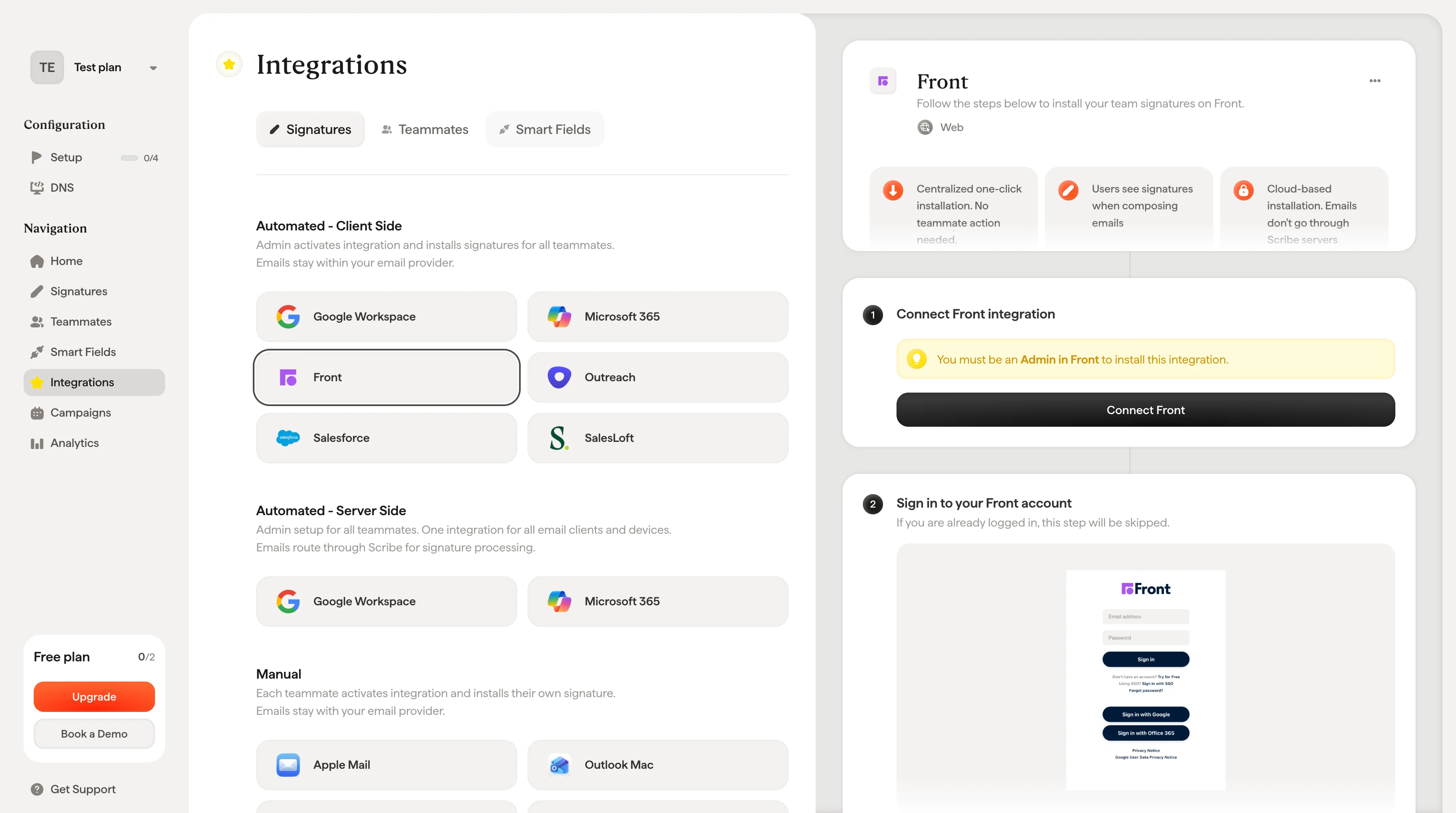
> Frontの管理者として連携を接続するだけで、Scribeのメール署名をチーム全体のFrontへワンクリックで導入できます。チームメンバーの操作は不要です。
**一元管理によるワンクリック導入。** チームメンバーの操作は不要です。ユーザーはメール作成時に署名を確認できます。クラウドベースの導入のため、メールはScribeのサーバーを経由しません。
**対応プラットフォーム:** Web
## 導入ガイド
この連携を導入するには、**Frontの管理者**である必要があります。
Scribeで **Connect Front** をクリックして連携を開始します。
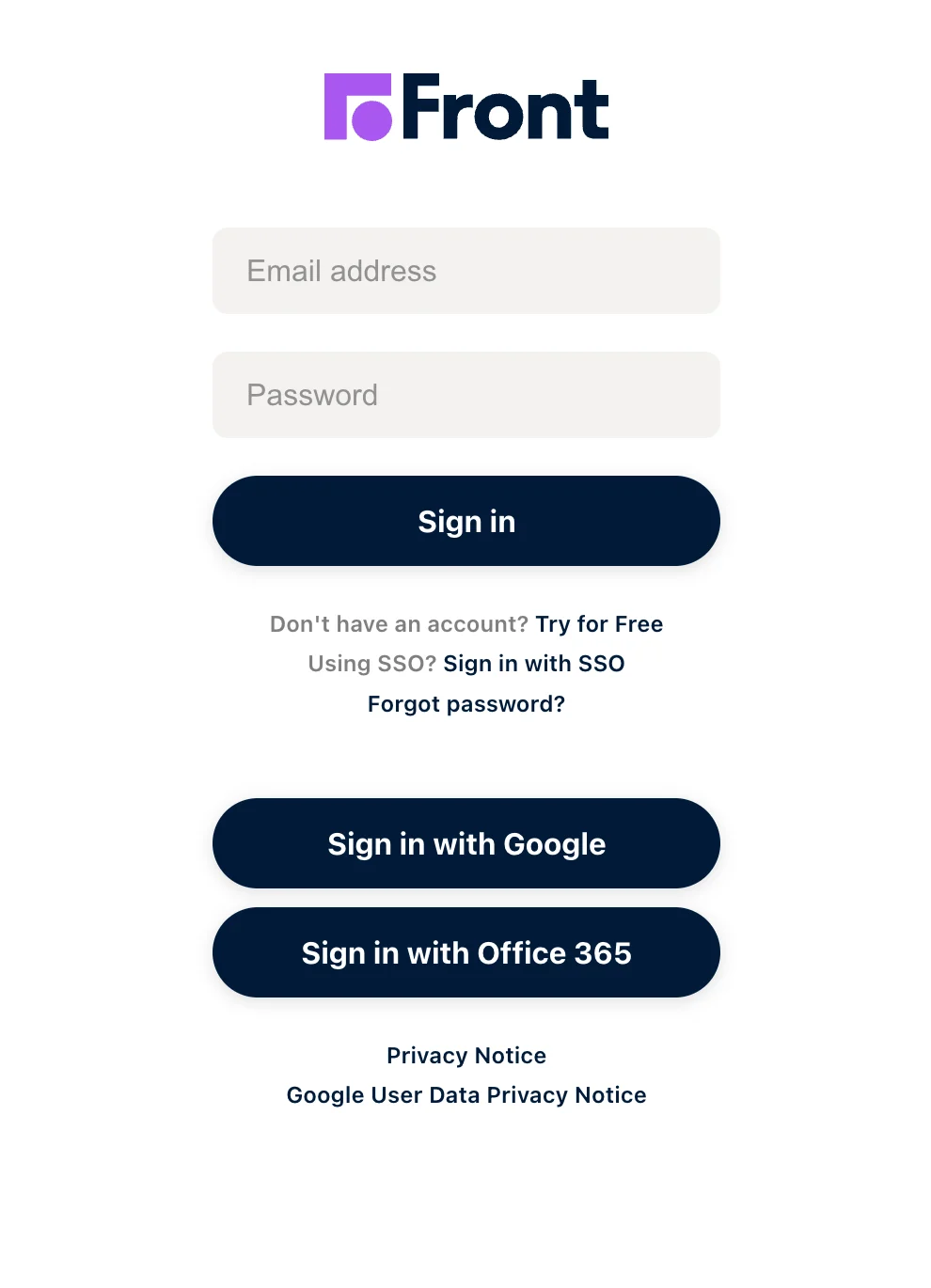
 すでにログイン済みの場合、このステップはスキップされます。
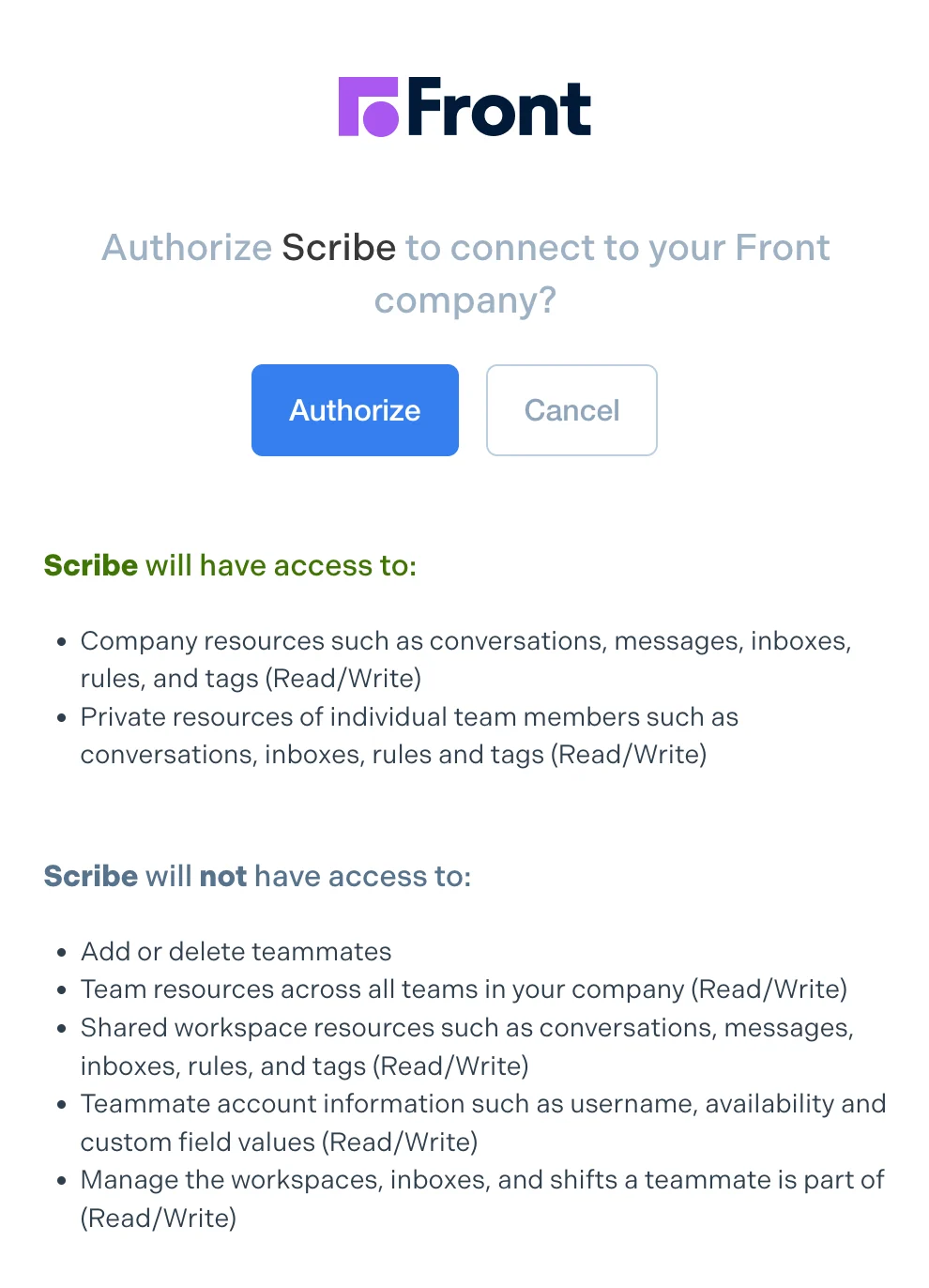
 承認すると、連携は自動的に接続されます。
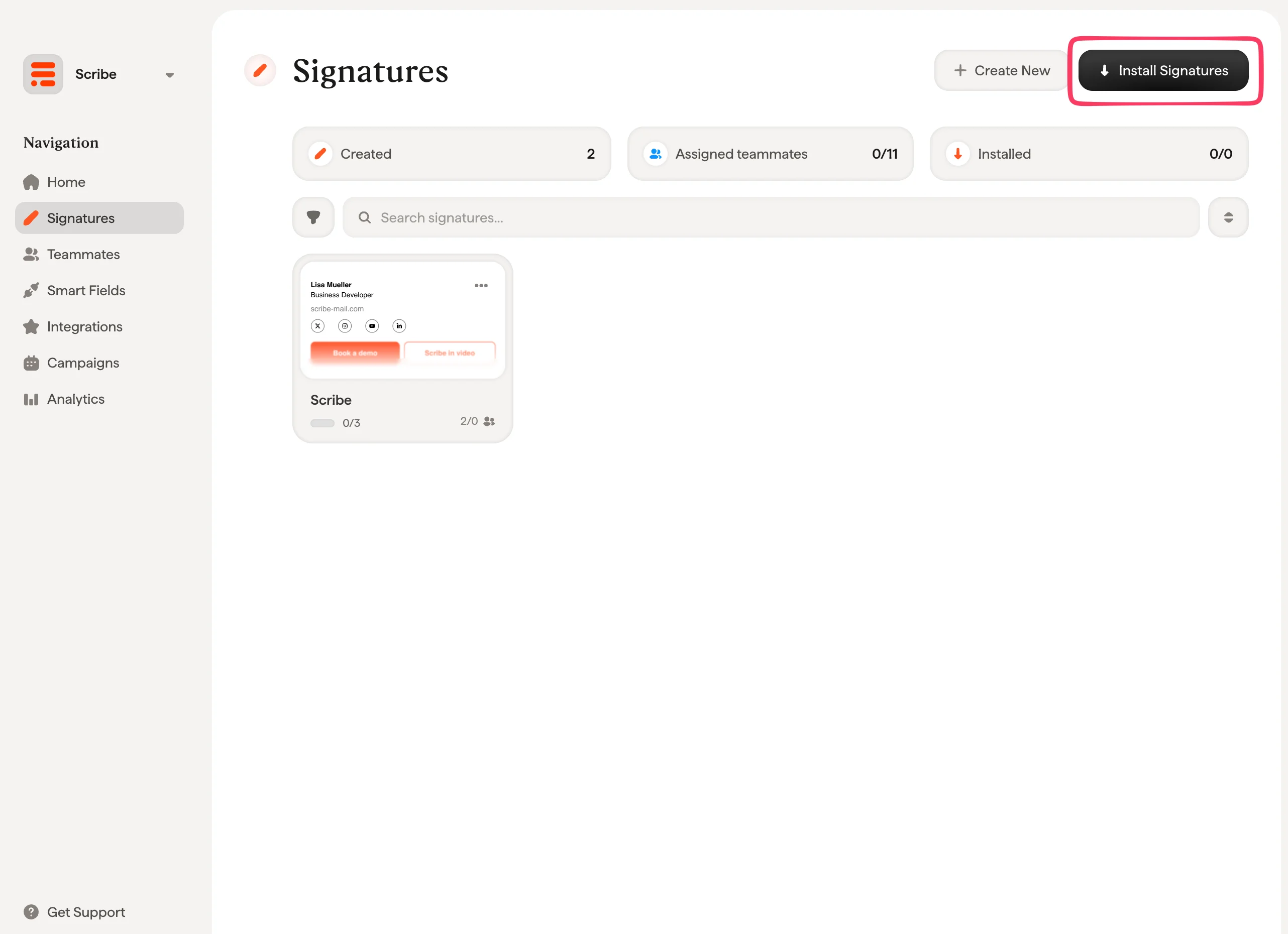
 署名一覧から、[チームメンバー全員の署名を一括でインストール](/ja/install-signatures)するか、段階的に展開するために1人ずつインストールします。
 ## 関連記事
* [連携の概要](/ja/integrations-overview):クラウド側・サーバー側を含め、Scribe署名を展開するすべての方法。
* [Google Workspace](/ja/integrations/signatures/google-workspace-client-side):Google Workspace向けのワンクリッククラウドインストール。
* [Microsoft 365](/ja/integrations/signatures/microsoft-365-client-side):Microsoft 365およびOutlook向けのワンクリッククラウドインストール。
* [インストールステータスとエラー](/ja/signature-installation-statuses-and-errors):各インストールステータスの意味とエラーの対処方法。
## 関連記事
* [連携の概要](/ja/integrations-overview):クラウド側・サーバー側を含め、Scribe署名を展開するすべての方法。
* [Google Workspace](/ja/integrations/signatures/google-workspace-client-side):Google Workspace向けのワンクリッククラウドインストール。
* [Microsoft 365](/ja/integrations/signatures/microsoft-365-client-side):Microsoft 365およびOutlook向けのワンクリッククラウドインストール。
* [インストールステータスとエラー](/ja/signature-installation-statuses-and-errors):各インストールステータスの意味とエラーの対処方法。