> ## Documentation Index
> Fetch the complete documentation index at: https://help.scribe-mail.com/llms.txt
> Use this file to discover all available pages before exploring further.
# Cloudtalk
> クラウド型コールセンター電話システム Cloudtalk からチームメンバーの情報(直通電話番号など)を同期し、メール署名を常に正確で最新の状態に保ちます。
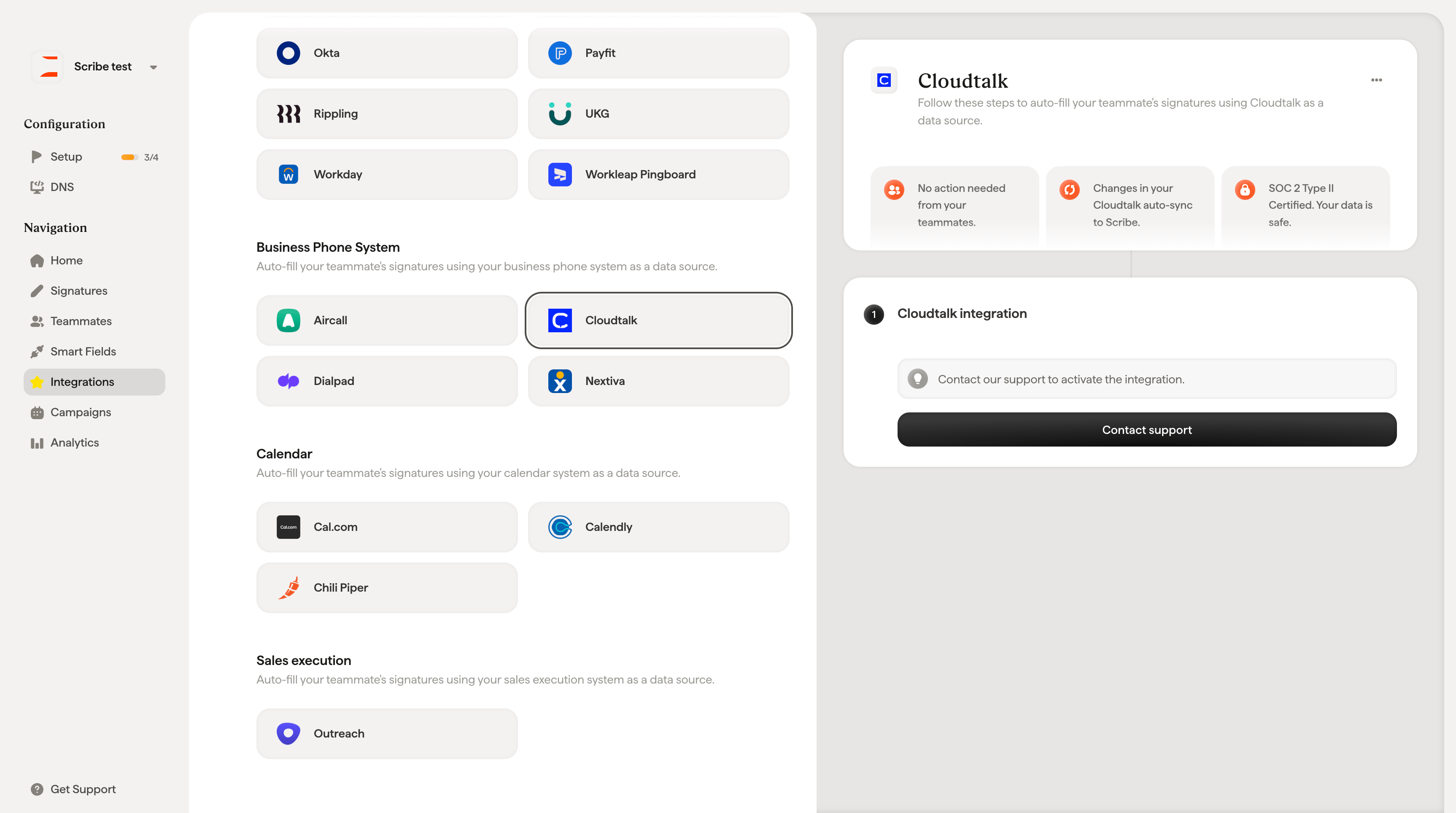
Cloudtalkをデータソースとして[チームメンバーの署名を自動入力](/ja/smart-fields)するには、以下の手順に従ってください。
**チームメンバーによる操作は不要です。**
**Cloudtalk での変更は Scribe に自動同期されます。**
**SOC 2 Type II 認証取得済み。**[データは安全に保護されています](/ja/what-scribe-does-concerning-security)。
## インストールガイド
連携を有効化するにはサポートまでお問い合わせください。**Contact support** をクリックすると、担当チームがセットアップをサポートします。
 ## 関連記事
* [Dialpad](/ja/integrations/smart-fields/dialpad-smart-fields):Dialpadのデータを署名に同期します。
* [Nextiva](/ja/integrations/smart-fields/nextiva-smart-fields):Nextivaのデータを署名に同期します。
* [チームメンバーへの署名の割り当て](/ja/assign-teammates-to-a-signature):Smartfieldの条件を使って署名を自動的に割り当てます。
## 関連記事
* [Dialpad](/ja/integrations/smart-fields/dialpad-smart-fields):Dialpadのデータを署名に同期します。
* [Nextiva](/ja/integrations/smart-fields/nextiva-smart-fields):Nextivaのデータを署名に同期します。
* [チームメンバーへの署名の割り当て](/ja/assign-teammates-to-a-signature):Smartfieldの条件を使って署名を自動的に割り当てます。