> ## Documentation Index
> Fetch the complete documentation index at: https://help.scribe-mail.com/llms.txt
> Use this file to discover all available pages before exploring further.

# Microsoft Entra ID

> Microsoft Entra IDをScribeに接続し、管理単位やグループから選択したチームメンバーを同期できます。変更は自動で最新の状態に保たれます。

以下の手順に従って、Entra IDの管理単位・グループ・チームメンバーをScribeと同期します。

<Info>
  **Scribeと同期するチームメンバーのみを選択してください。**
</Info>

<Info>
  **Entra IDでの変更はScribeに自動同期されます。**
</Info>

<Info>
  **SOC 2 Type II認証取得済み。** データは安全に保護されます。
</Info>

## インストールガイド

### 前提条件

* 管理者権限のあるScribeアカウント
* **グローバル管理者**権限のあるMicrosoft Entra IDアカウント

<Steps>
  <Step title="Entra ID連携を接続">
    <Warning>
      この連携をインストールするには、**Entra IDのグローバル管理者**である必要があります。
    </Warning>

    **Connect Entra ID**をクリックしてセットアップを開始します。
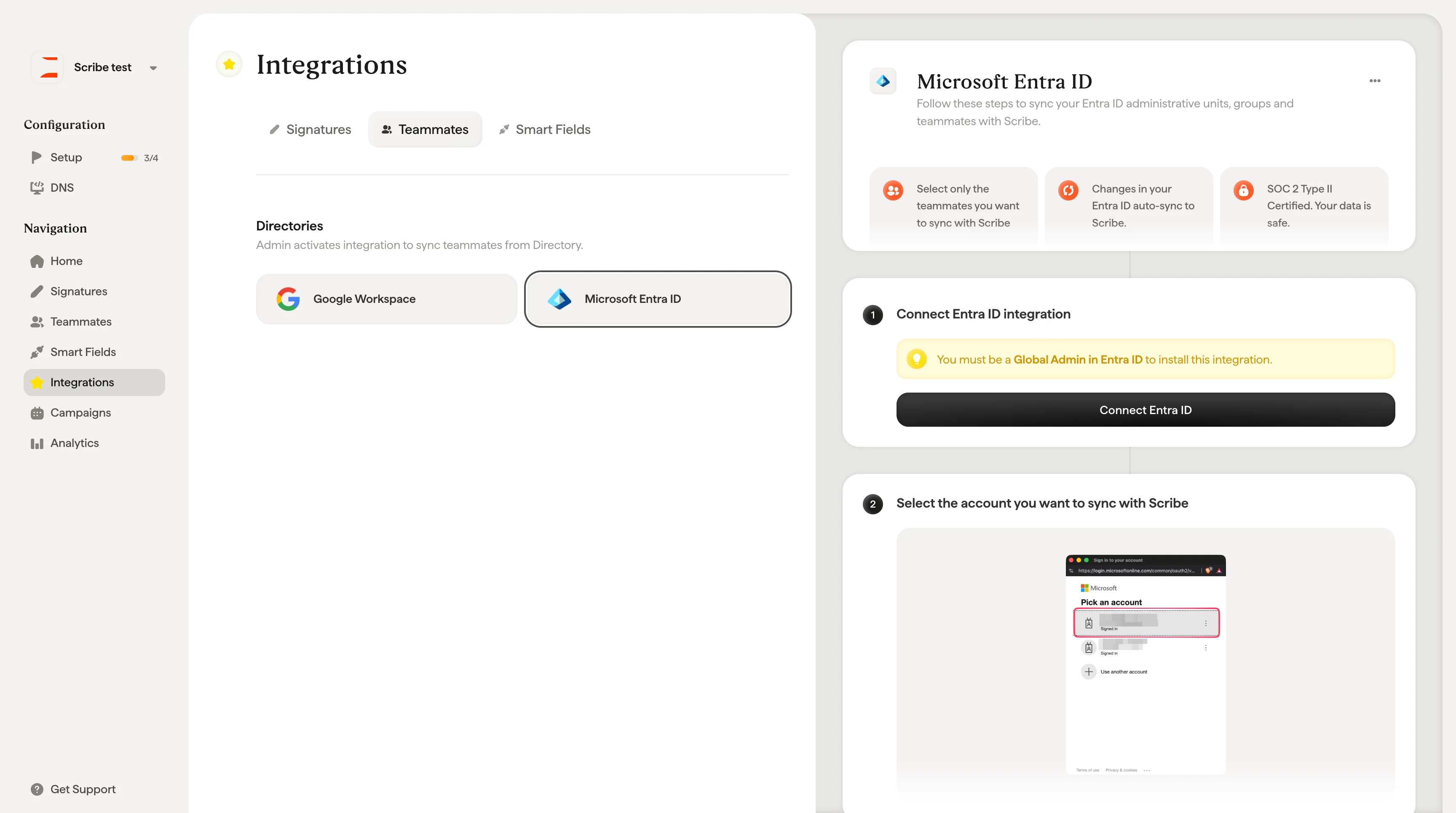
    <Frame>
      <img src="https://mintcdn.com/scribe/xbQhr3JjkYildsKM/images/microsoft-entra-id-connect-button.png?fit=max&auto=format&n=xbQhr3JjkYildsKM&q=85&s=bee2def472c84e1391bf3b385db79459" alt="Scribeのチームメンバー設定にあるConnect Entra IDボタン" width="3456" height="1930" data-path="images/microsoft-entra-id-connect-button.png" />
    </Frame>
  </Step>

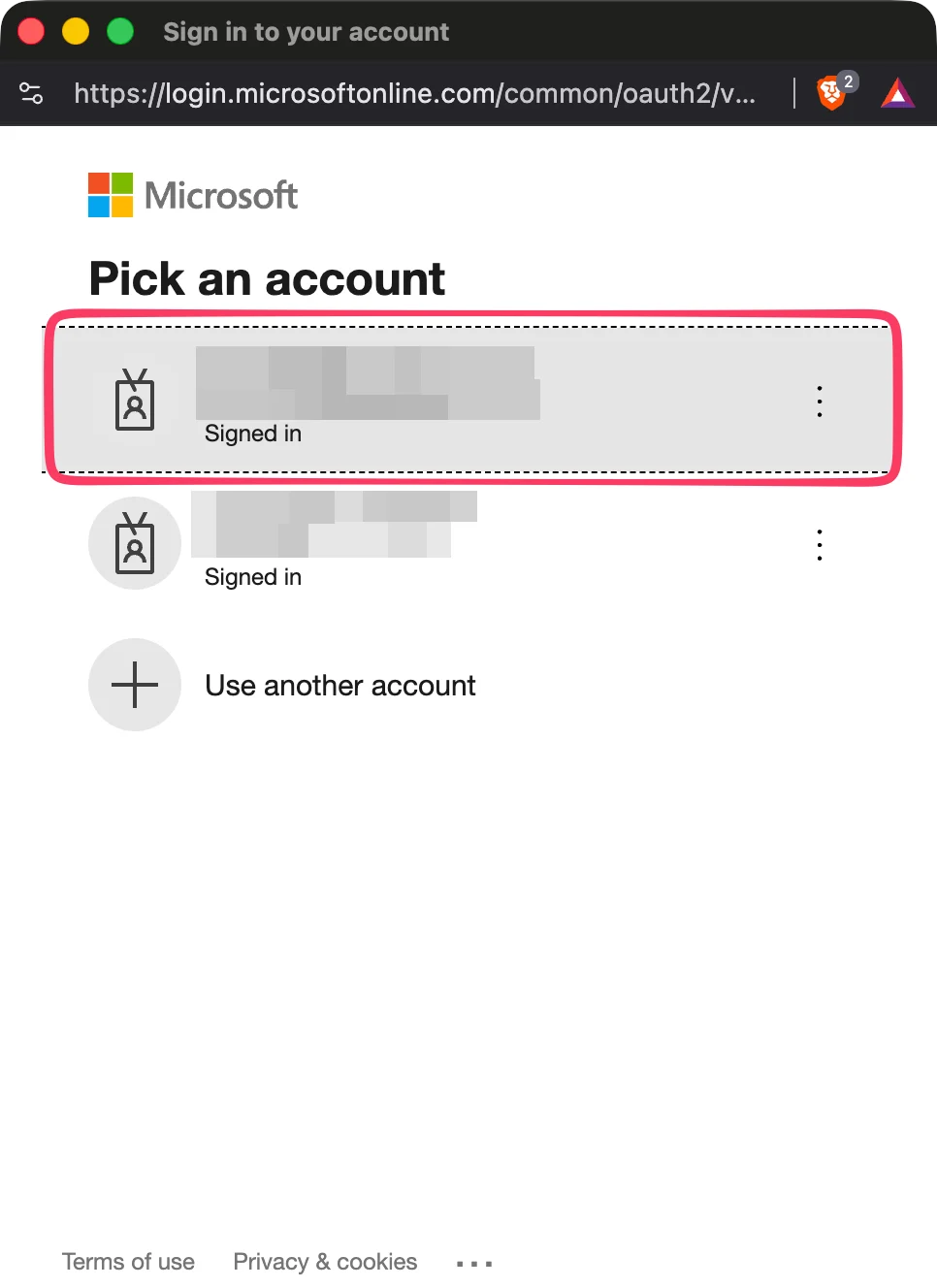
  <Step title="Scribeと同期するアカウントを選択">
    <Frame>
      <img src="https://mintcdn.com/scribe/pvZJQ56rCCLLmCwt/integrations/teammates/images/microsoft-entra-id-step-2.png?fit=max&auto=format&n=pvZJQ56rCCLLmCwt&q=85&s=2c7ec2306747f5202532069d5b800132" alt="Microsoftアカウントピッカー" className="mx-auto" style={{ width:"48%" }} width="966" height="1328" data-path="integrations/teammates/images/microsoft-entra-id-step-2.png" />
    </Frame>
  </Step>

  <Step title="&#x22;Connect Entra ID&#x22;をクリック">
    Entra IDから選択したチームメンバーをインポートします。同期する対象は自由に選べます。
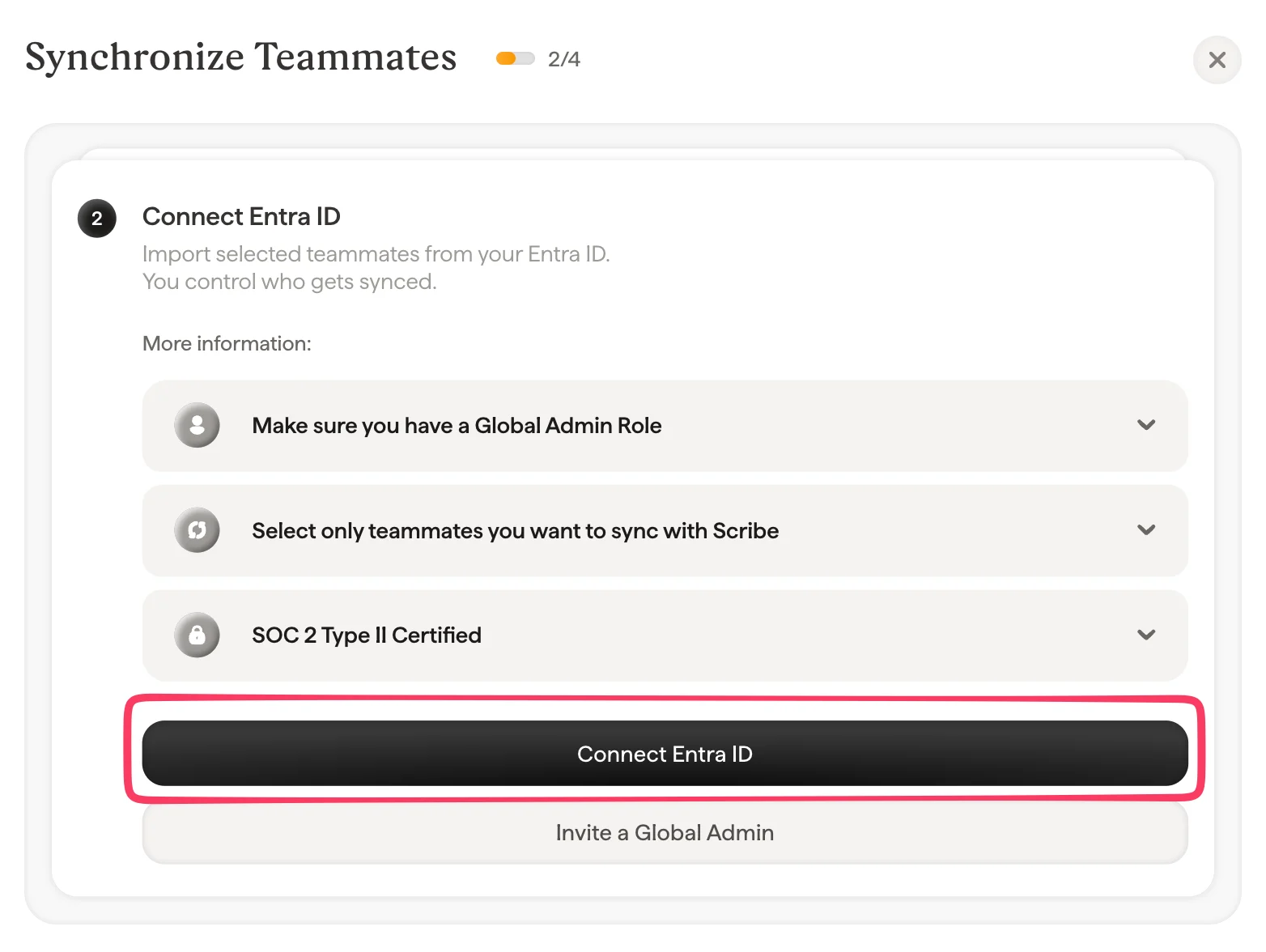
    <Frame>
      <img src="https://mintcdn.com/scribe/pvZJQ56rCCLLmCwt/integrations/teammates/images/microsoft-entra-id-step-3.png?fit=max&auto=format&n=pvZJQ56rCCLLmCwt&q=85&s=fc8b0f9bf4c7fe39199de3740d3e6e53" alt="Connect Entra IDボタンのあるSynchronize Teammatesダイアログ" style={{ width:"94%" }} width="1564" height="1176" data-path="integrations/teammates/images/microsoft-entra-id-step-3.png" />
    </Frame>
  </Step>

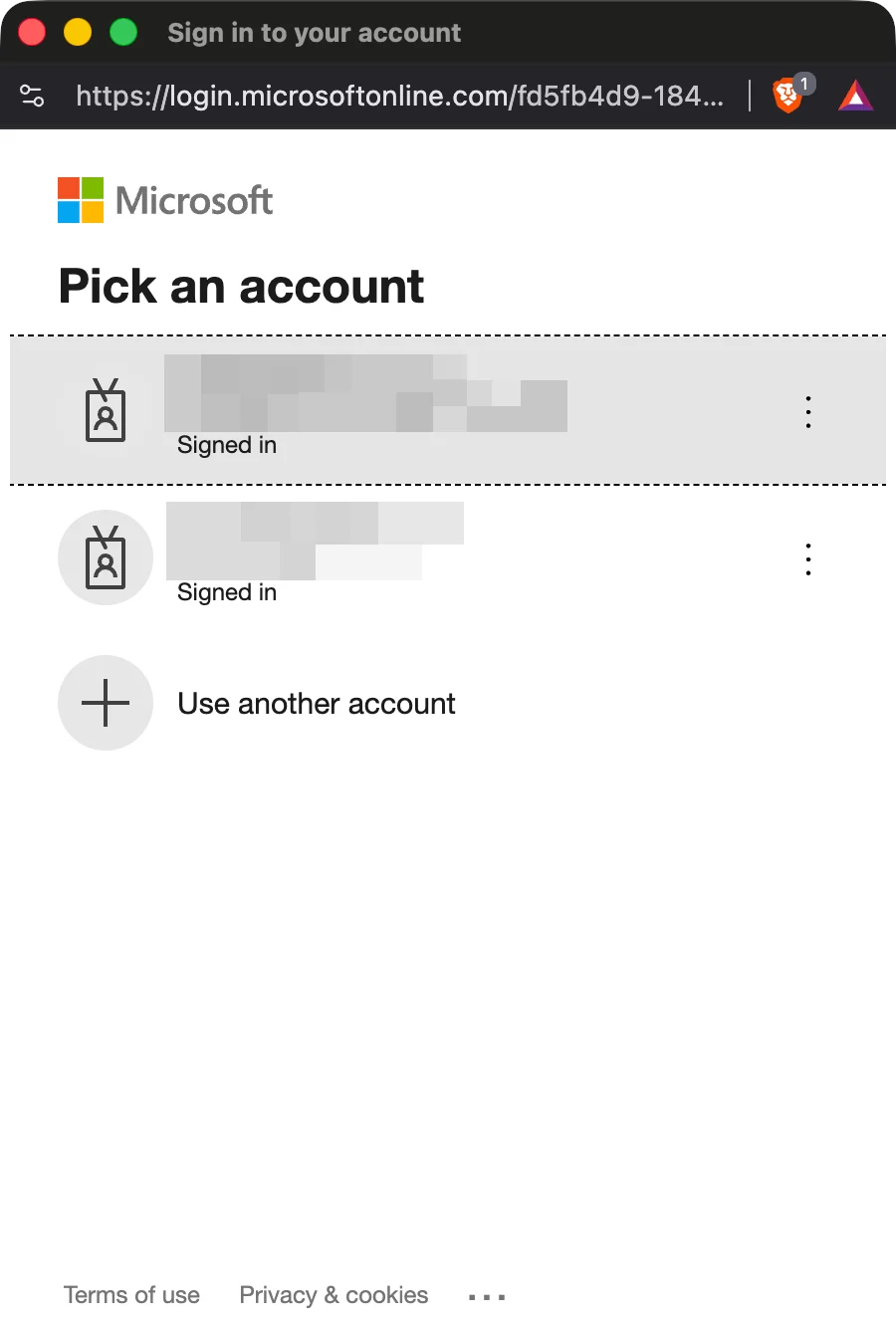
  <Step title="ステップ2で選択したものと同じアカウントを選択">
    <Frame>
      <img src="https://mintcdn.com/scribe/pvZJQ56rCCLLmCwt/integrations/teammates/images/microsoft-entra-id-step-4.png?fit=max&auto=format&n=pvZJQ56rCCLLmCwt&q=85&s=1f3c245d8f398a557581faafcf8afb8c" alt="Microsoftアカウントピッカーの確認" className="mx-auto" style={{ width:"54%" }} width="900" height="1328" data-path="integrations/teammates/images/microsoft-entra-id-step-4.png" />
    </Frame>
  </Step>

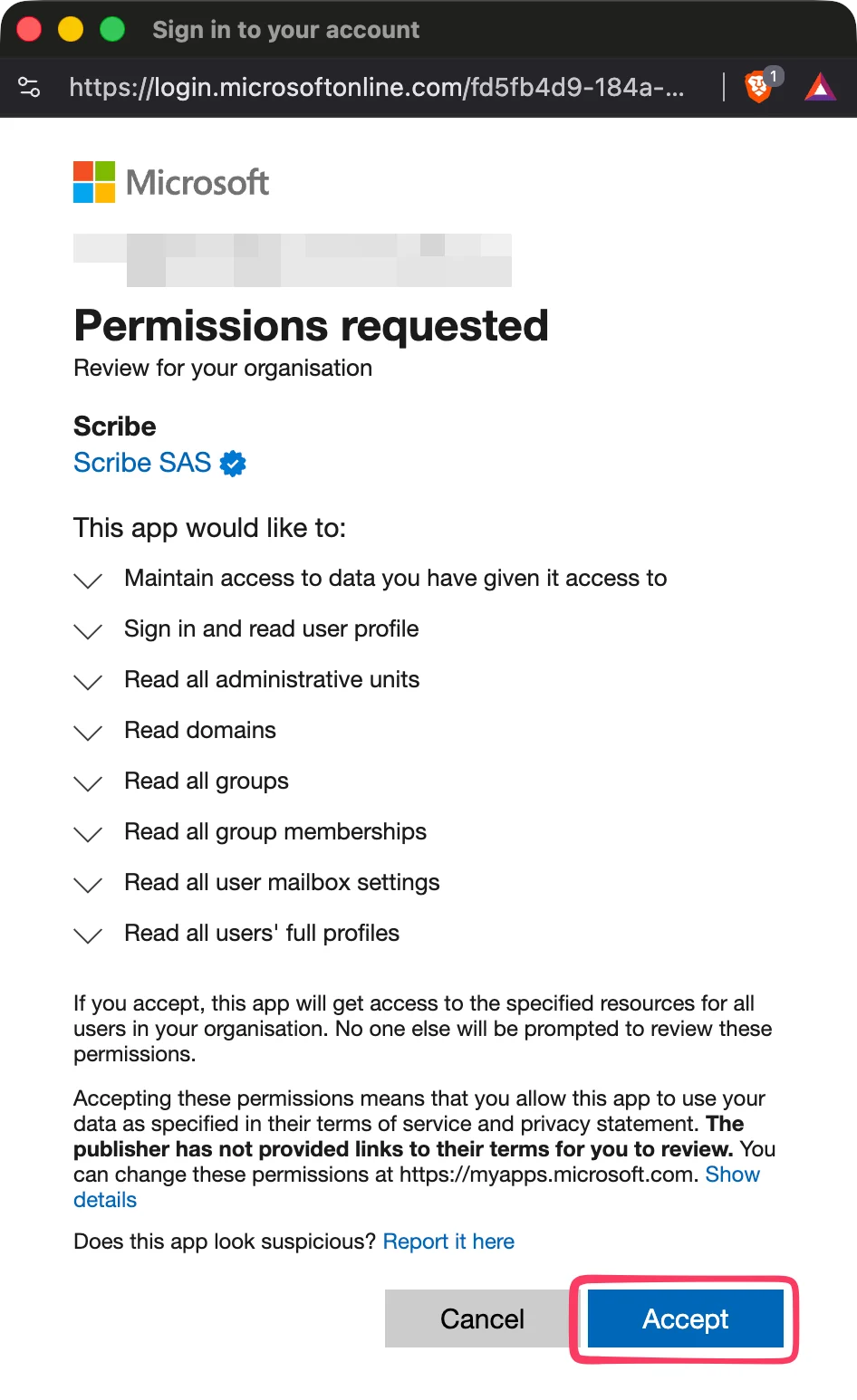
  <Step title="すべてのスコープを承認">
    ScribeはSOC 2 Type IIに準拠しています。メールの送信や閲覧は行いません。
    <Frame>
      <img src="https://mintcdn.com/scribe/pvZJQ56rCCLLmCwt/integrations/teammates/images/microsoft-entra-id-step-5.png?fit=max&auto=format&n=pvZJQ56rCCLLmCwt&q=85&s=5ea496e7a34415cc3fba1a13000faa09" alt="Microsoftの権限リクエストダイアログ" className="mx-auto" style={{ width:"46%" }} width="946" height="1546" data-path="integrations/teammates/images/microsoft-entra-id-step-5.png" />
    </Frame>
  </Step>

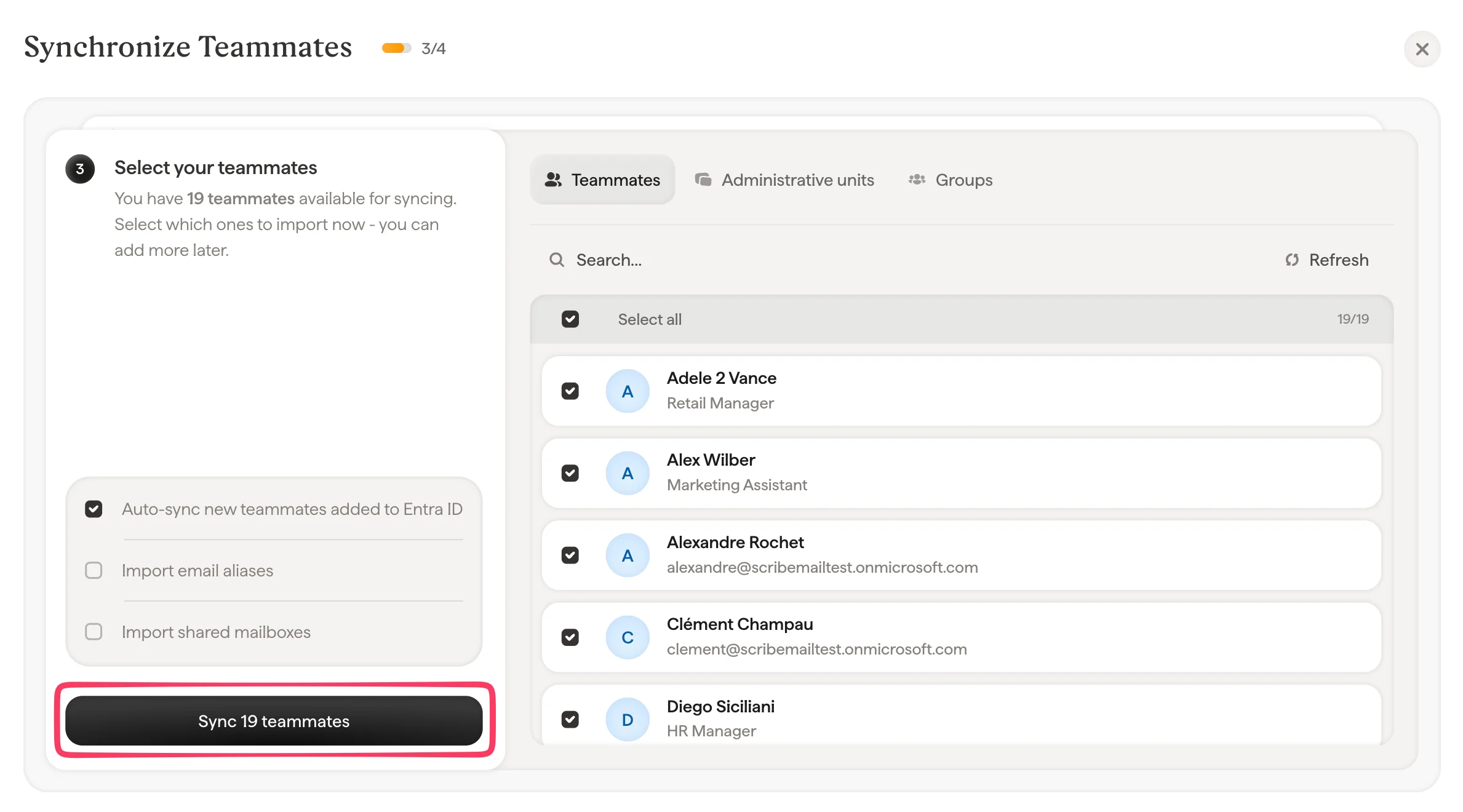
  <Step title="Scribeと同期するチームメンバーを選択">
    チームメンバーリスト、管理単位、またはグループからチームメンバーを選択できます。今すぐインポートする対象を選択してください。後から追加することも可能です。情報も同期されるため、後で[Smartfield](/ja/smart-fields)を使って署名を自動入力できます。
    <Frame>
      <img src="https://mintcdn.com/scribe/pvZJQ56rCCLLmCwt/integrations/teammates/images/microsoft-entra-id-step-6.png?fit=max&auto=format&n=pvZJQ56rCCLLmCwt&q=85&s=29d335449d2b88bb31ab2cb48e2f53a4" alt="チームメンバーの同期選択ダイアログ" width="2378" height="1320" data-path="integrations/teammates/images/microsoft-entra-id-step-6.png" />
    </Frame>
  </Step>

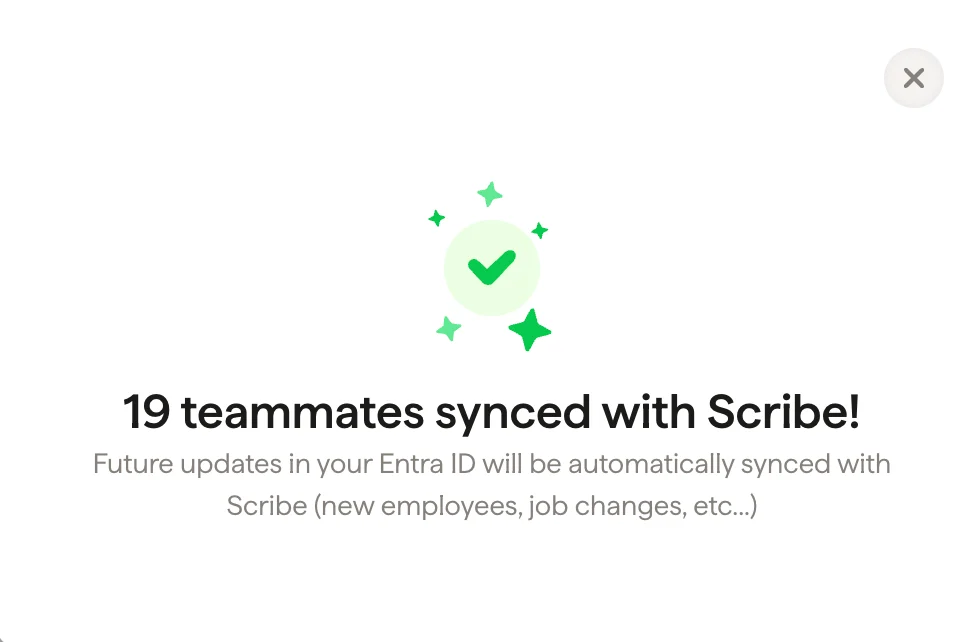
  <Step title="完了、チームメンバーがScribeと同期されました">
    署名に移動して、[チームメンバーを割り当て](/ja/assign-teammates-to-a-signature)、署名を作成してください。今後のEntra IDでの更新(新入社員、職務変更など)は、Scribeと自動的に同期されます。
    <Frame>
      <img src="https://mintcdn.com/scribe/pvZJQ56rCCLLmCwt/integrations/teammates/images/microsoft-entra-id-step-7.png?fit=max&auto=format&n=pvZJQ56rCCLLmCwt&q=85&s=d56918539a14c2a661cadf7764404261" alt="チームメンバーの同期完了の確認" className="mx-auto" style={{ width:"69%" }} width="978" height="642" data-path="integrations/teammates/images/microsoft-entra-id-step-7.png" />
    </Frame>
  </Step>
</Steps>

## 関連記事

* [チームメンバーの概要](/ja/teammates/teammates-overview)
* [Google Workspace](/ja/integrations/teammates/google-workspace-teammates)
* [Scribeのセキュリティ対策について](/ja/what-scribe-does-concerning-security)