> ## Documentation Index
> Fetch the complete documentation index at: https://help.scribe-mail.com/llms.txt
> Use this file to discover all available pages before exploring further.
# Rippling
> Hold e-postsignaturer nøyaktige og automatisk oppdaterte ved å synkronisere ansattdetaljer som stillingstittel og avdeling fra Rippling, din HR- og IT-plattform.
Følg disse trinnene for å [autofylle signaturene til kollegaene dine](/no/smart-fields) ved å bruke Rippling som datakilde.
**Ingen handling kreves fra kollegene dine.**
**Endringer i Rippling synkroniseres automatisk til Scribe.**
**SOC 2 Type II-sertifisert.** [Dataene dine er trygge](/no/security/data-collection/rippling).
## Installasjonsveiledning
### Forutsetninger
* Administratortilgang til Rippling-kontoen din
* En Scribe-konto med administratortilgang
Du må være **Admin i Rippling** for å installere denne integrasjonen.
Klikk på **Go to Rippling app store** for å starte integrasjonen.
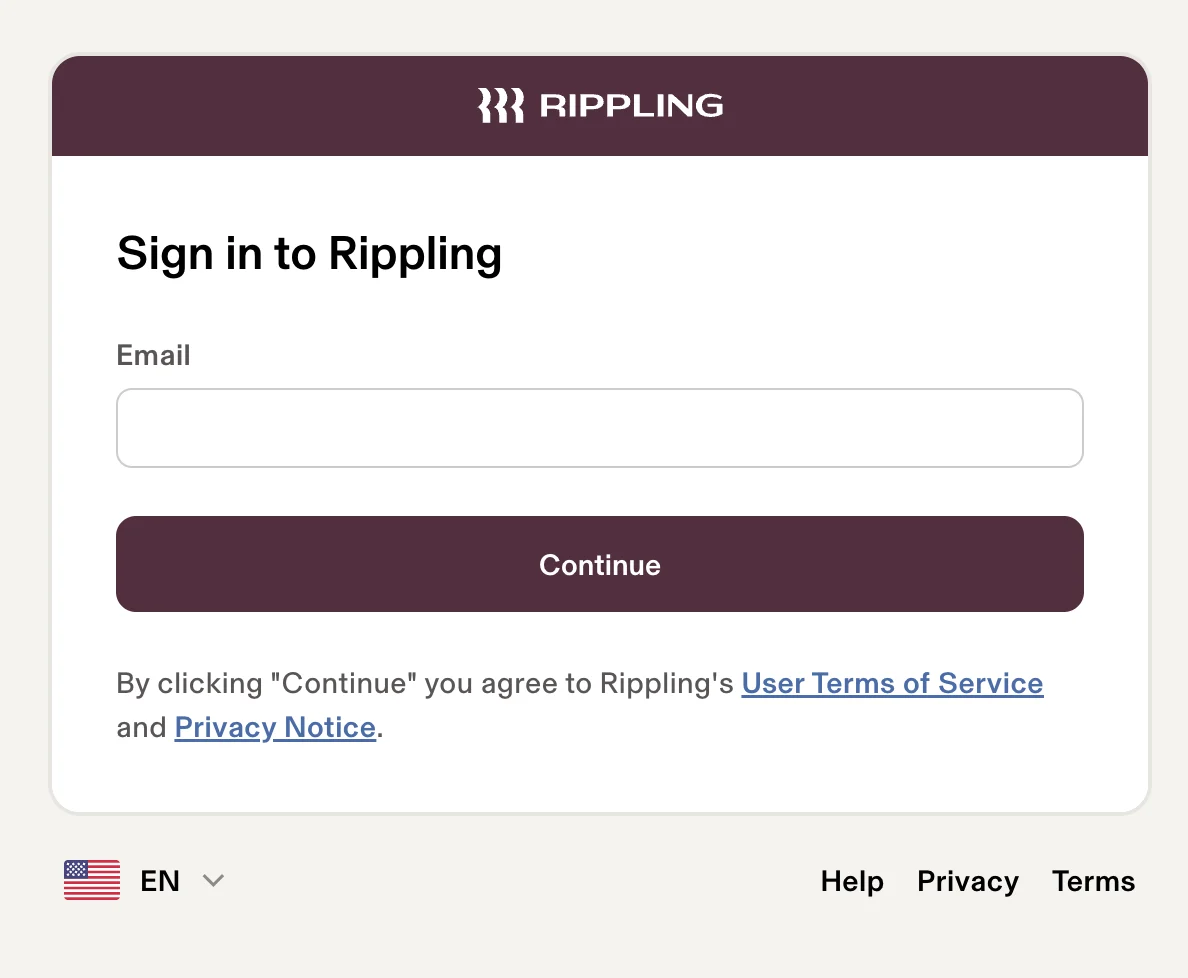
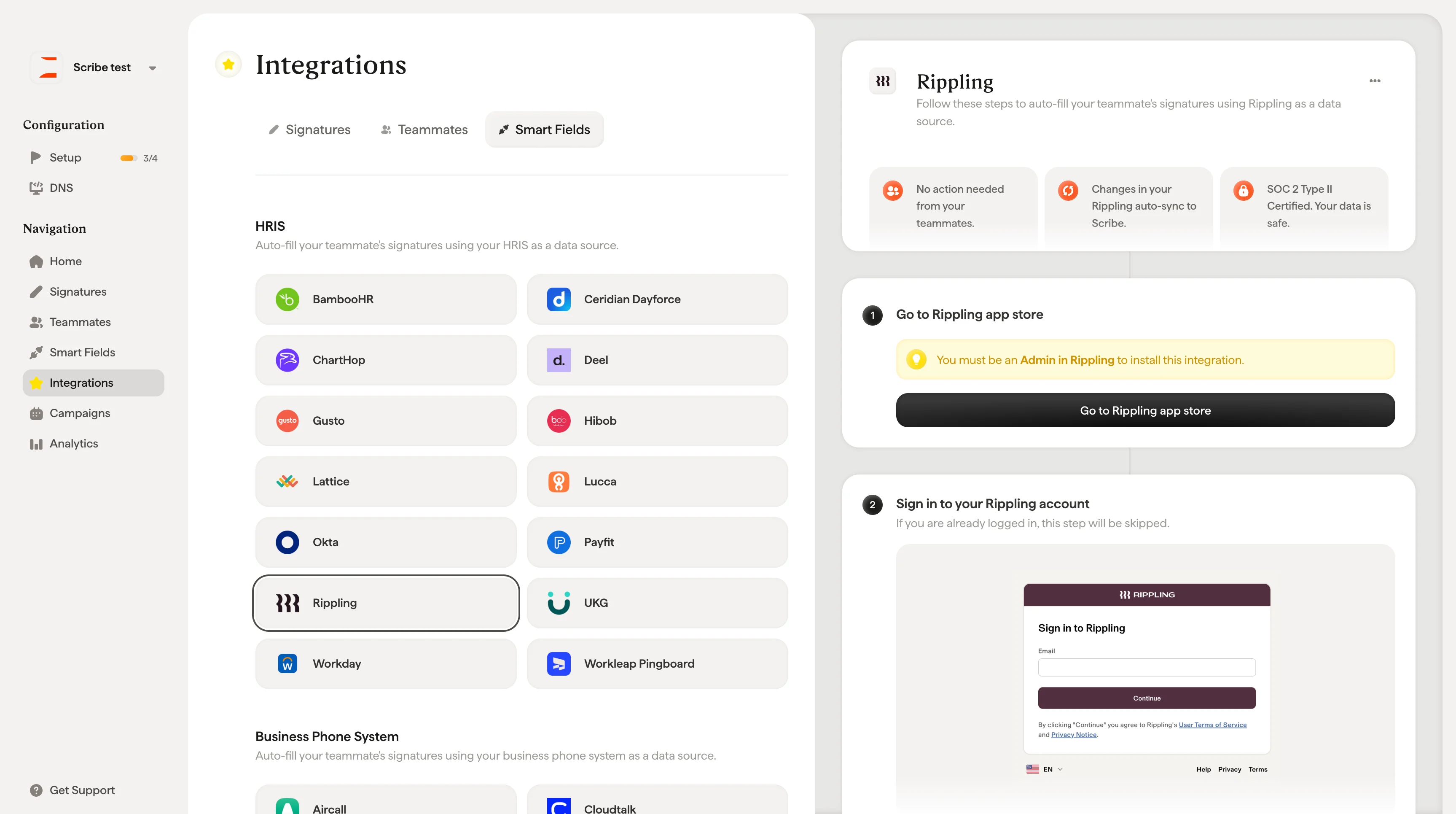 Hvis du allerede er logget inn, hoppes dette trinnet over.
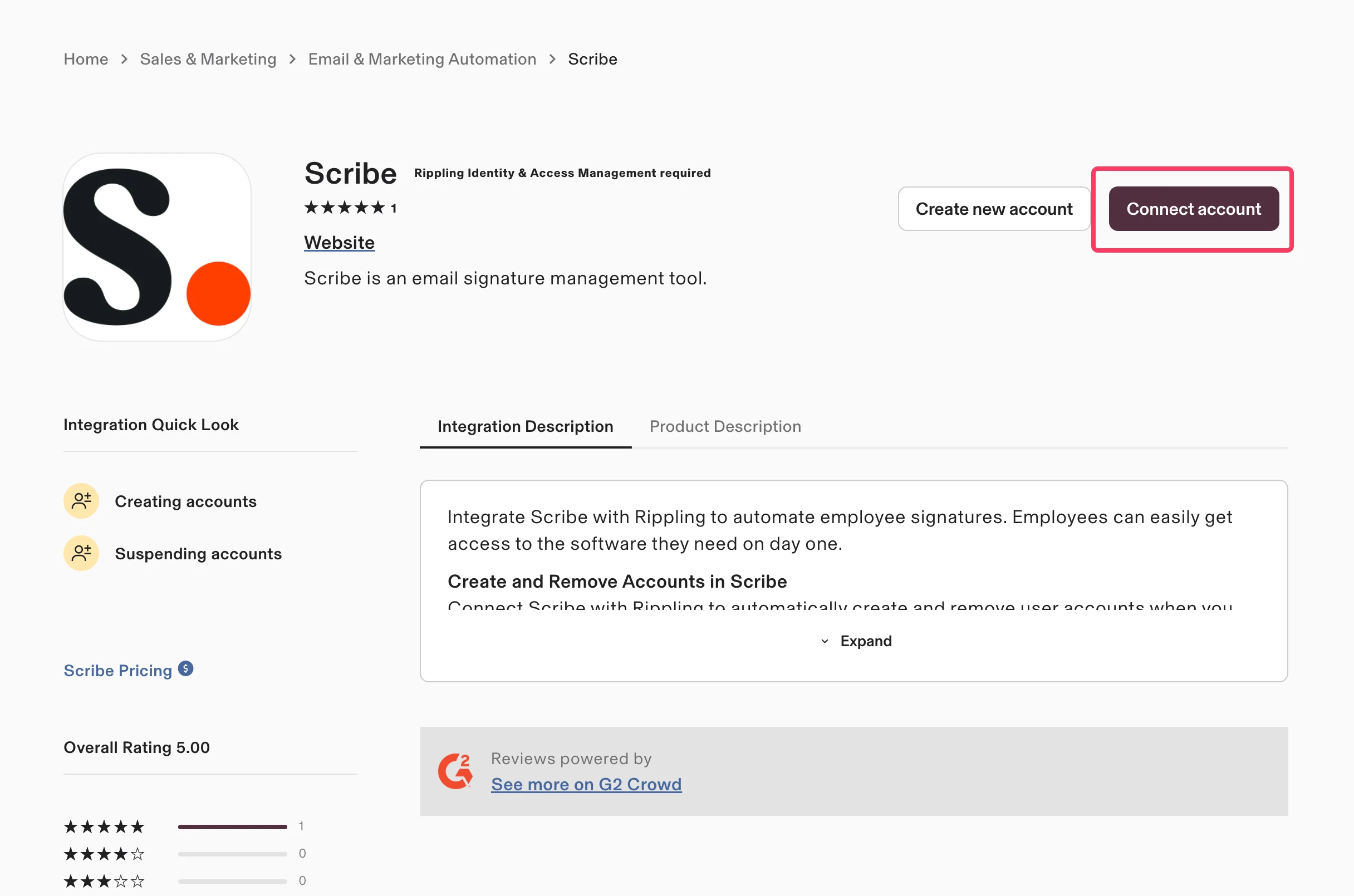
 På Scribe-appsiden i Rippling app store klikker du på **Connect account**.
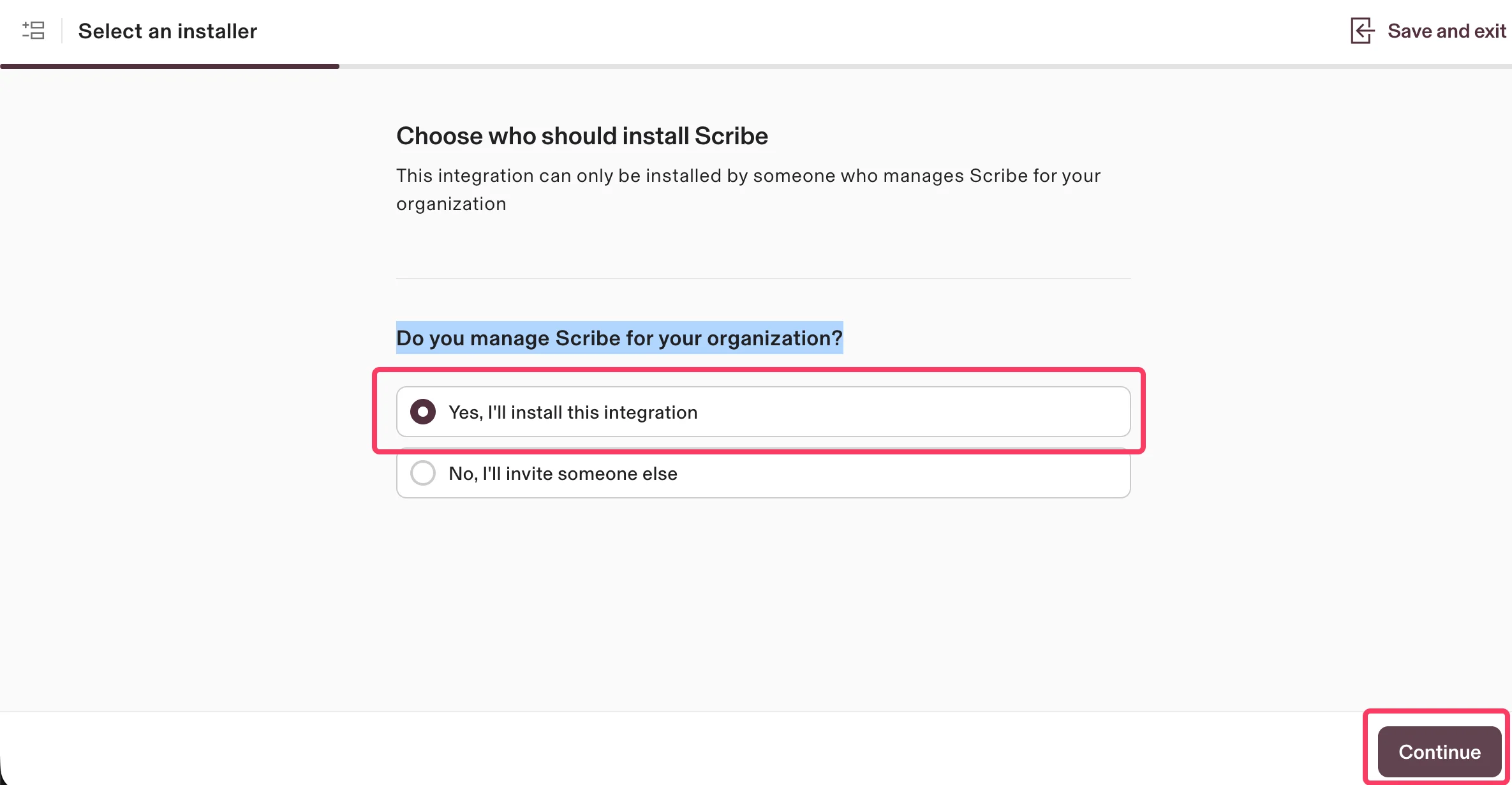
 Velg **Yes, I'll install this integration** for å bekrefte at du administrerer Scribe for organisasjonen din, og klikk deretter **Continue**.
 Scribe har kun lesetilgang til dataene dine. Gå gjennom de forespurte tillatelsene og klikk på **Authorize**.
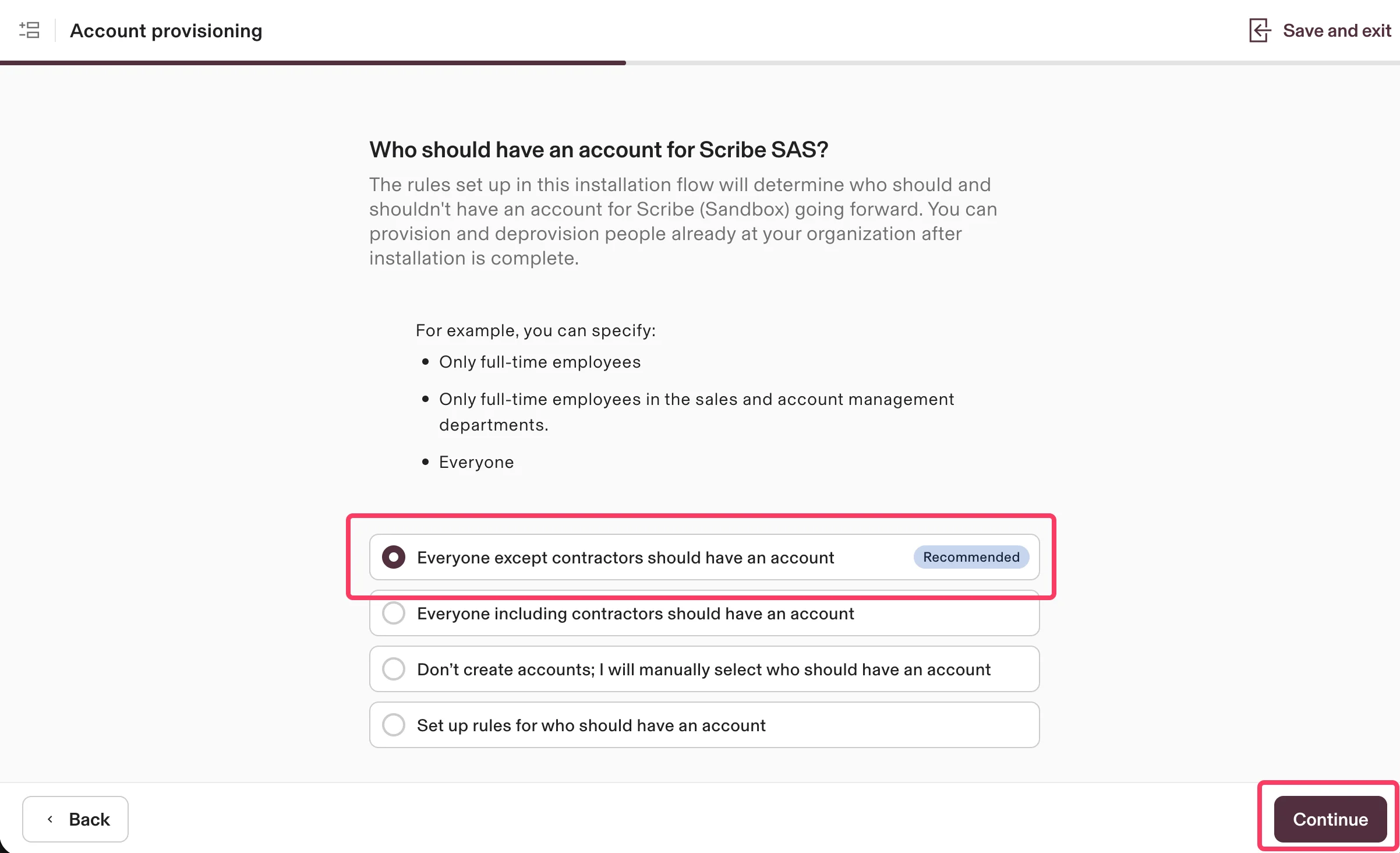
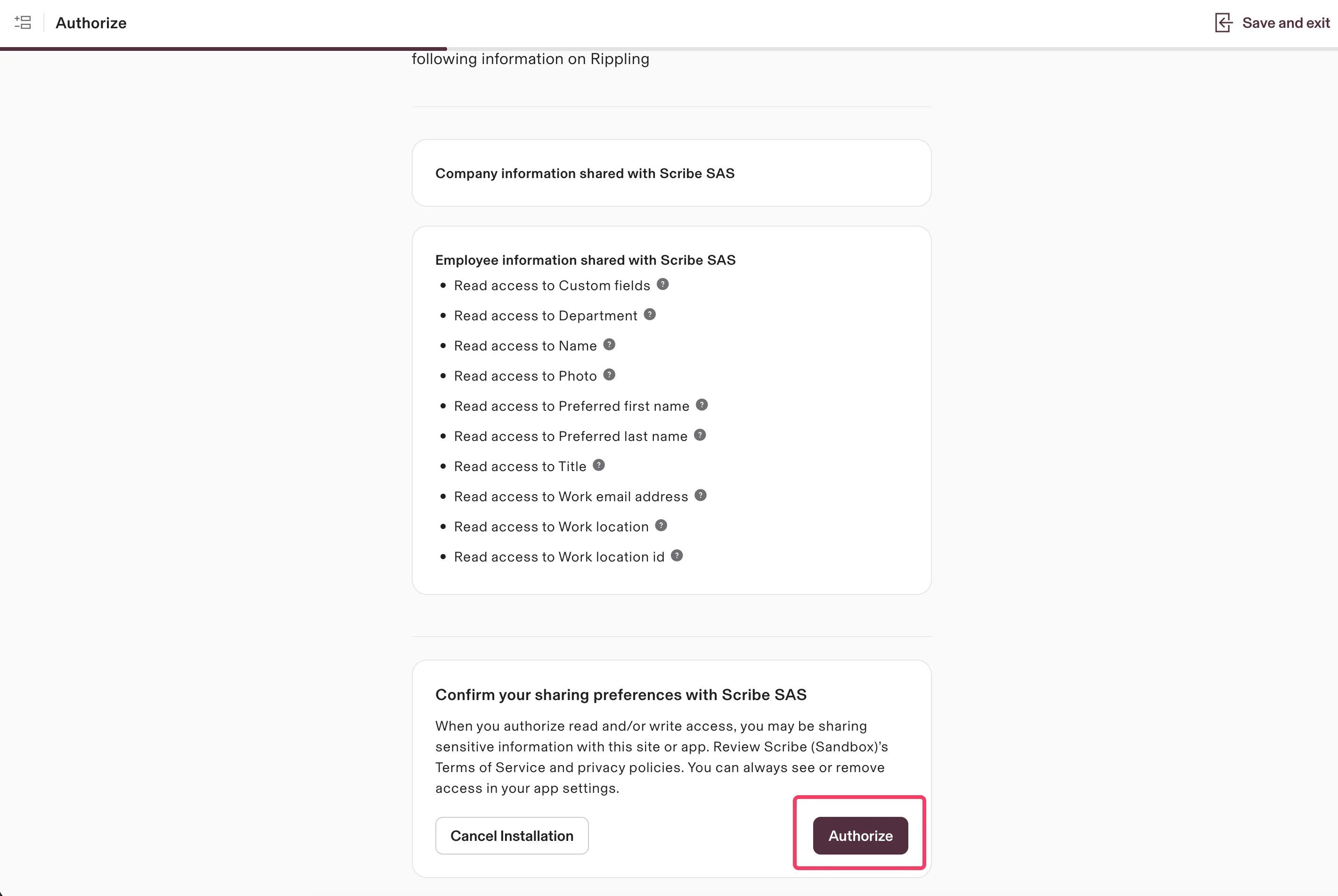 Velg hvem som skal ha en konto i Scribe. Det anbefalte alternativet er **Everyone except contractors should have an account**. Klikk på **Continue**.
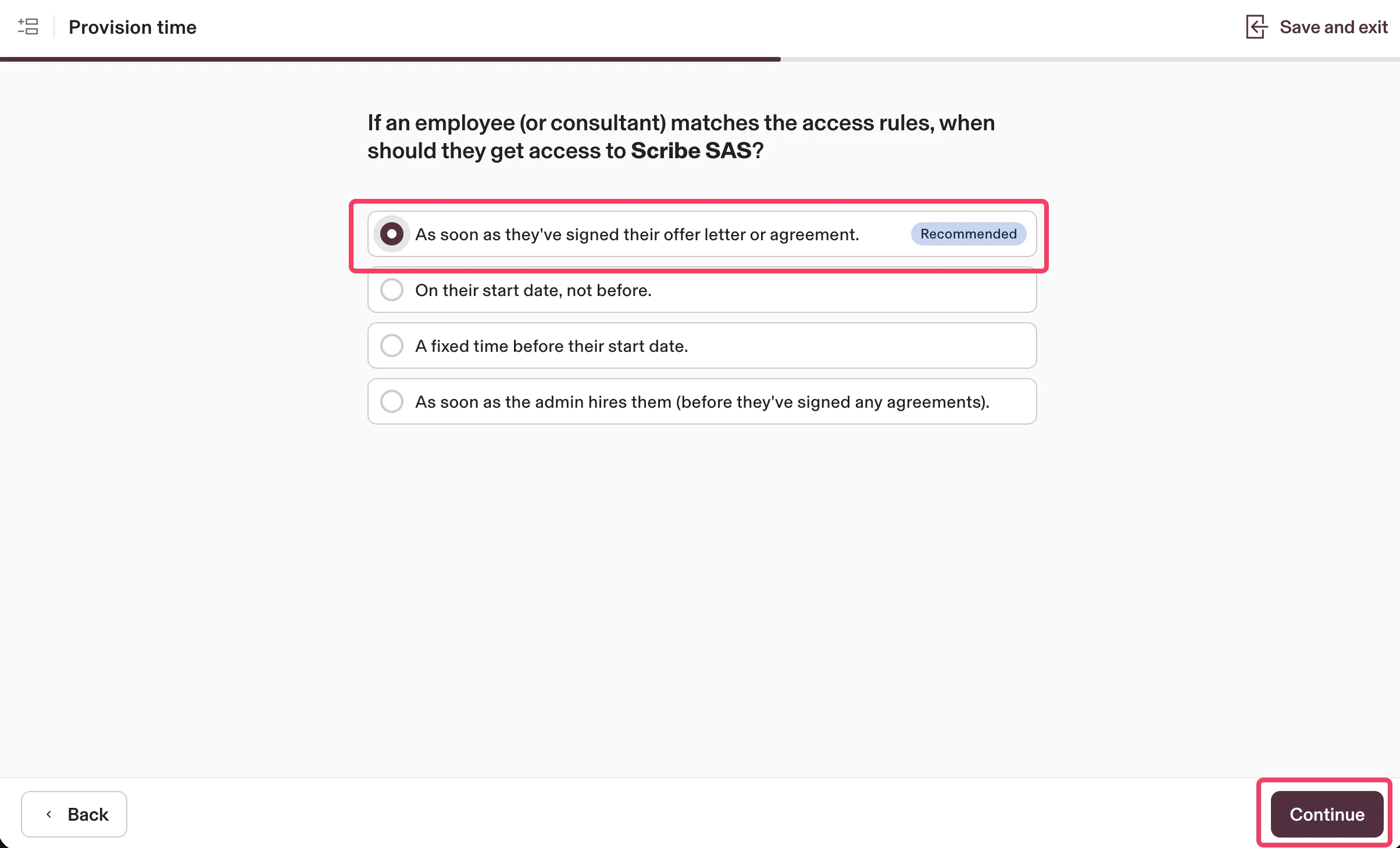
 Velg når ansatte skal få tilgang til Scribe. Det anbefalte alternativet er **As soon as they've signed their offer letter or agreement**. Klikk på **Continue**.
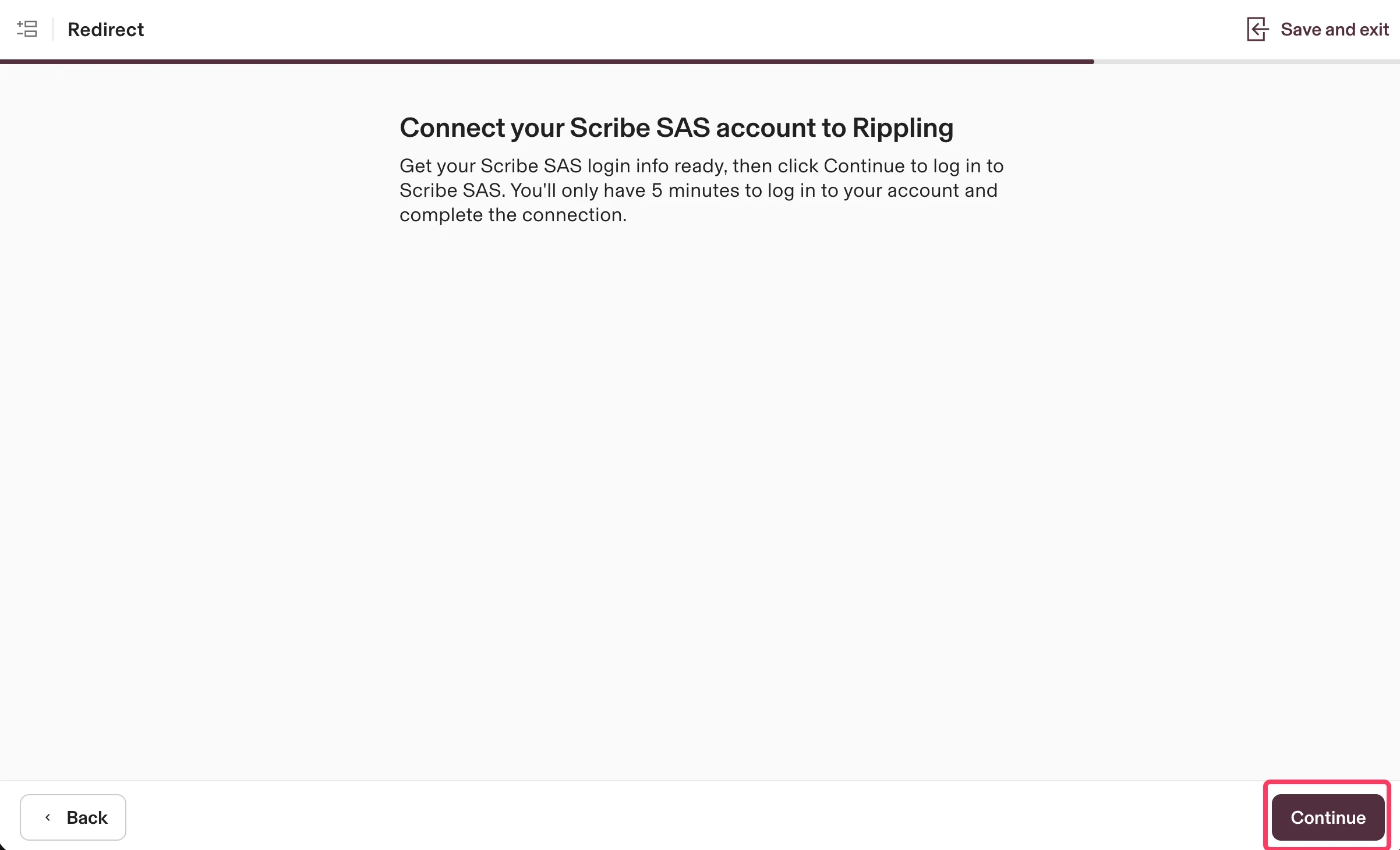
 Klikk på **Continue** for å koble Scribe-kontoen din til Rippling og fullføre integrasjonen.
 ## Relaterte artikler
* [UKG](/no/integrations/smart-fields/ukg-smart-fields): synkroniser UKG-data inn i signaturene dine.
* [Workday](/no/integrations/smart-fields/workday-smart-fields): synkroniser Workday-data inn i signaturene dine.
* [Tildel kolleger til en signatur](/no/assign-teammates-to-a-signature): bruk Smartfield-betingelser for å tildele signaturer automatisk.
## Relaterte artikler
* [UKG](/no/integrations/smart-fields/ukg-smart-fields): synkroniser UKG-data inn i signaturene dine.
* [Workday](/no/integrations/smart-fields/workday-smart-fields): synkroniser Workday-data inn i signaturene dine.
* [Tildel kolleger til en signatur](/no/assign-teammates-to-a-signature): bruk Smartfield-betingelser for å tildele signaturer automatisk.