> ## Documentation Index
> Fetch the complete documentation index at: https://help.scribe-mail.com/llms.txt
> Use this file to discover all available pages before exploring further.

# ChartHop

> Håll e-postsignaturer korrekta och uppdaterade genom att synkronisera medarbetaruppgifter från ChartHop, din HR- och organisationsplattform, som befattning och avdelning.

Följ de här stegen för att [fylla i dina teammedlemmars signaturer automatiskt](/sv/smart-fields) med ChartHop som datakälla.

<Info>
  **Ingen åtgärd krävs från dina teammedlemmar.**
</Info>

<Info>
  **Ändringar i din ChartHop synkroniseras automatiskt till Scribe.**
</Info>

<Info>
  **SOC 2 Type II-certifierat.** [Dina data är säkra](/sv/security/data-collection/charthop).
</Info>

## Installationsguide

### Förutsättningar

* Ett Scribe-konto med administratörsåtkomst
* Ett ChartHop-konto med åtkomst till Apps & Bundles
<Steps>
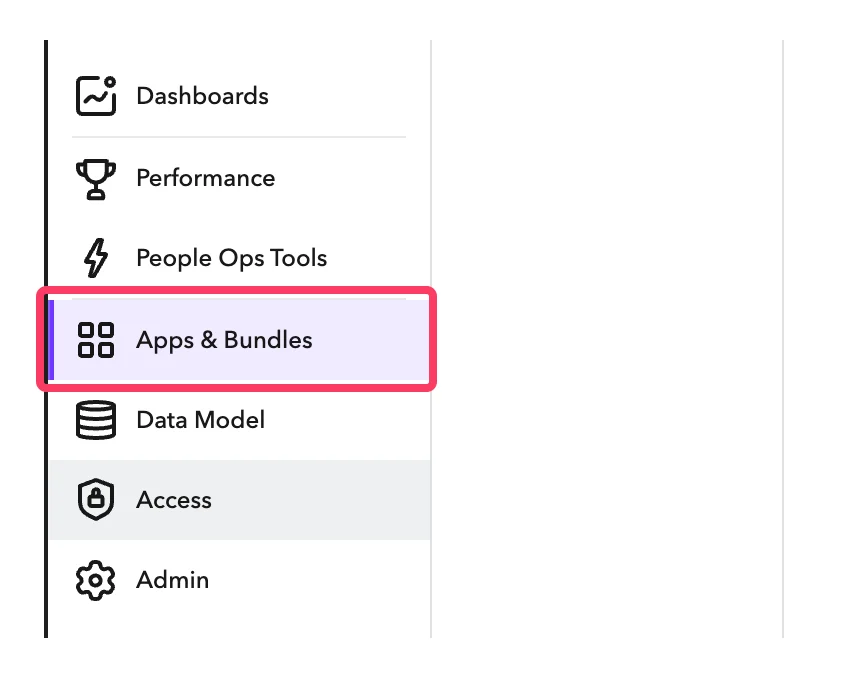
  <Step title="I ditt ChartHop-konto, gå till Apps & Bundles">
    <Frame>
      <img src="https://mintcdn.com/scribe/I5V9iTucPI_EY3nq/integrations/smart-fields/images/charthop-step-1.png?fit=max&auto=format&n=I5V9iTucPI_EY3nq&q=85&s=a5ce5fb34e956605f619e21d5d68b5b8" alt="ChartHops sidofält med Apps & Bundles valt" className="mx-auto" style={{ width:"62%" }} width="848" height="678" data-path="integrations/smart-fields/images/charthop-step-1.png" />
    </Frame>
  </Step>

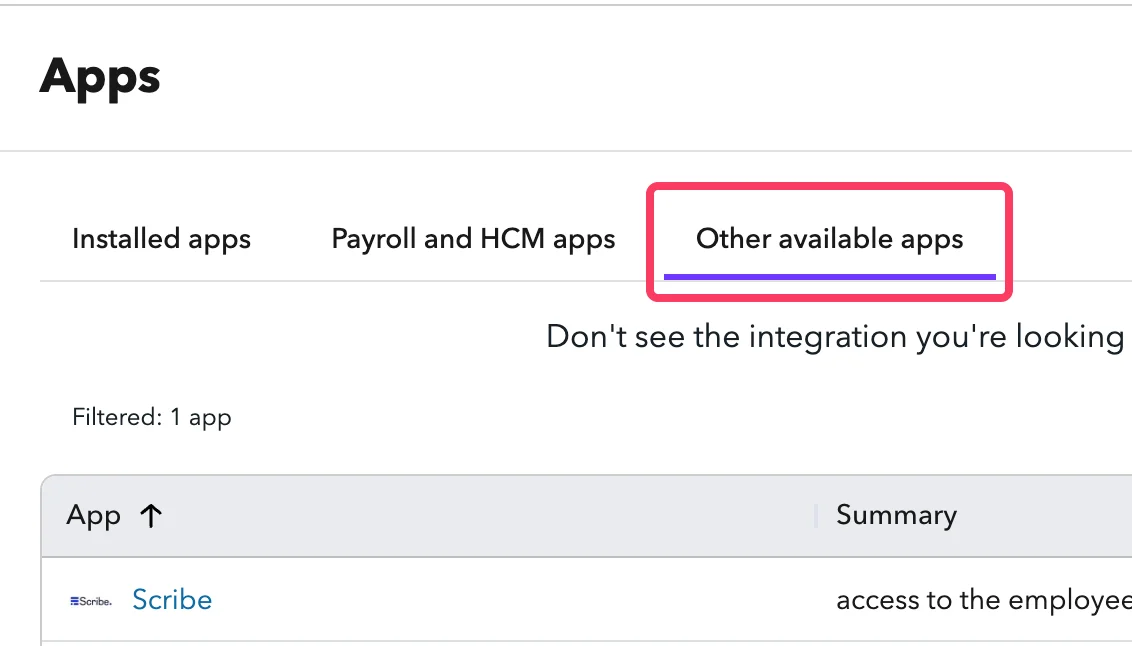
  <Step title="Klicka på 'Other available apps'">
    <Frame>
      <img src="https://mintcdn.com/scribe/I5V9iTucPI_EY3nq/integrations/smart-fields/images/charthop-step-2.png?fit=max&auto=format&n=I5V9iTucPI_EY3nq&q=85&s=355b0b39c29f6934ebf12900b6dfeb95" alt="Apps-sidan med fliken Other available apps" className="mx-auto" style={{ width:"72%" }} width="1132" height="646" data-path="integrations/smart-fields/images/charthop-step-2.png" />
    </Frame>
  </Step>

  <Step title="Hitta 'Scribe' i listan och klicka på det">
    <Frame>
      <img src="https://mintcdn.com/scribe/I5V9iTucPI_EY3nq/integrations/smart-fields/images/charthop-step-3.png?fit=max&auto=format&n=I5V9iTucPI_EY3nq&q=85&s=9fdba62ee41b55db630a61be0c335fe1" alt="Scribe-appen i listan över tillgängliga appar" className="mx-auto" style={{ width:"78%" }} width="1844" height="424" data-path="integrations/smart-fields/images/charthop-step-3.png" />
    </Frame>
  </Step>

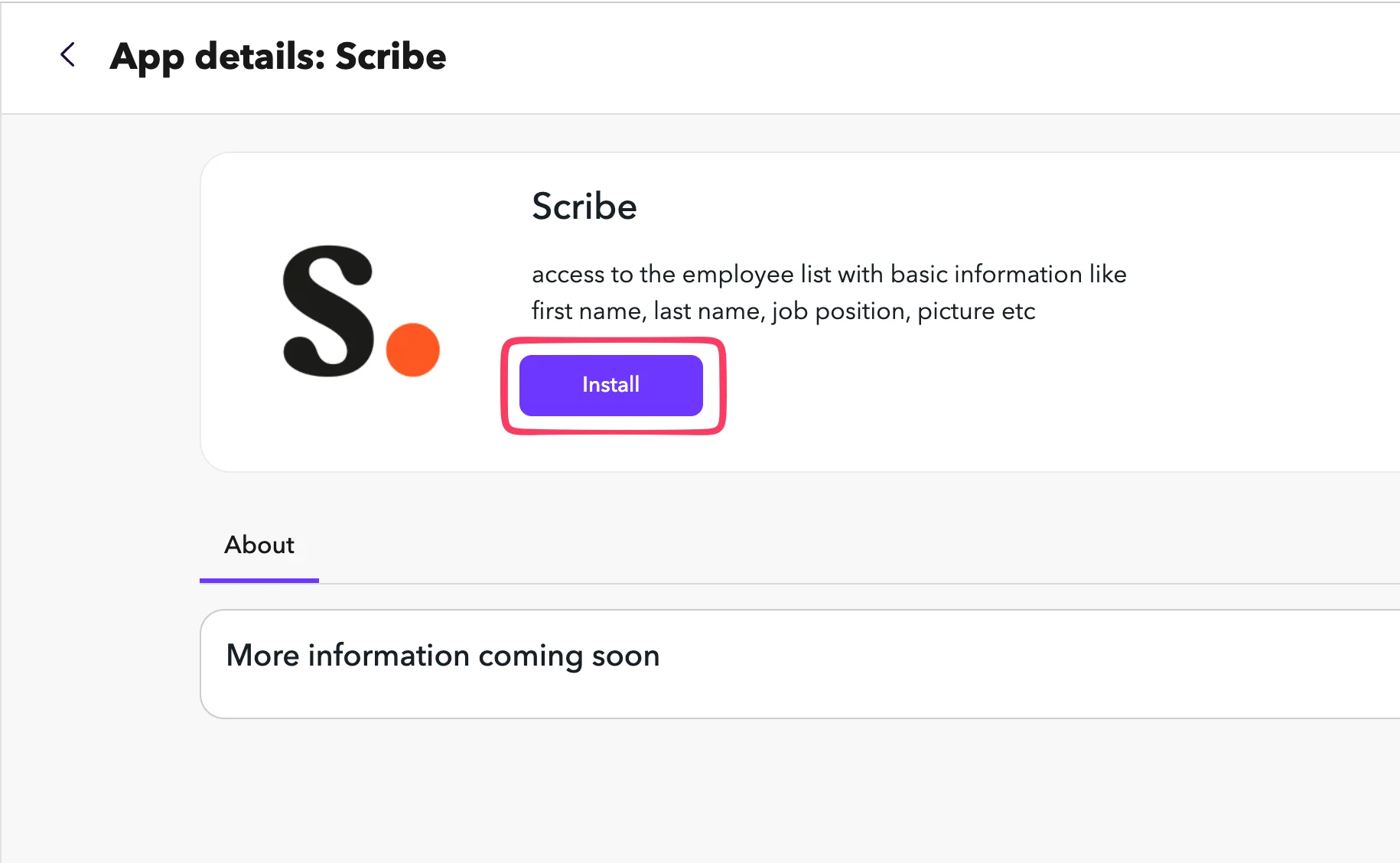
  <Step title="Klicka på Install">
    <Frame>
      <img src="https://mintcdn.com/scribe/I5V9iTucPI_EY3nq/integrations/smart-fields/images/charthop-step-4.png?fit=max&auto=format&n=I5V9iTucPI_EY3nq&q=85&s=5086bedfb627927490e03cf1feebfa7a" alt="Detaljsidan för Scribe-appen med Install-knappen" className="mx-auto" style={{ width:"68%" }} width="1830" height="1128" data-path="integrations/smart-fields/images/charthop-step-4.png" />
    </Frame>
  </Step>

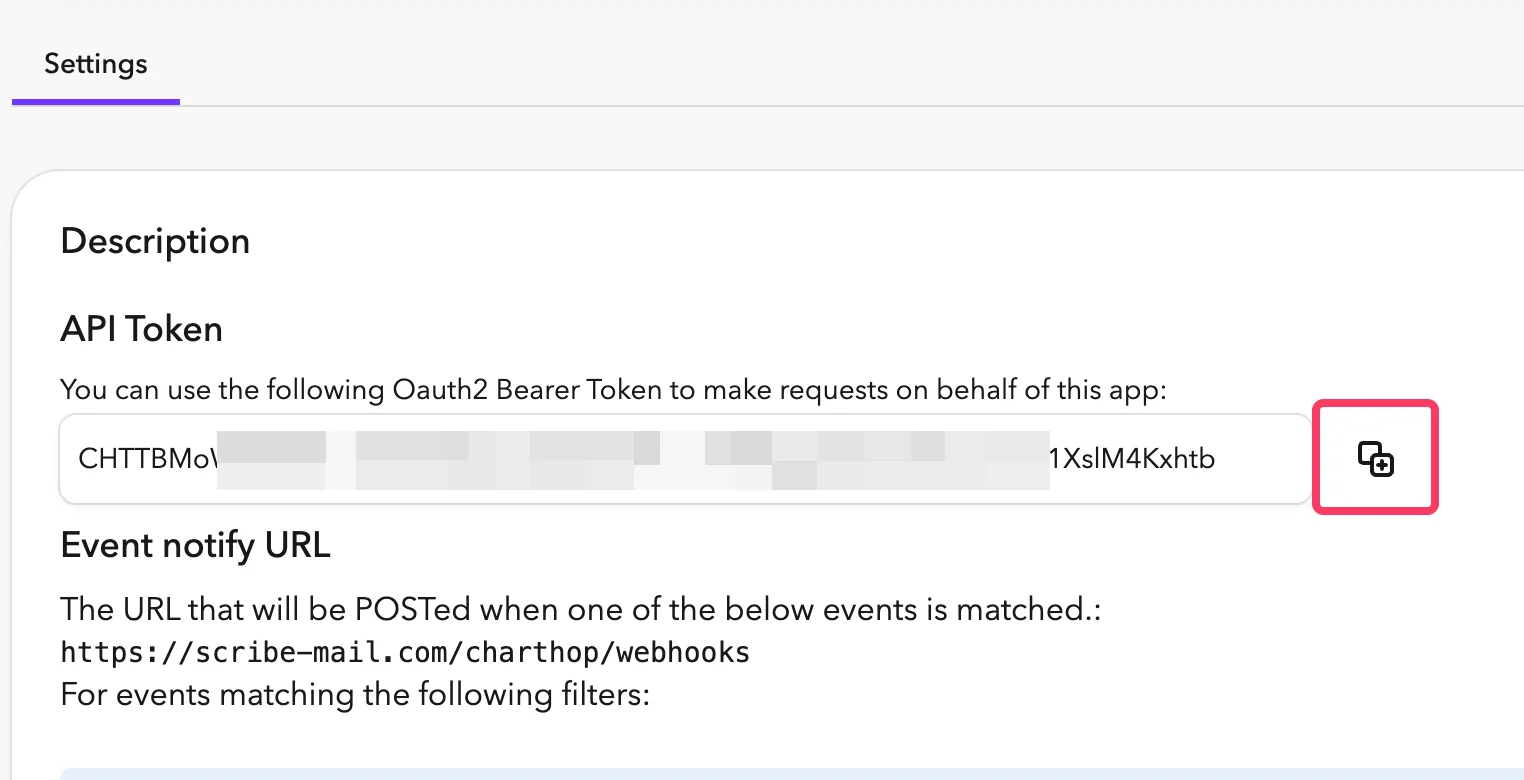
  <Step title="Kopiera API-token och klistra in den i Scribe">
    I ChartHop, gå till fliken **Settings** i Scribe-appen. Kopiera **API Token** och klistra in den i fältet API Token i Scribe.
    <Frame>
      <img src="https://mintcdn.com/scribe/pvZJQ56rCCLLmCwt/integrations/smart-fields/images/charthop-step-5.png?fit=max&auto=format&n=pvZJQ56rCCLLmCwt&q=85&s=b03871665847eac7cb4e3ca93ff4cb11" alt="ChartHops Settings-flik med API Token" className="mx-auto" style={{ width:"76%" }} width="1524" height="780" data-path="integrations/smart-fields/images/charthop-step-5.png" />
    </Frame>
  </Step>

  <Step title="Kopiera ditt Org Nickname från adressfältet och klistra in det i Scribe, anslut sedan ChartHop.">
    Ditt Org Nickname är delen direkt efter `app.charthop.com/` i din ChartHop-URL. Ange det i fältet **ChartHop Org Nickname** i Scribe och klicka sedan på **Connect ChartHop**.

    <Frame>
      <img src="https://mintcdn.com/scribe/pvZJQ56rCCLLmCwt/integrations/smart-fields/images/charthop-step-6.png?fit=max&auto=format&n=pvZJQ56rCCLLmCwt&q=85&s=48224a25fad95589135fda6cedad11cf" alt="ChartHop URL-fält som visar fälten Org Nickname och Scribe-anslutning" className="mx-auto" style={{ width:"77%" }} width="892" height="152" data-path="integrations/smart-fields/images/charthop-step-6.png" />
    </Frame>
  </Step>
</Steps>

## Relaterade artiklar

* [Deel](/sv/integrations/smart-fields/deel-smart-fields): synka Deel-data till dina signaturer.
* [Gusto](/sv/integrations/smart-fields/gusto-smart-fields): synka Gusto-data till dina signaturer.
* [Tilldela teammedlemmar till en signatur](/sv/assign-teammates-to-a-signature): använd Smartfield-villkor för att tilldela signaturer automatiskt.