> ## Documentation Index
> Fetch the complete documentation index at: https://help.scribe-mail.com/llms.txt
> Use this file to discover all available pages before exploring further.
# Rippling
> Håll e-postsignaturerna korrekta och automatiskt uppdaterade genom att synka medarbetarinformation från Rippling, din HR- och IT-plattform, till exempel jobbtitel och avdelning.
Följ de här stegen för att [fylla i dina teammedlemmars signaturer automatiskt](/sv/smart-fields) med Rippling som datakälla.
**Inget behövs från dina teammedlemmar.**
**Ändringar i Rippling synkas automatiskt till Scribe.**
**SOC 2 Type II-certifierad.** [Dina data är säkra](/sv/security/data-collection/rippling).
## Installationsguide
### Förutsättningar
* Administratörsåtkomst till ditt Rippling-konto
* Ett Scribe-konto med administratörsåtkomst
Du måste vara **administratör i Rippling** för att installera den här integrationen.
Klicka på **Go to Rippling app store** för att starta integrationen.
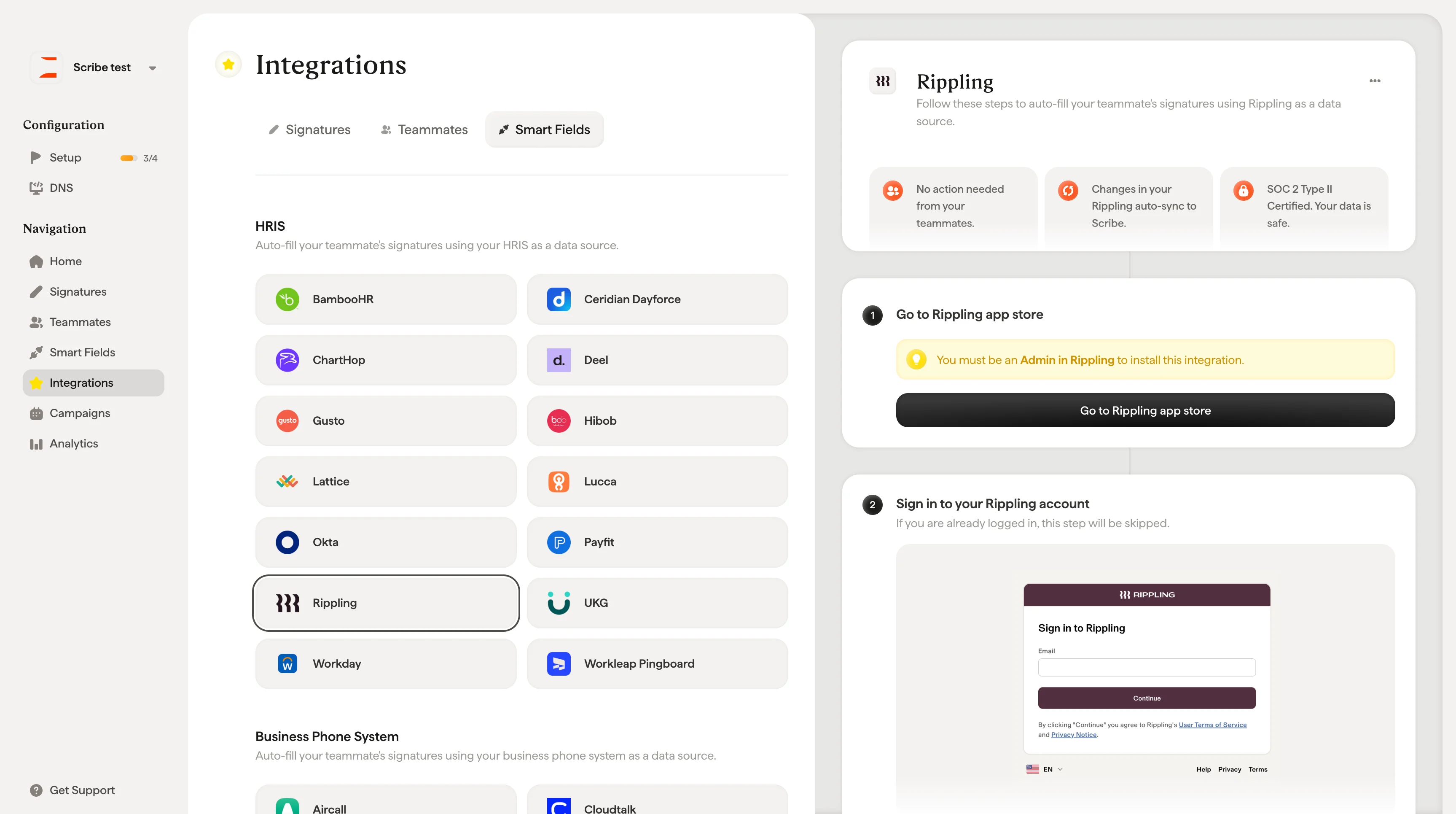 Om du redan är inloggad hoppas det här steget över.
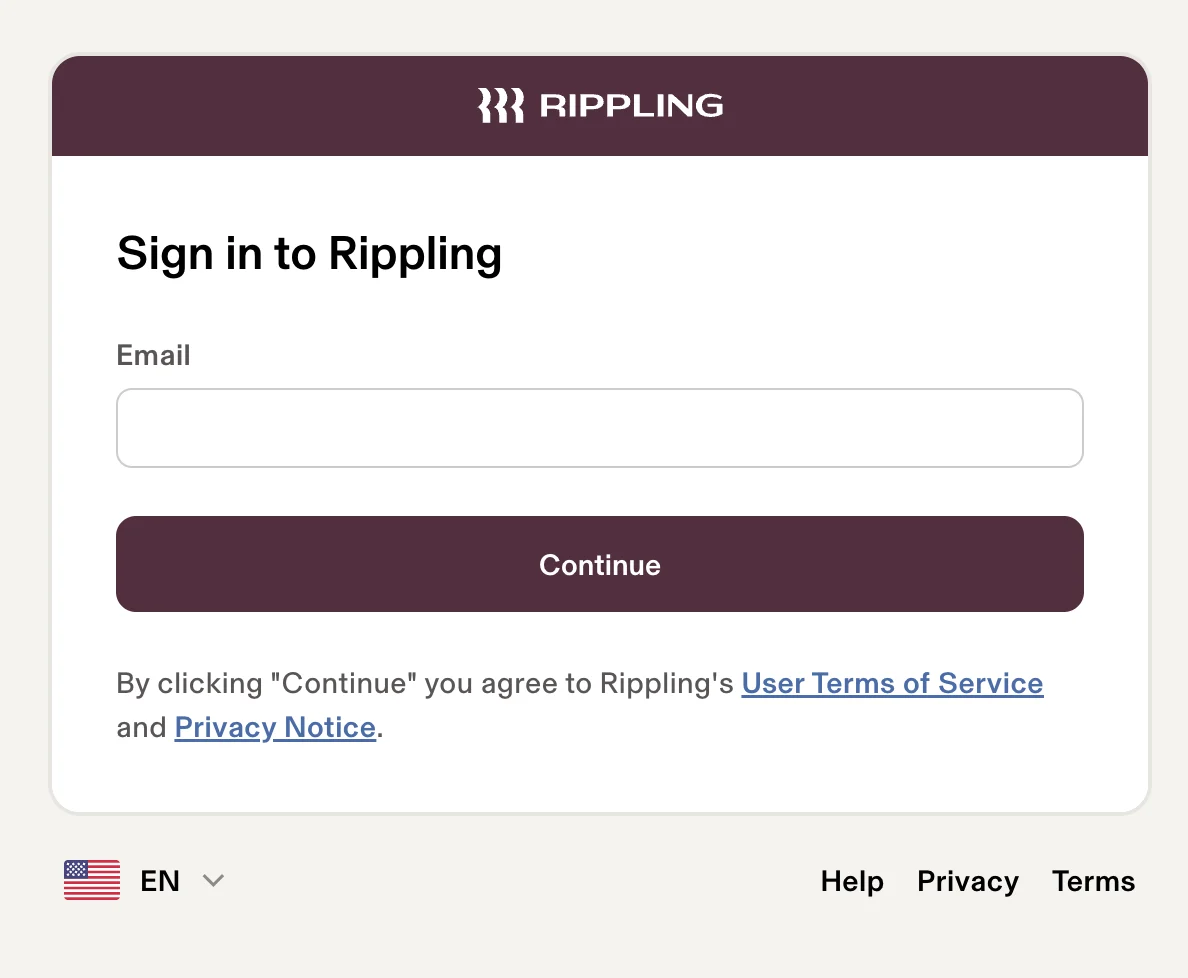 På Scribes appsida i Ripplings appbutik klickar du på **Connect account**.
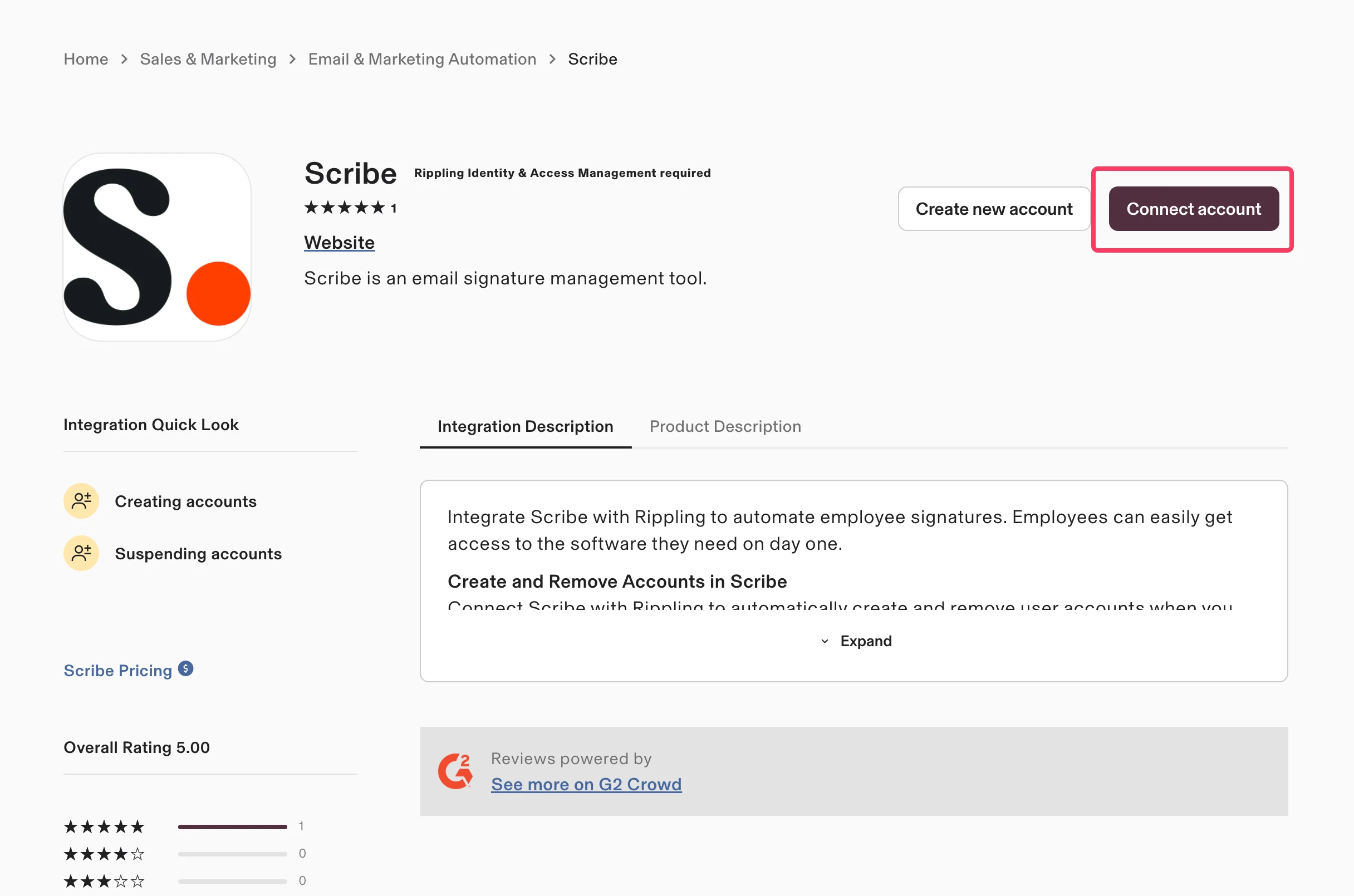 Välj **Yes, I'll install this integration** för att bekräfta att du hanterar Scribe för din organisation, och klicka sedan på **Continue**.
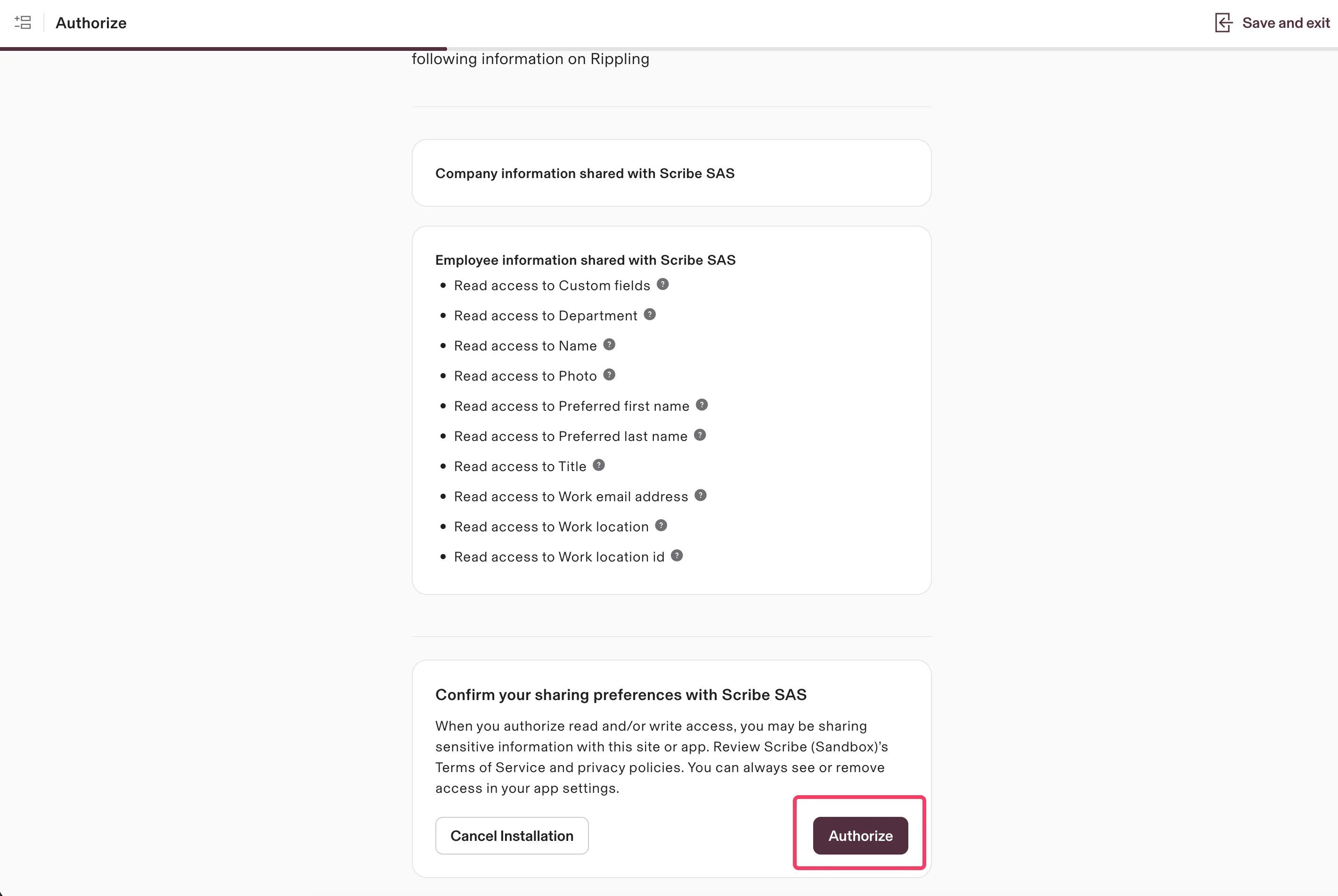
 Scribe har endast läsbehörighet till dina data. Granska de begärda behörigheterna och klicka på **Authorize**.
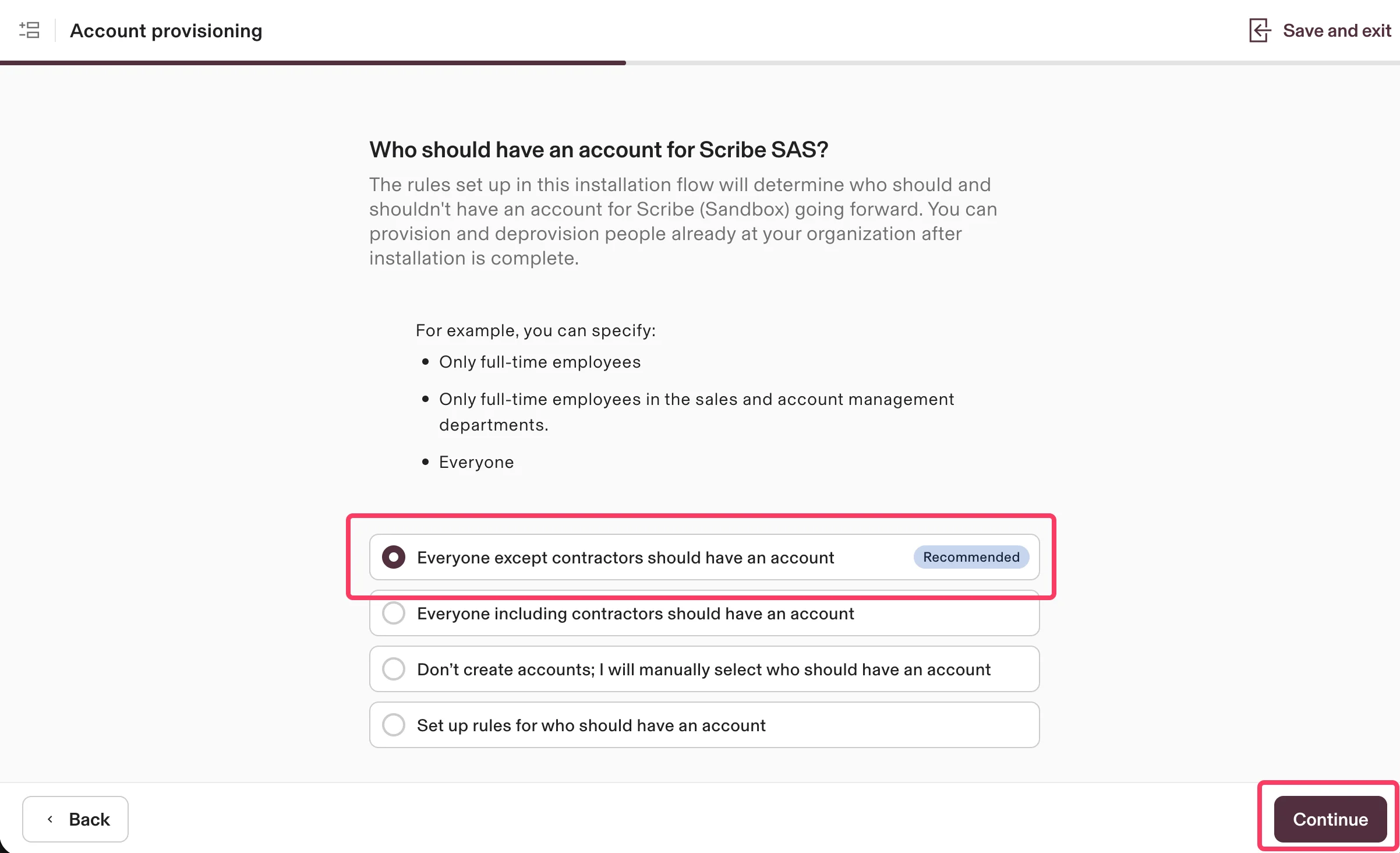
 Välj vilka som ska ha ett konto i Scribe. Det rekommenderade alternativet är **Everyone except contractors should have an account**. Klicka på **Continue**.
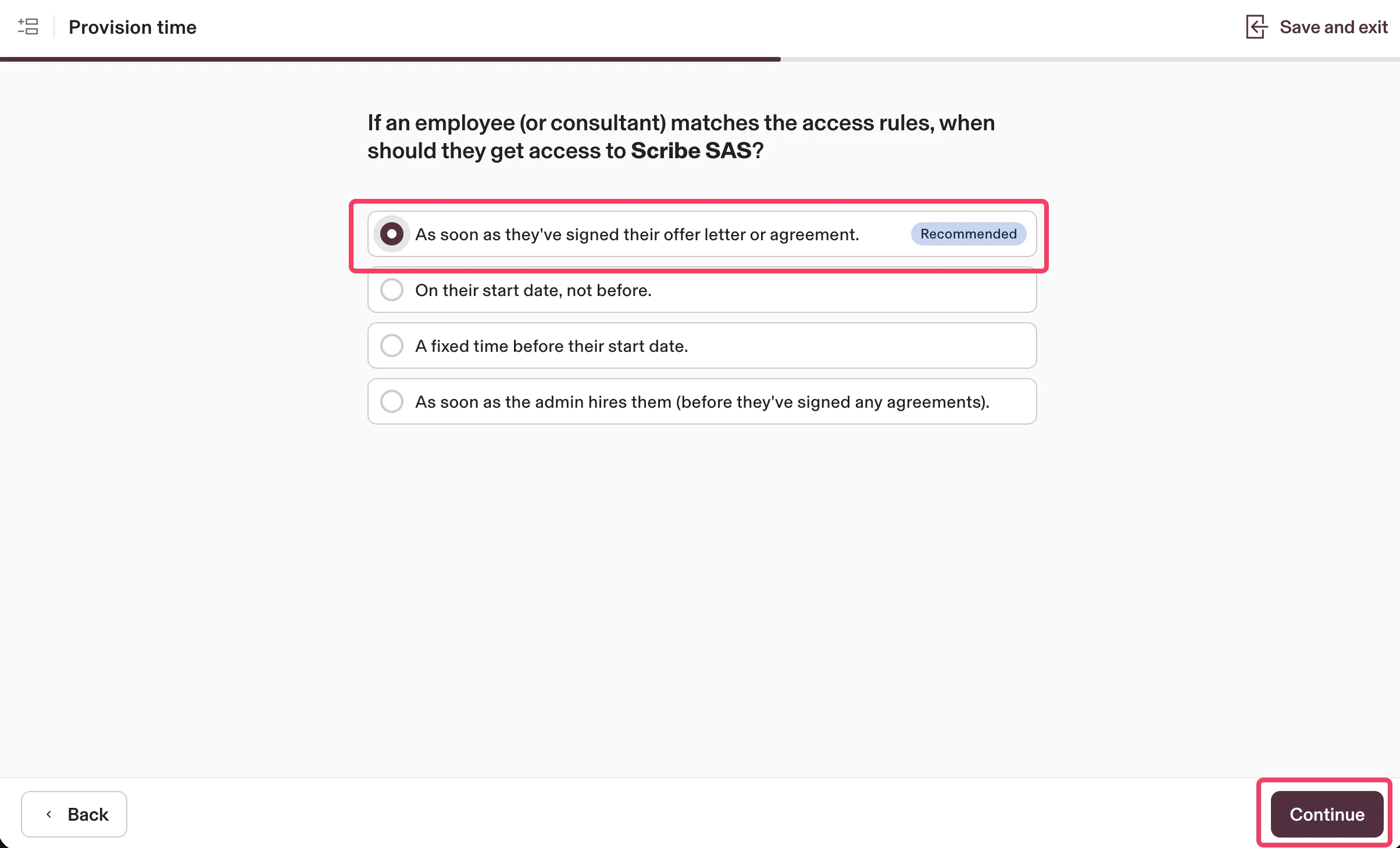
 Välj när medarbetare ska få åtkomst till Scribe. Det rekommenderade alternativet är **As soon as they've signed their offer letter or agreement**. Klicka på **Continue**.
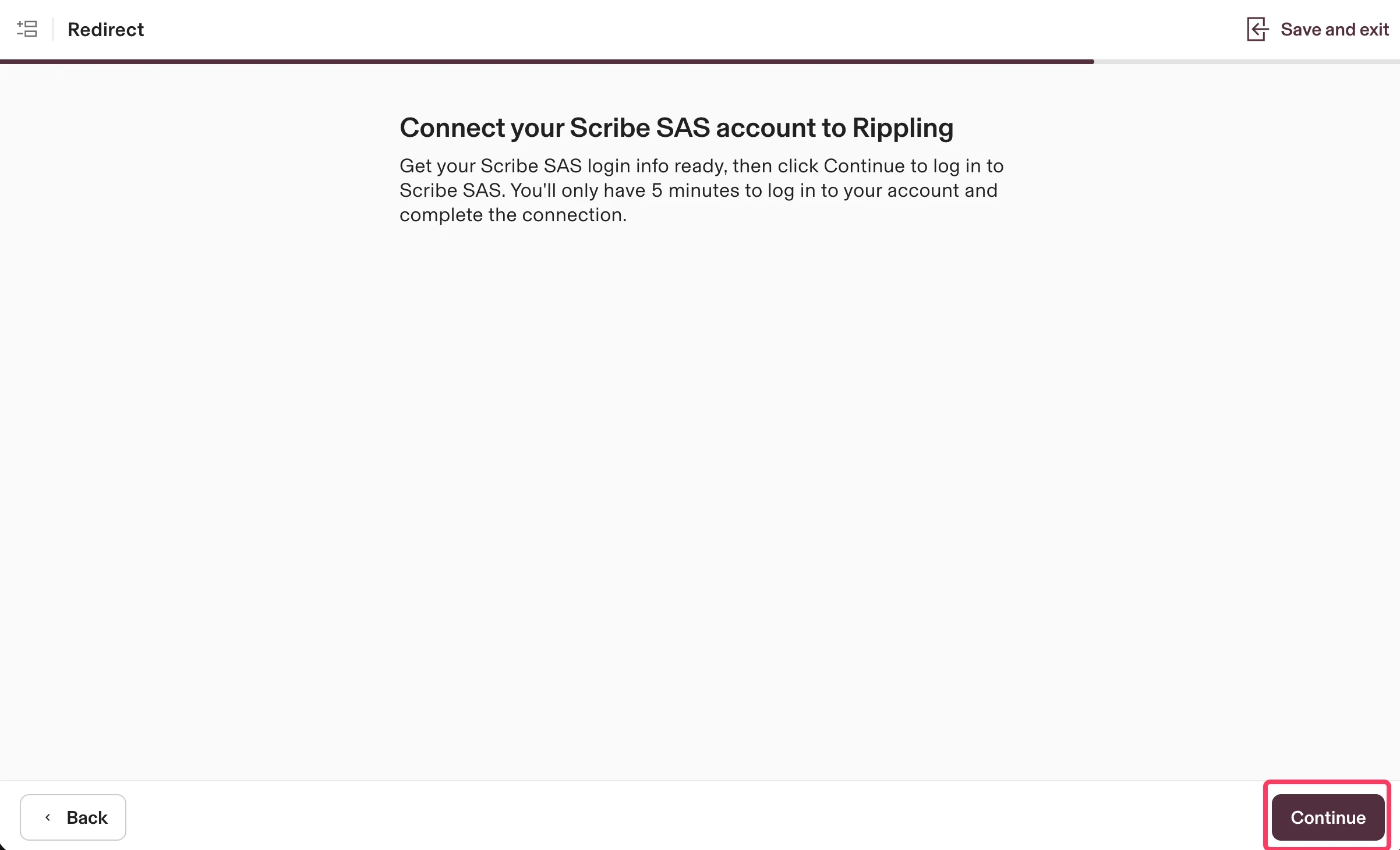
 Klicka på **Continue** för att koppla ditt Scribe-konto till Rippling och slutföra integrationen.
 ## Relaterade artiklar
* [UKG](/sv/integrations/smart-fields/ukg-smart-fields): synkronisera UKG-data till dina signaturer.
* [Workday](/sv/integrations/smart-fields/workday-smart-fields): synkronisera Workday-data till dina signaturer.
* [Tilldela teammedlemmar till en signatur](/sv/assign-teammates-to-a-signature): använd Smartfield-villkor för att tilldela signaturer automatiskt.
## Relaterade artiklar
* [UKG](/sv/integrations/smart-fields/ukg-smart-fields): synkronisera UKG-data till dina signaturer.
* [Workday](/sv/integrations/smart-fields/workday-smart-fields): synkronisera Workday-data till dina signaturer.
* [Tilldela teammedlemmar till en signatur](/sv/assign-teammates-to-a-signature): använd Smartfield-villkor för att tilldela signaturer automatiskt.