

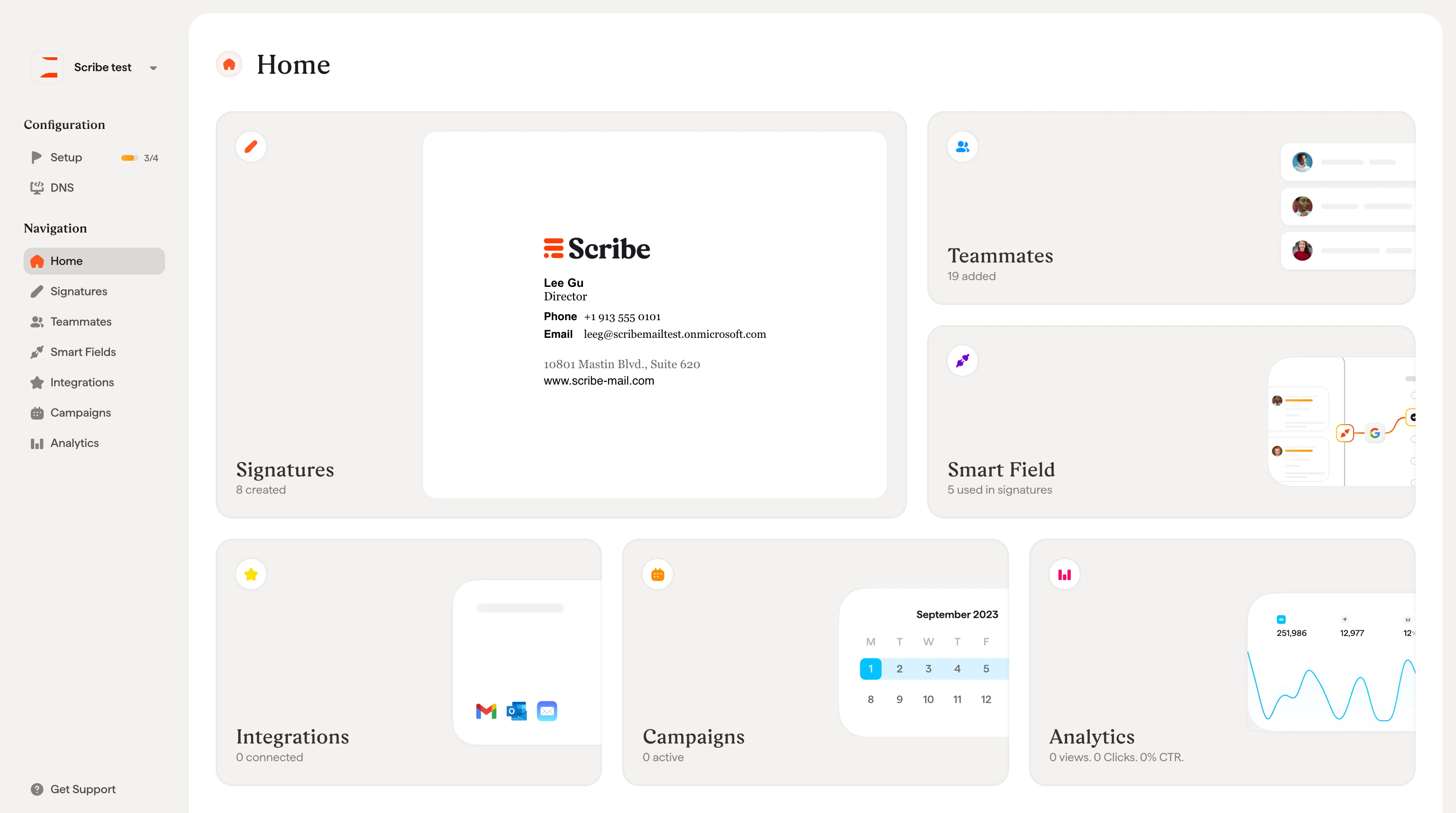
What each card shows
Signatures: The number of signatures created in your workspace, with a preview of your most recent one. Click to create, edit, or manage your signatures. Teammates: The number of teammates added to your workspace. Click to add new teammates, sync from your email provider, or manage existing profiles. Smart Fields: The number of Smart Fields currently used in your signatures. Smart Fields are dynamic fields that automatically personalize each signature with individual teammates’ information, such as name, job title, or phone number. The data can come from an external source (synced from your Google Workspace or Microsoft Entra ID directory) or managed internally using Scribe as your database. Click to configure them. Integrations: The number of integrations connected (Google Workspace, Microsoft 365, or both). Click to connect a new integration or manage existing ones. Campaigns: The number of campaigns currently running. Campaigns let you add promotional banners to your signatures and schedule them over time. Click to create or manage campaigns. Analytics: A snapshot of your signature performance: total views, clicks, and click-through rate (CTR). Click to access detailed analytics and track the impact of your signatures and campaigns.Signatures
Create and manage your email signatures
Teammates
Add and manage your team
Smart Fields
Configure dynamic signature fields
Integrations
Connect Google Workspace or Microsoft 365
Campaigns
Schedule promotional banners
Analytics
Track signature performance