

Profile
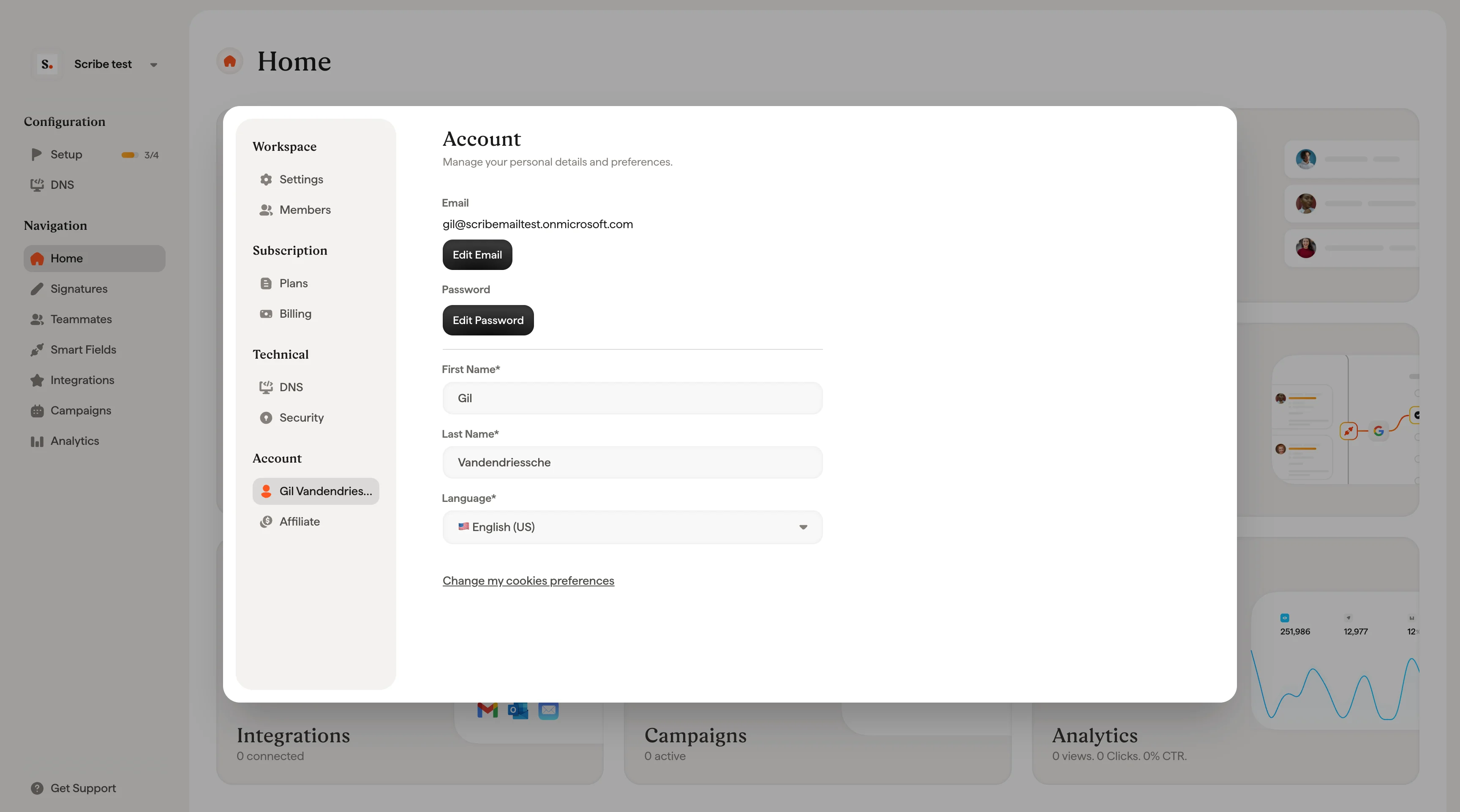
Update your profile picture, first name, last name, and email address. Click Change Picture to upload a new photo. You can change the email address associated with your Scribe account by editing the Email field. First name, last name, and email are all required fields.Privacy
Click Change my cookie preferences to manage your cookie and privacy settings.Password
Click Change Password to update your account password and keep it secure.Related articles
- Members: manage who can access a workspace and what they can do.
- Billing: manage your subscription, payment method, and invoices.
- Sign in and sign up: how to access your Scribe account.