

Each user has to install and configure integration.
Users see signatures when composing emails.
Cloud-based installation. Emails don’t go through Scribe servers.
Installation guide
Prerequisites
- A Scribe account
- At least one signature created in Scribe
- Windows with Outlook installed
1
Download Scribe desktop app
Download the Scribe desktop app from the integrations page.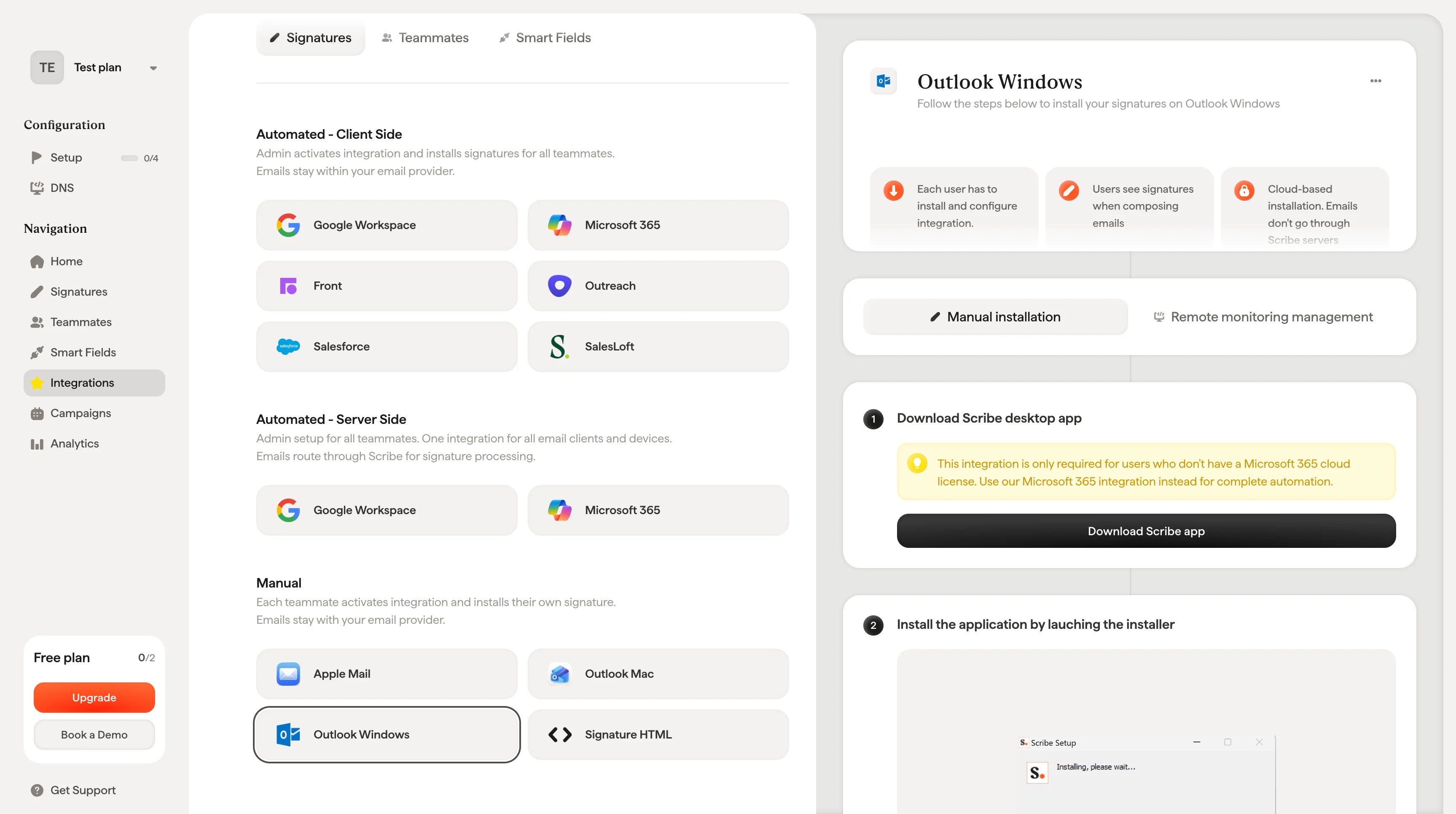
2
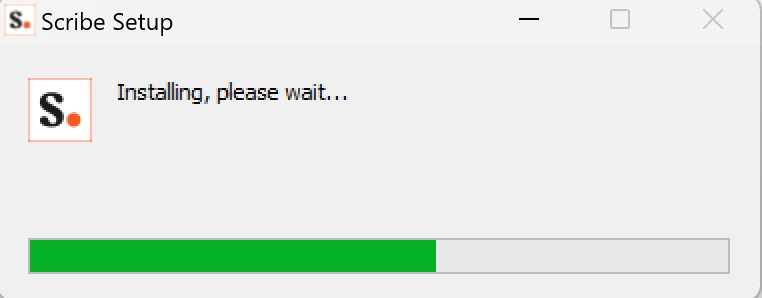
Install the application by launching the installer
3
Log in with your Scribe credentials
Log in to the Scribe app just as you do on Scribe’s website.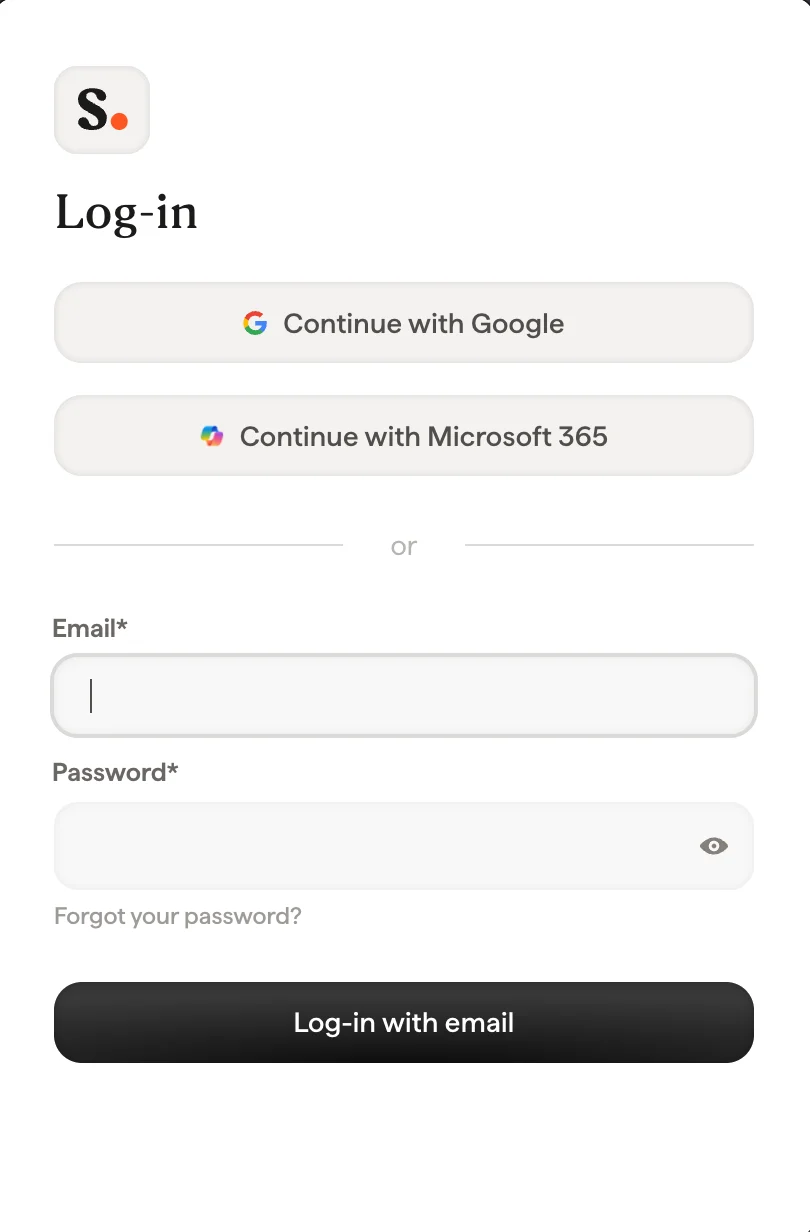
4
Install team signatures
From your signatures list, install all signatures at once for your teammates or install them one by one for a progressive rollout.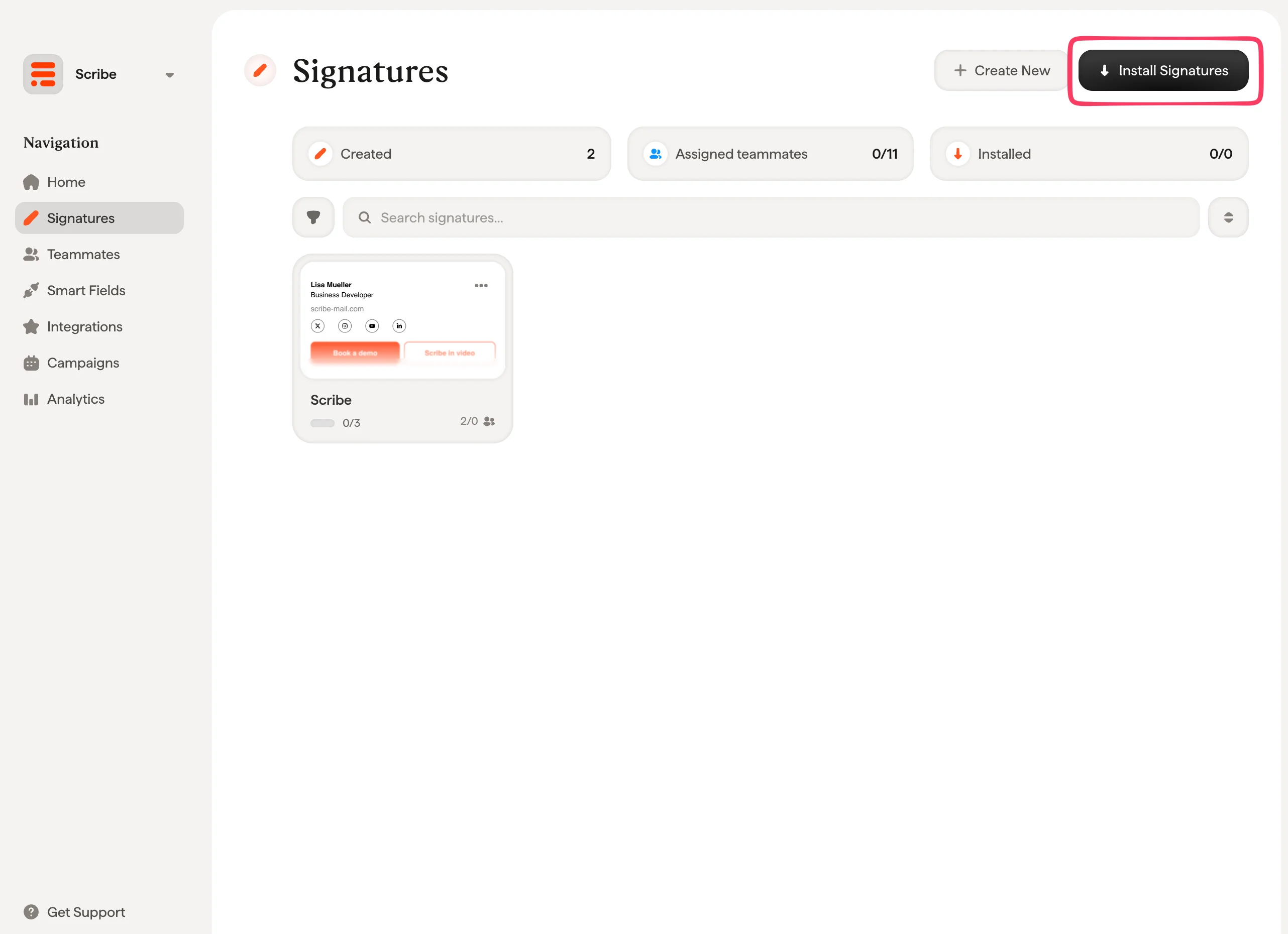
Related articles
- Integrations overview: all the ways to deploy Scribe signatures, cloud or server side.
- Outlook Windows (Remote Monitoring): push the Outlook Windows install through your RMM tool.
- Outlook add-in not validating: fix an Outlook add-in that will not validate.