

No action needed from your teammates.
Changes in your Calendly auto-sync to Scribe.
SOC 2 Type II Certified. Your data is safe.
Installation guide
Prerequisites
- Admin access to your Calendly account
- A Scribe account with admin access
1
Connect Calendly integration
Click Connect Calendly to start the integration.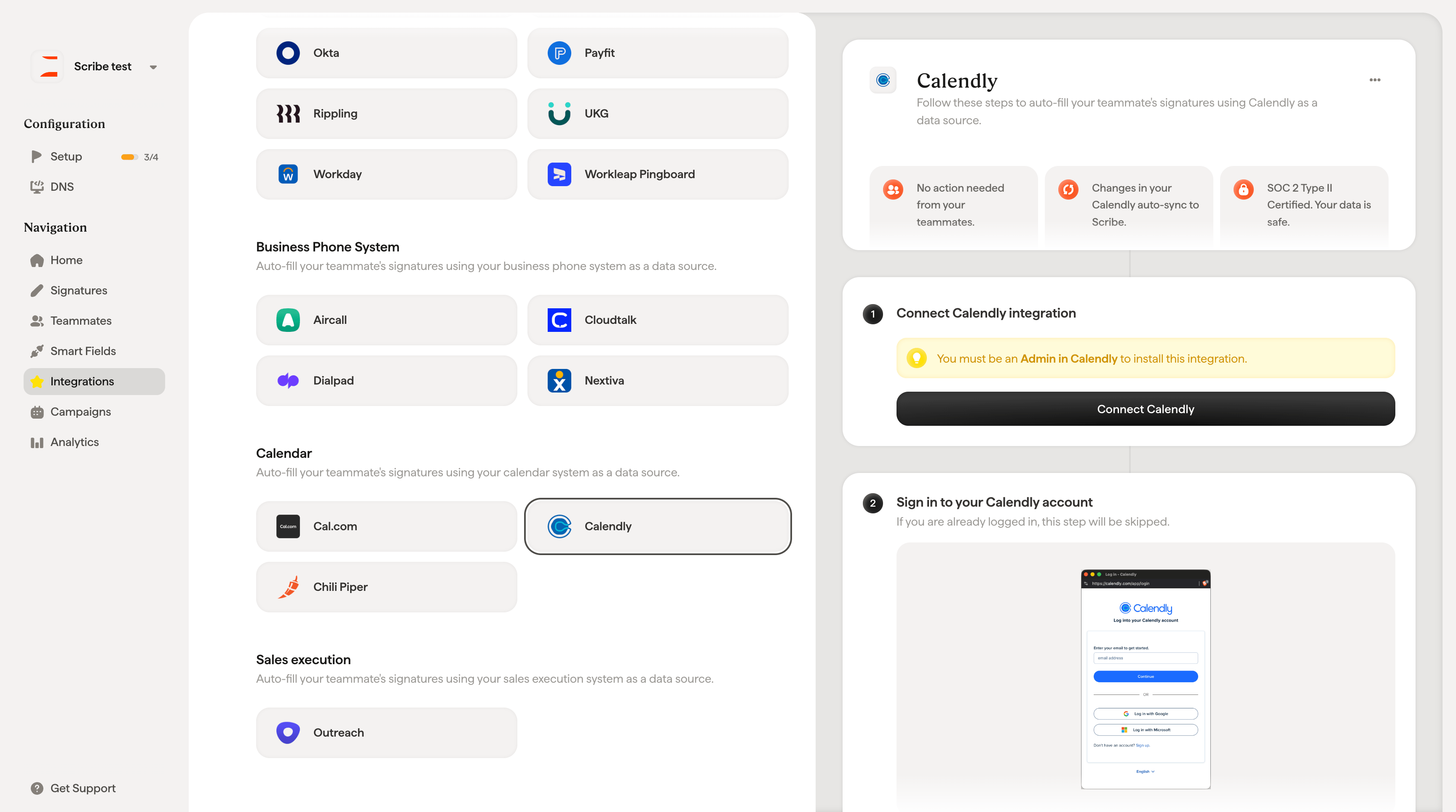
2
Sign in to your Calendly account
If you are already logged in, this step will be skipped.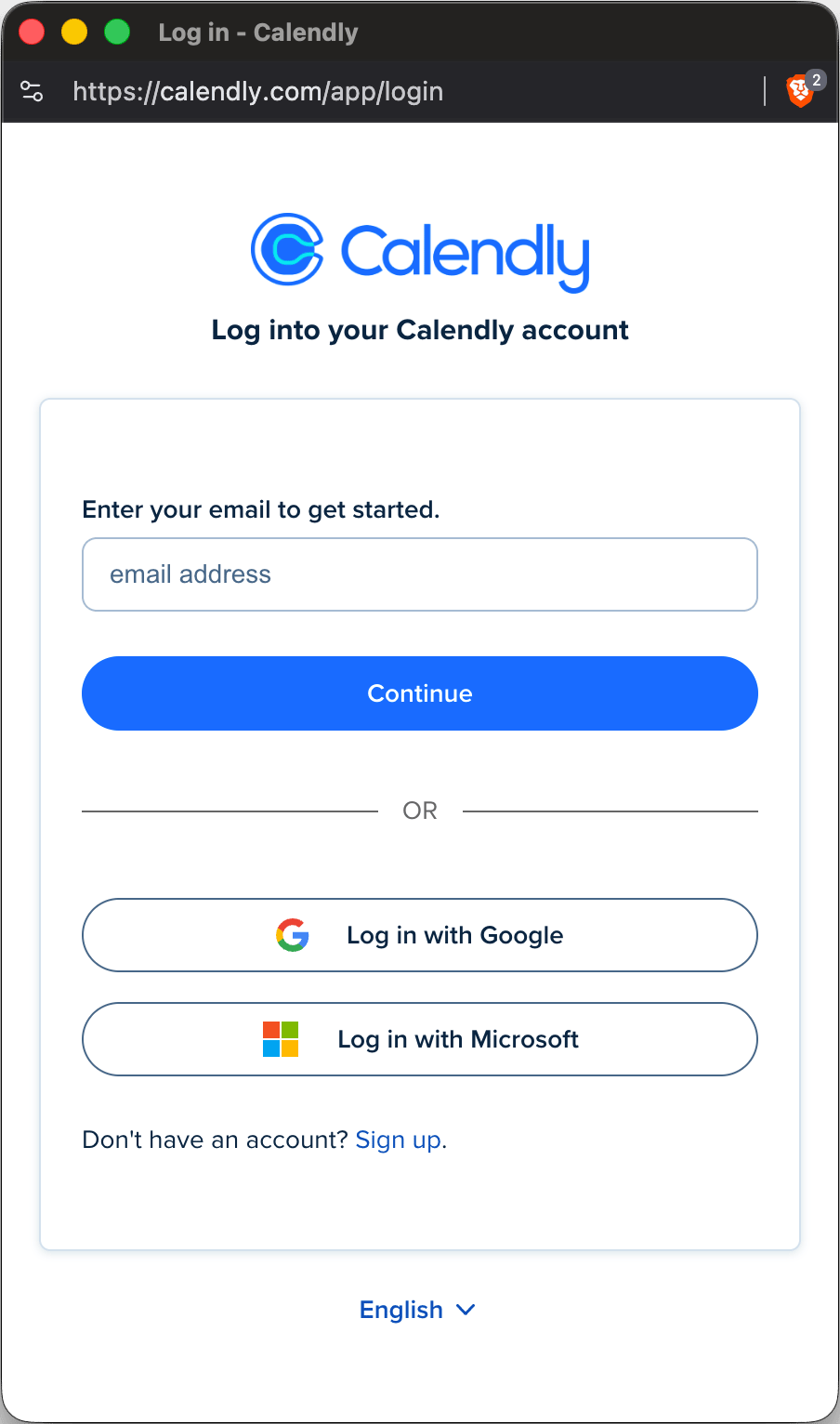
3
Authorize connection
Once you authorize, the integration connects automatically. Click Connect to Calendly to complete the integration.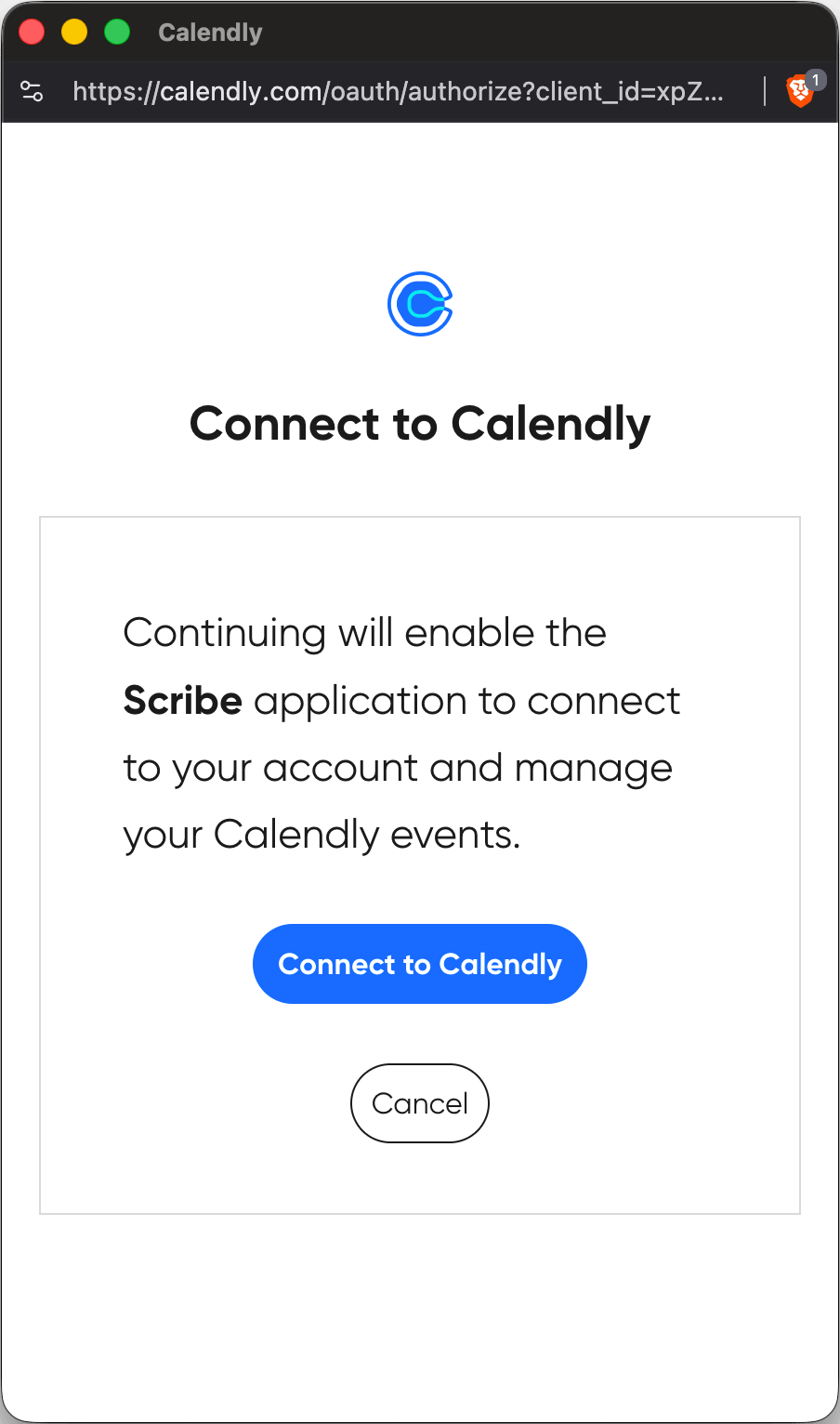
Related articles
- Chili Piper: sync Chili Piper data into your signatures.
- Cal.com: sync Cal.com data into your signatures.
- Assign teammates to a signature: use Smart Field conditions to assign signatures automatically.