

Apple Mail
Images are not showing
Fix images not displaying in your Apple Mail email signature from Scribe by adjusting Mail privacy settings and clearing the cached signature data.
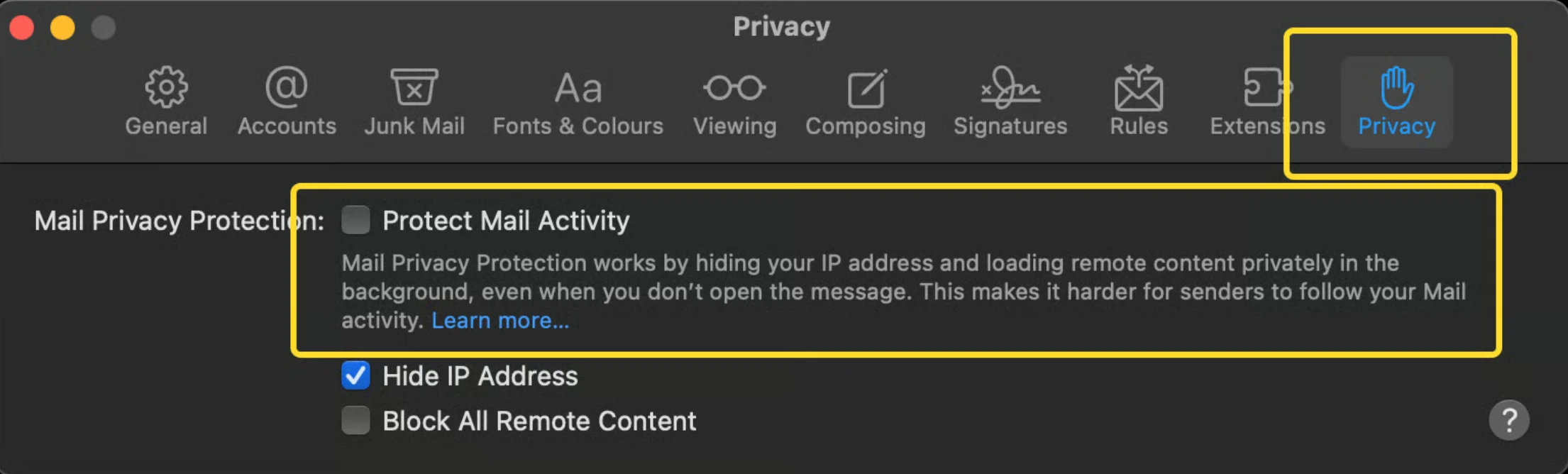
If images are not showing when sending an email, check your privacy settings and disable the “Protect Mail Activity” option.