

Microsoft 365
Switch to new Outlook version
Switch to the new Outlook version to fix Scribe signature insertion or display issues on Windows and macOS, with step-by-step toggle instructions.
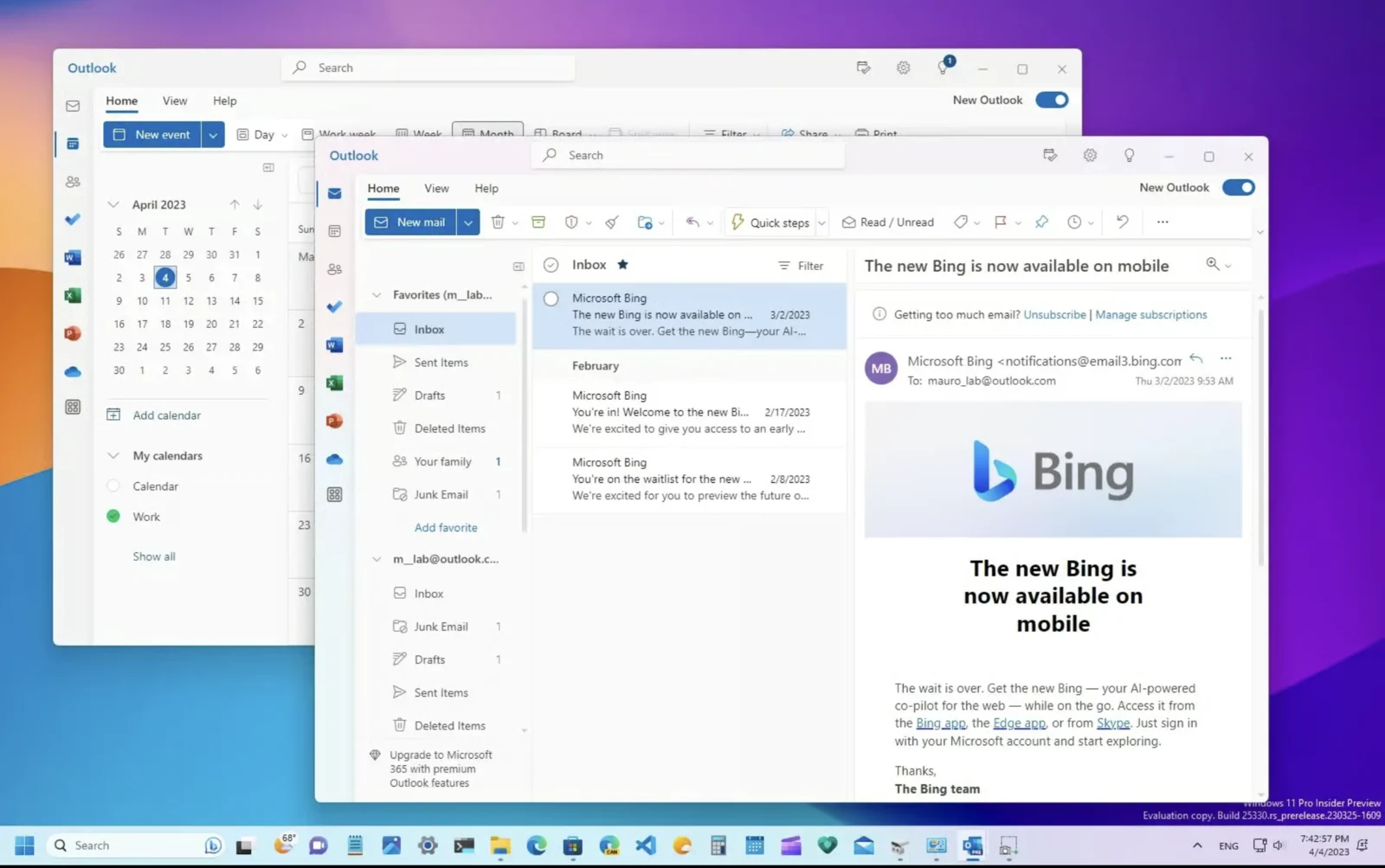
If your signature is not being inserted in Outlook or is not displaying correctly, switch to the new Outlook version.
To do this, turn on the toggle switch located in the top right corner of your Outlook window.