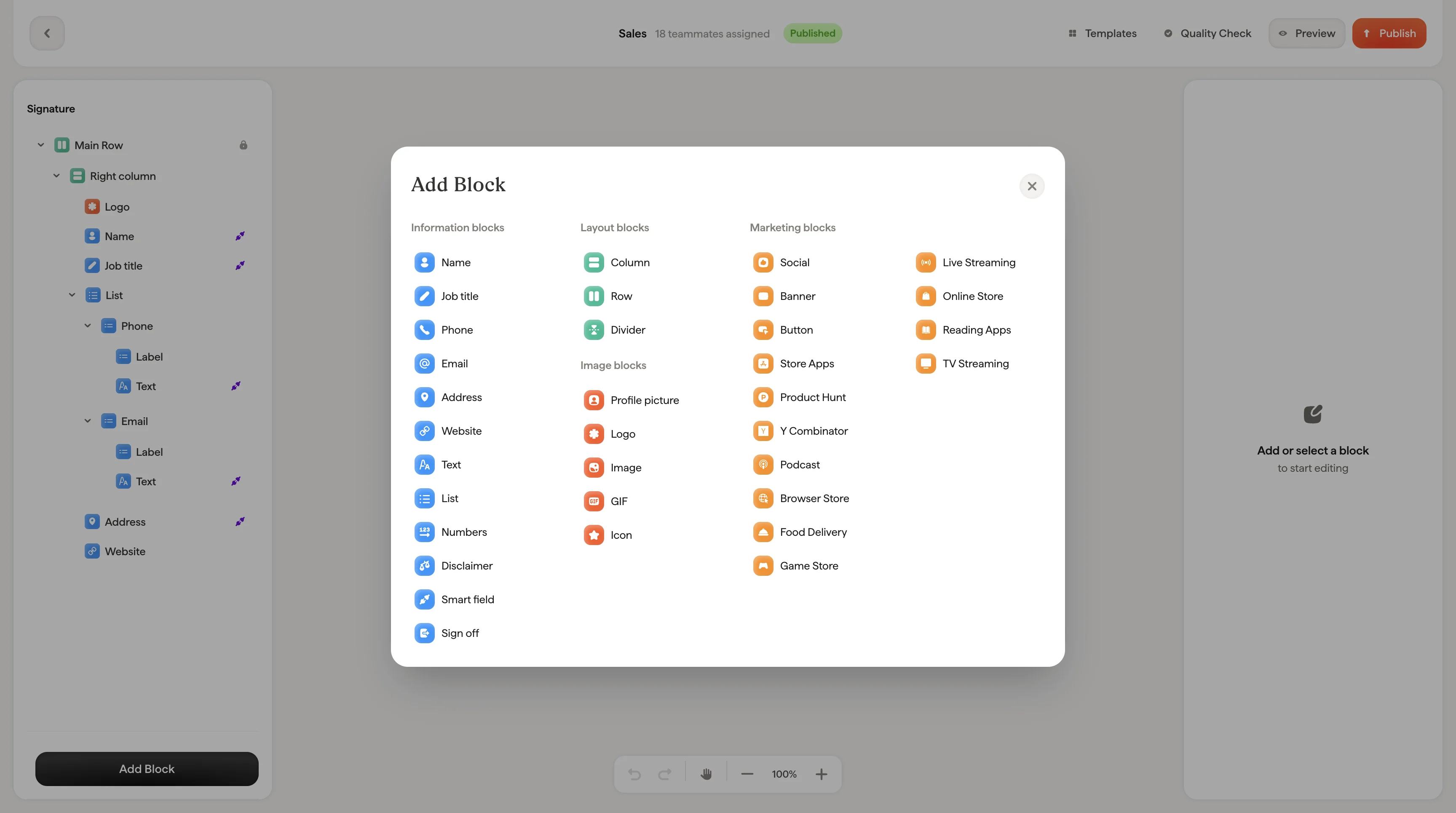
Buttons are clickable calls-to-action like “Book a demo”, “Visit our website”, or “Download our app.” They stand out visually and drive clicks to your most important links.
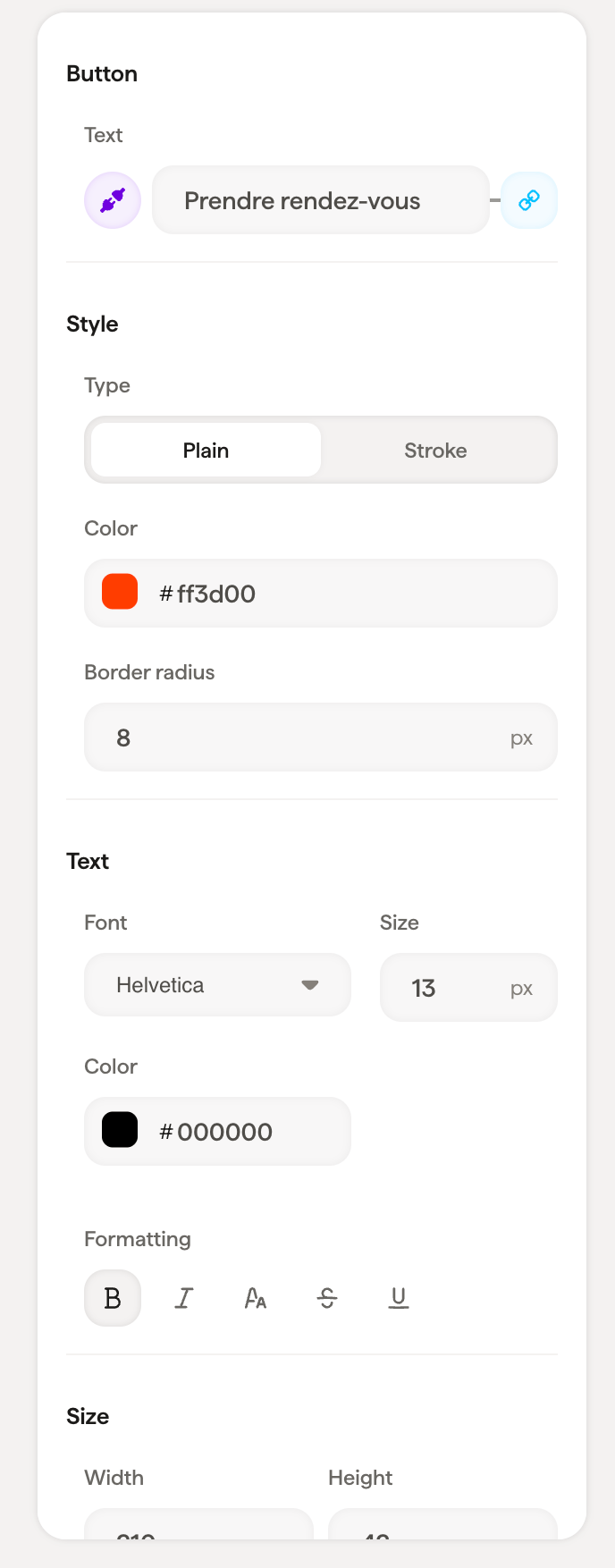
Button content
Style
Use Type → Plain with your brand color for primary calls-to-action like “Book a demo.” Use Type → Stroke for secondary actions that should be visible but less prominent.
Text styling
Font, size, color, opacity, line height, and formatting options for the button label text.
Size
Set the button’s Width and Height in pixels.
Layout
Padding controls the space around the button block.
Related articles