Lists display structured information like phone numbers, email addresses, and office locations. They combine an icon, a label, and a value into clean, scannable rows.
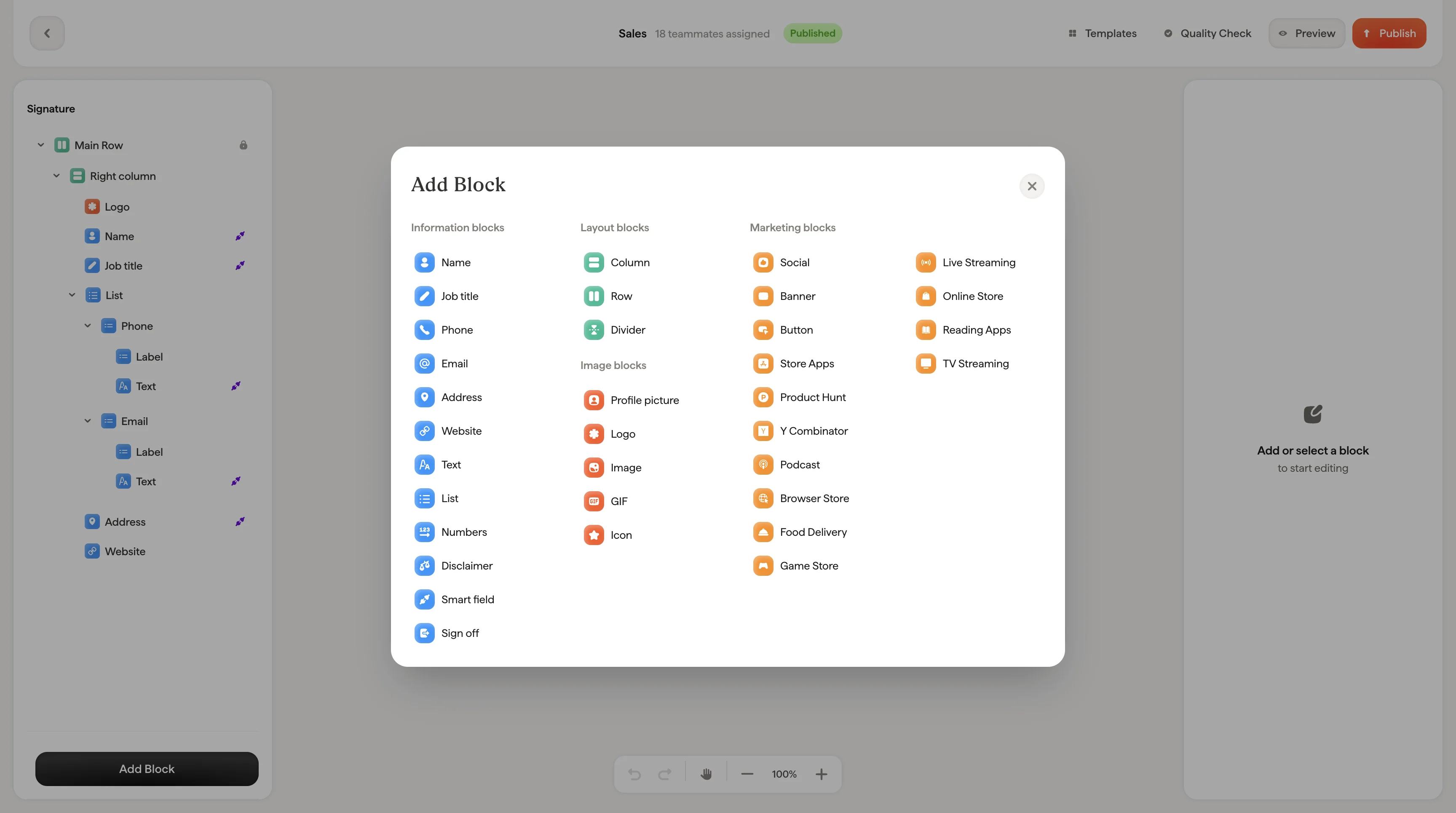
Email signature editor canvas
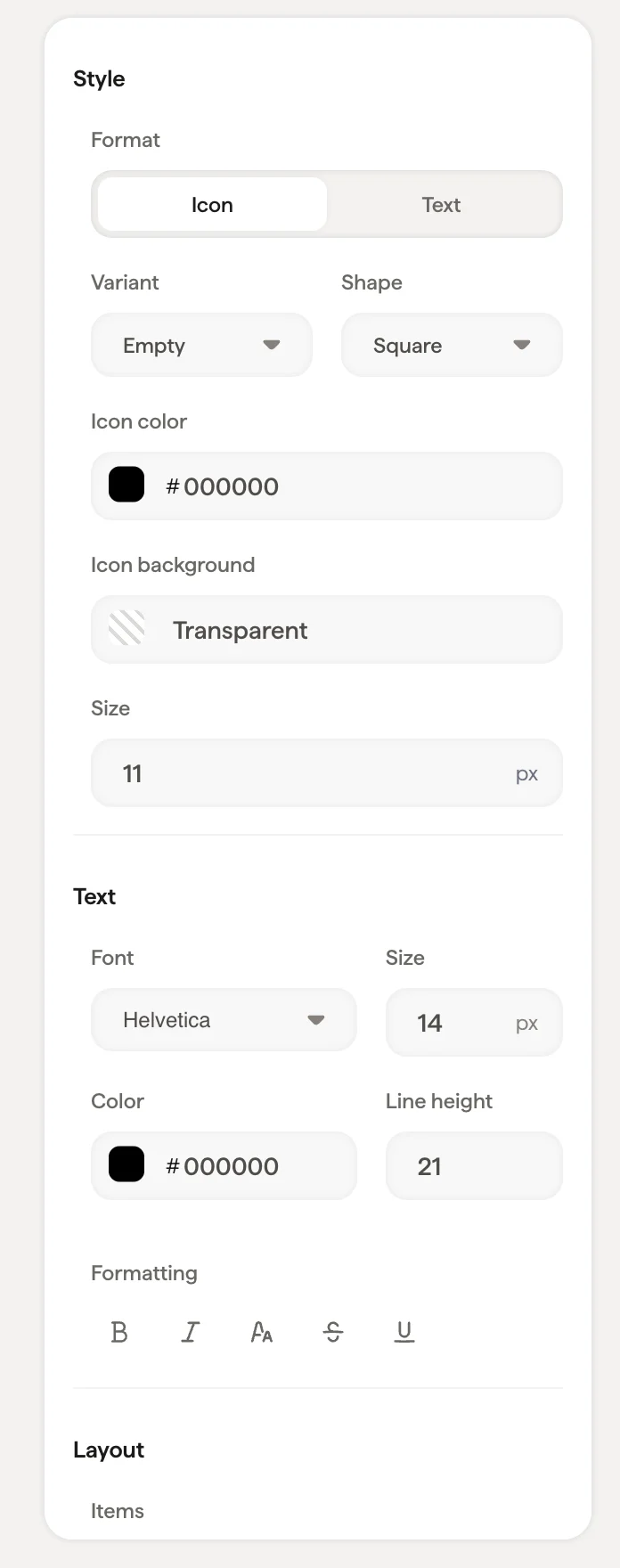
List block settings panel with icon and layout options

Items per row

Choose between one, two, or three items per row depending on how much information you want to display and the available space in your signature.
  • One item per row: Each piece of information on its own line. Best for short lists or when readability is the priority.
  • Two items per row: Pairs information side by side. Good for saving vertical space with 4-6 items.
  • Three items per row: Compact display. Works best when items have short values.

Style

Each list item can display with an icon alongside the text. The icon styling options are the same as social icons:

Text styling

Font, size, color, opacity, line height, and formatting options apply to the text content of each list item.

Layout

List labels

Labels like “Phone”, “Email”, or “Address” appear above or beside each list item value. Each label can have its own link and text styling, independent of the item values themselves. This is useful when you want the label to be a different color or size than the value. For example, a lighter gray label with a dark value.