

No action needed from your teammates.
Changes in your Lucca auto-sync to Scribe.
SOC 2 Type II Certified. Your data is safe.
Official Lucca integration. Scribe is listed on the Lucca Marketplace, where Lucca admins can install it.
Installation guide
Prerequisites
- Admin access to your Lucca account
- A Scribe account with admin access
1
Go to your Lucca account and copy the instance domain from the URL bar
Your Lucca domain looks like 
your-company.ilucca.net. Copy it from the URL bar and paste it in the Domain field in Scribe.2
In your Lucca account, click on your profile picture in the top-right corner

3
In the dropdown menu, click on 'Settings'
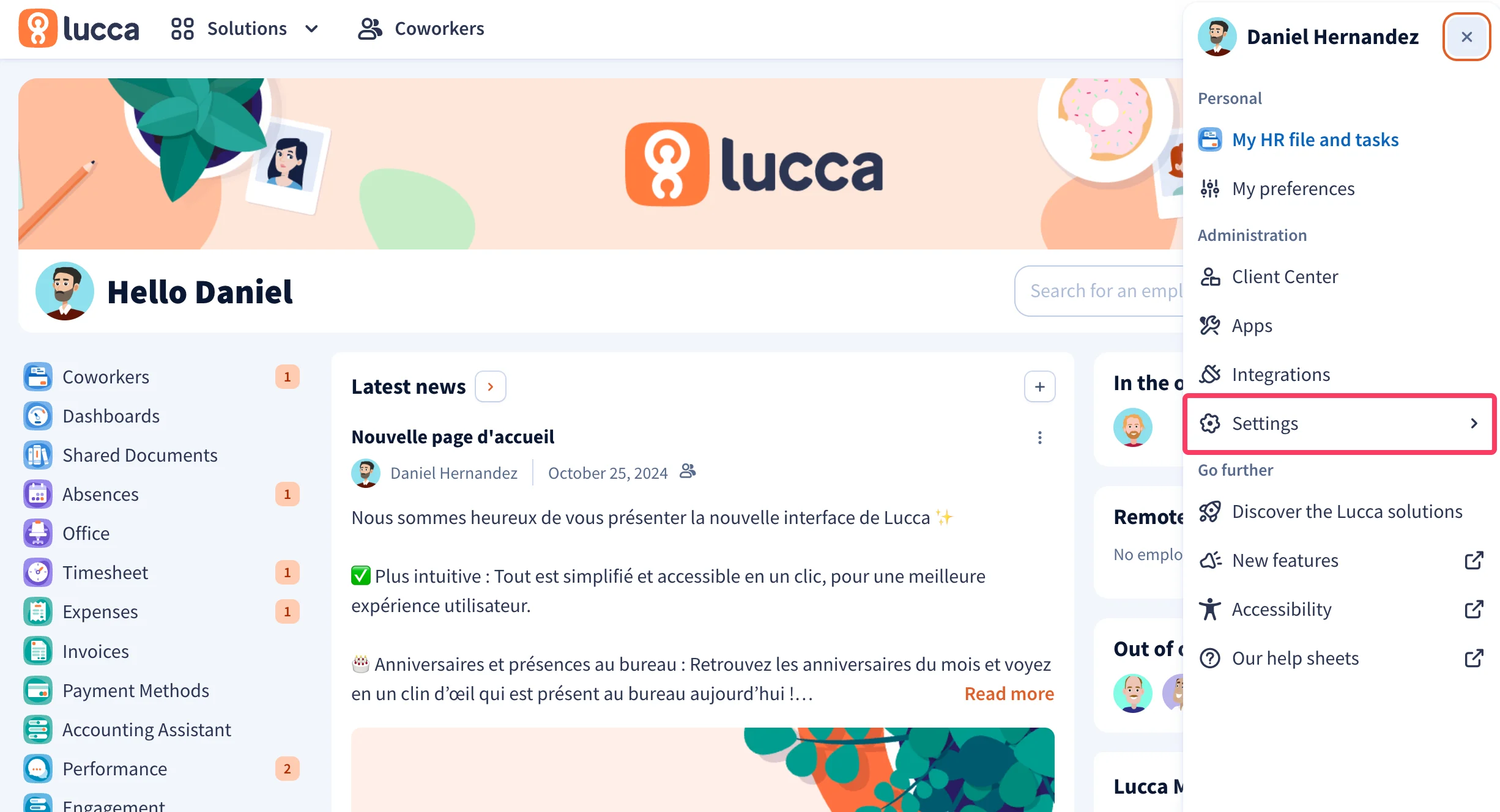
4
In the dropdown menu, click on 'API Keys'
Under the Security section, click API keys.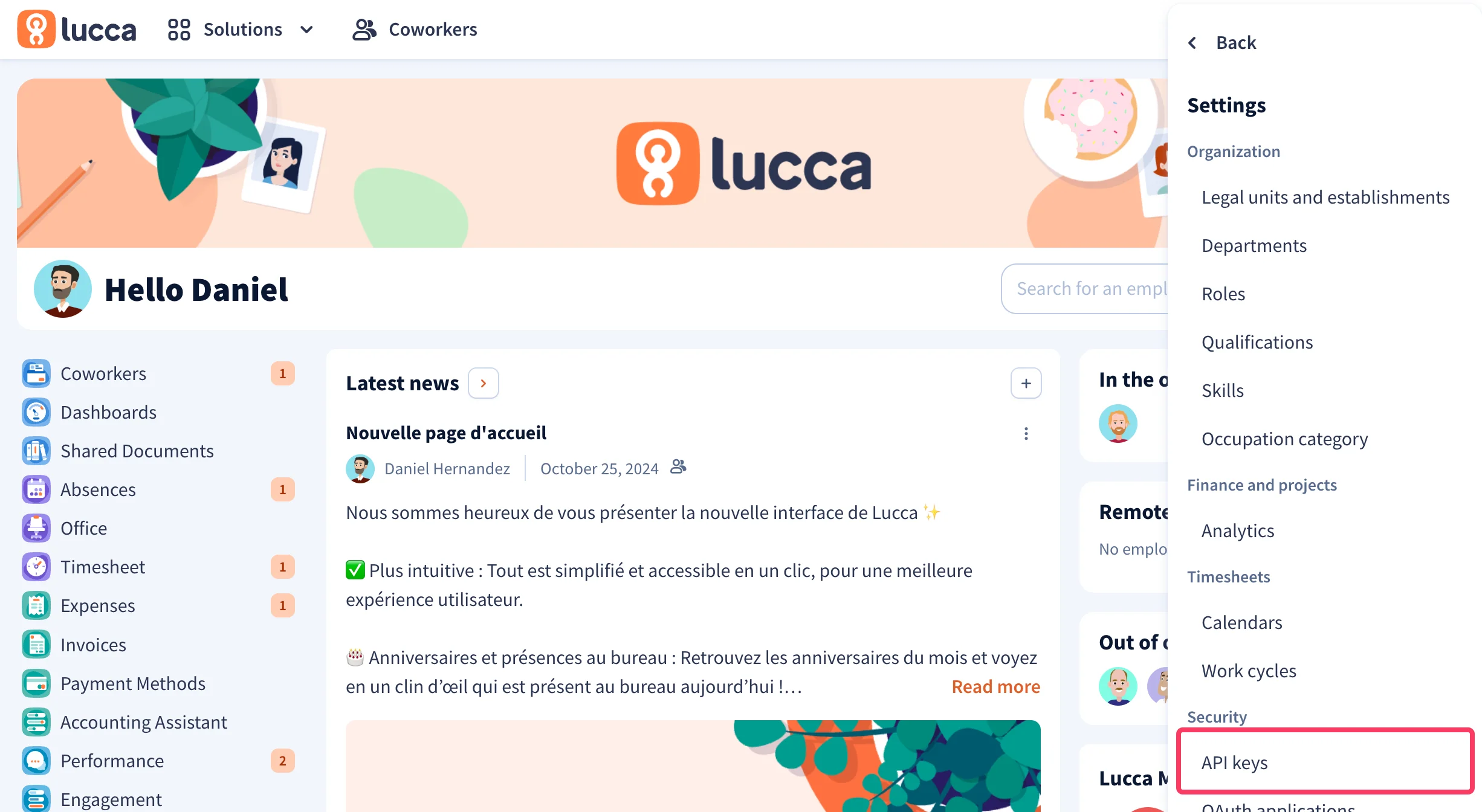
5
Click on 'Generate a new API key' button
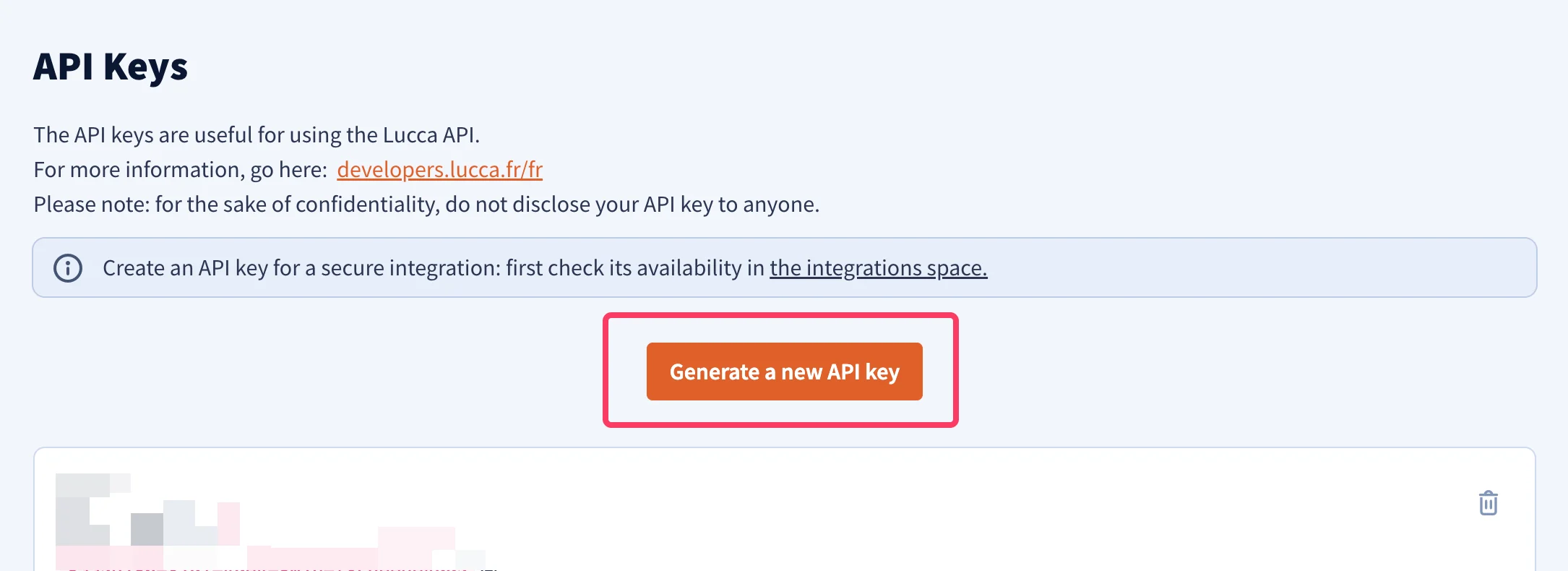
6
Enter a name for your API key
For example, enter 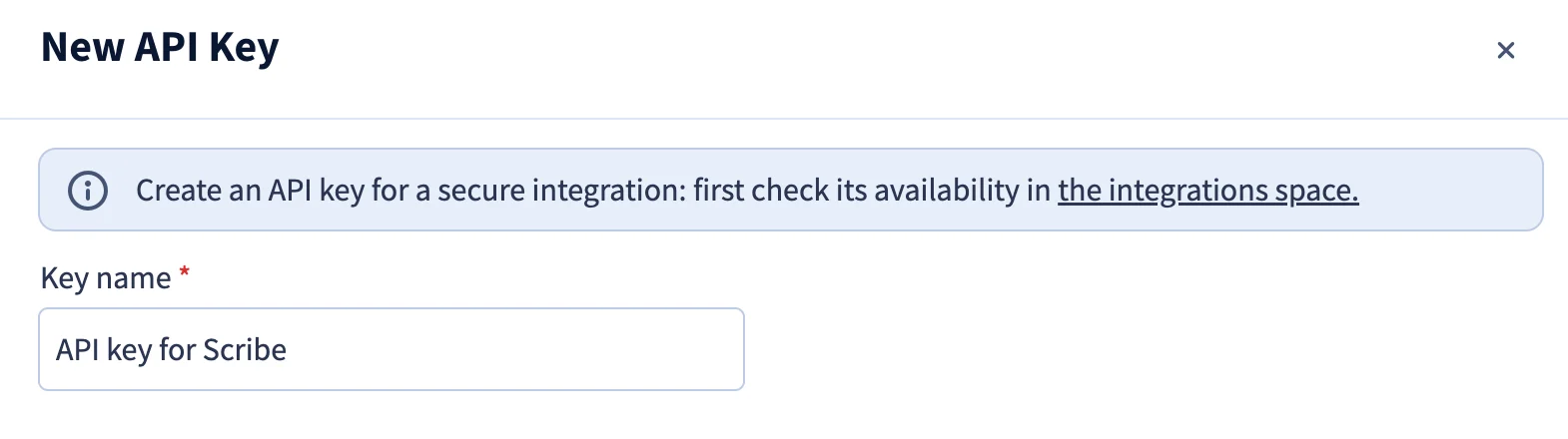
API key for Scribe.7
Select the 'Co-workers' scope
Check the Consult / create / modify users permission under the Co-workers scope.
8
Enter a technical contact email

9
Enter Scribe as Third-party publisher name
Under API key usage, select Third-party publisher and enter 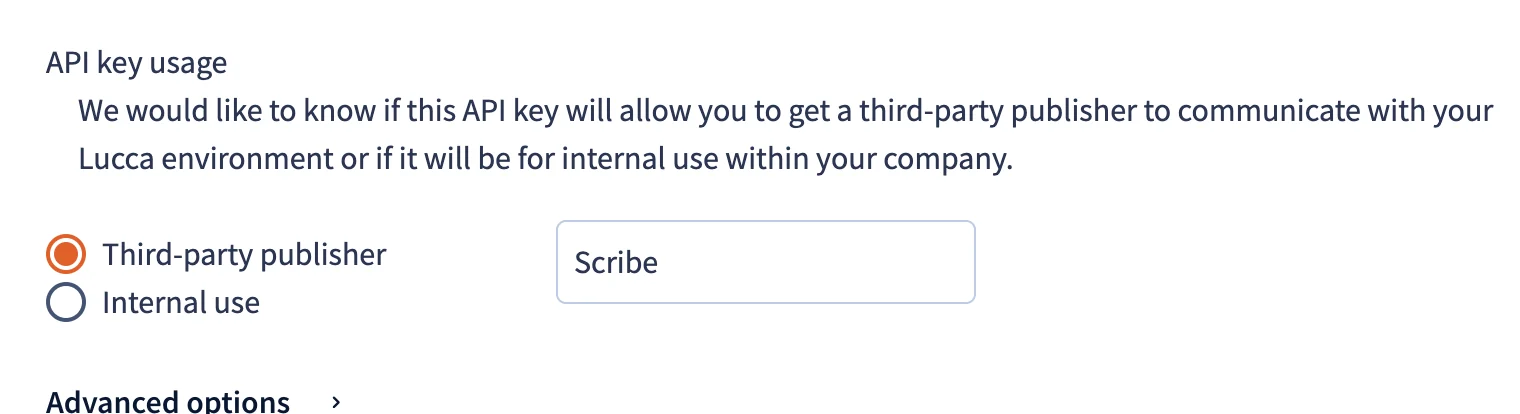
Scribe as the publisher name.10
Click on 'Generate a new API key' button

11
Copy the generated API key and paste it in Scribe
Copy the API key from Lucca and paste it in the API Key field in Scribe, then click Connect Lucca.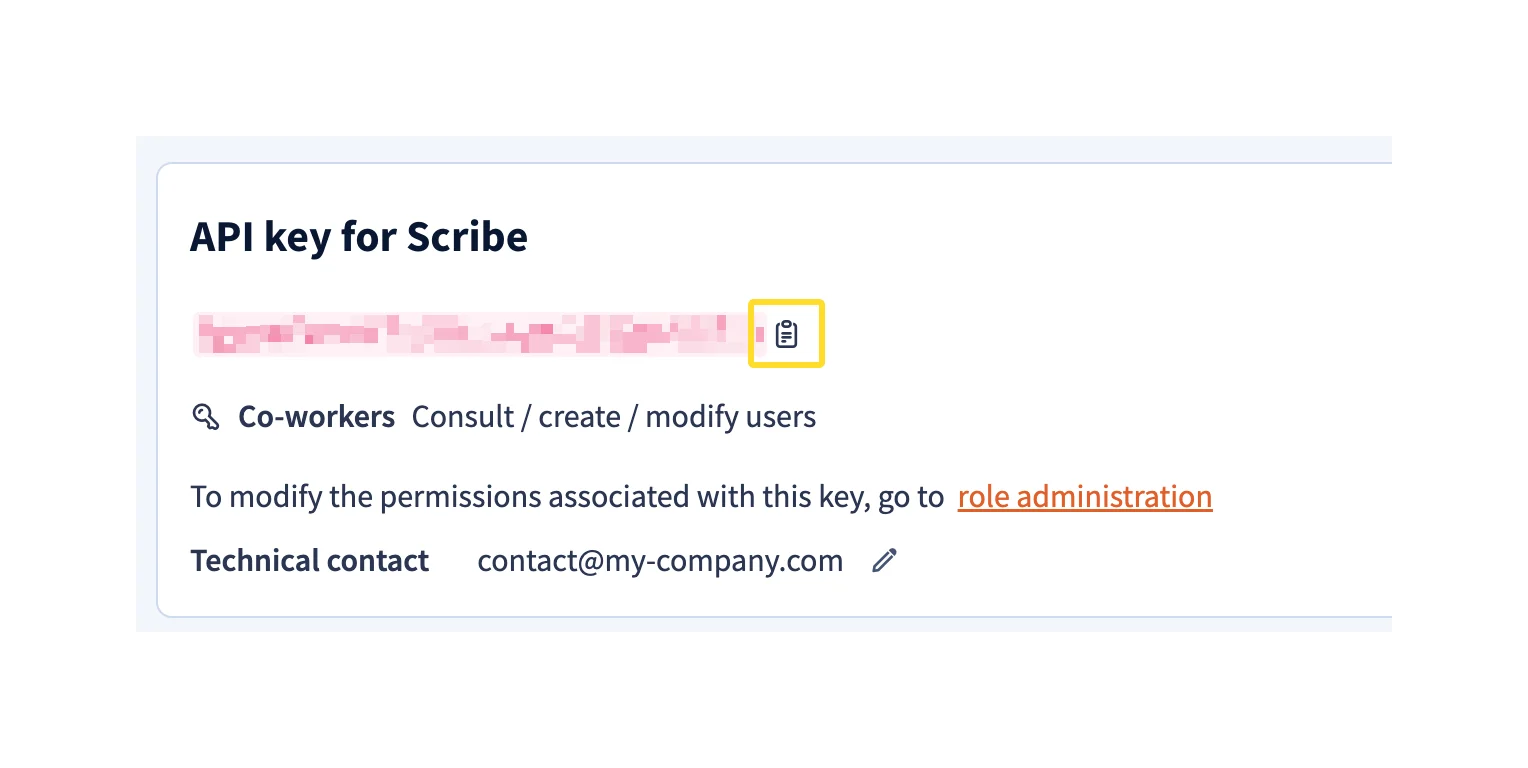
Related articles
- Okta: sync Okta data into your signatures.
- Payfit: sync Payfit data into your signatures.
- Assign teammates to a signature: use Smart Field conditions to assign signatures automatically.