On the Gmail iOS app, the signature gets installed after you send an email. So it is normal if you do not see it when you compose an email.
1
Open Settings in the Gmail iOS app
On the Gmail iOS app, go to “Settings.”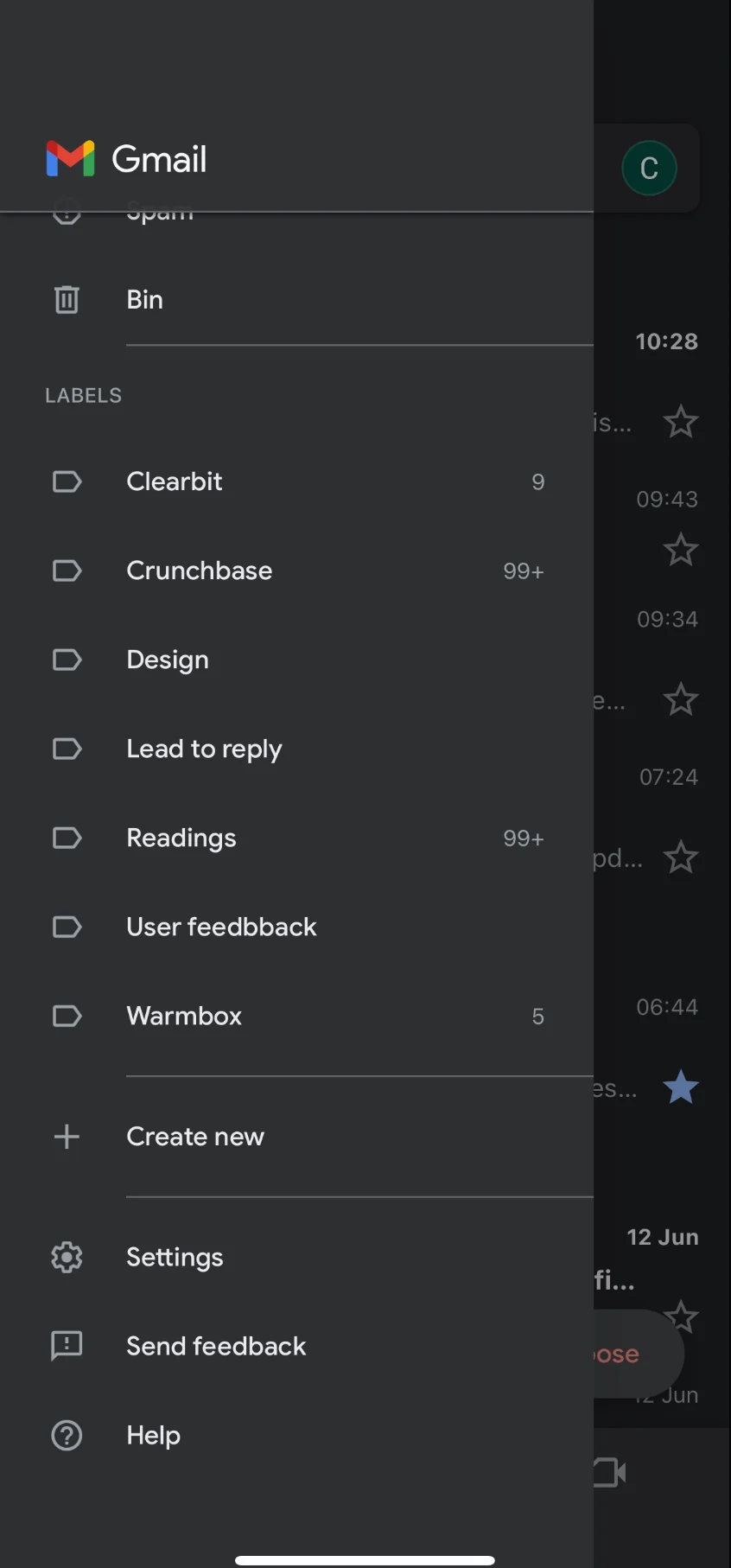
2
Go to Signature settings
In the Settings menu, tap on “Signature settings.”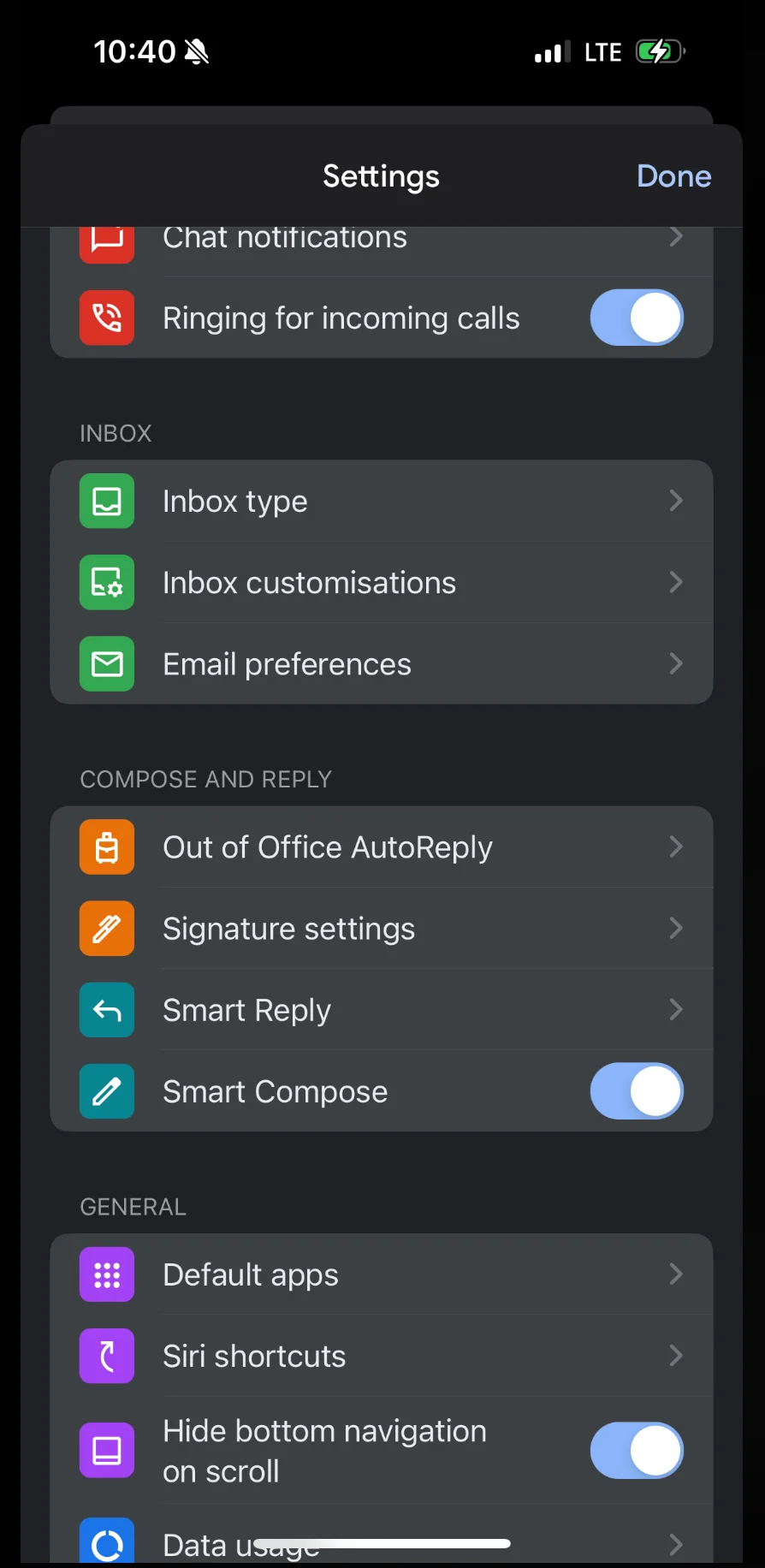
3
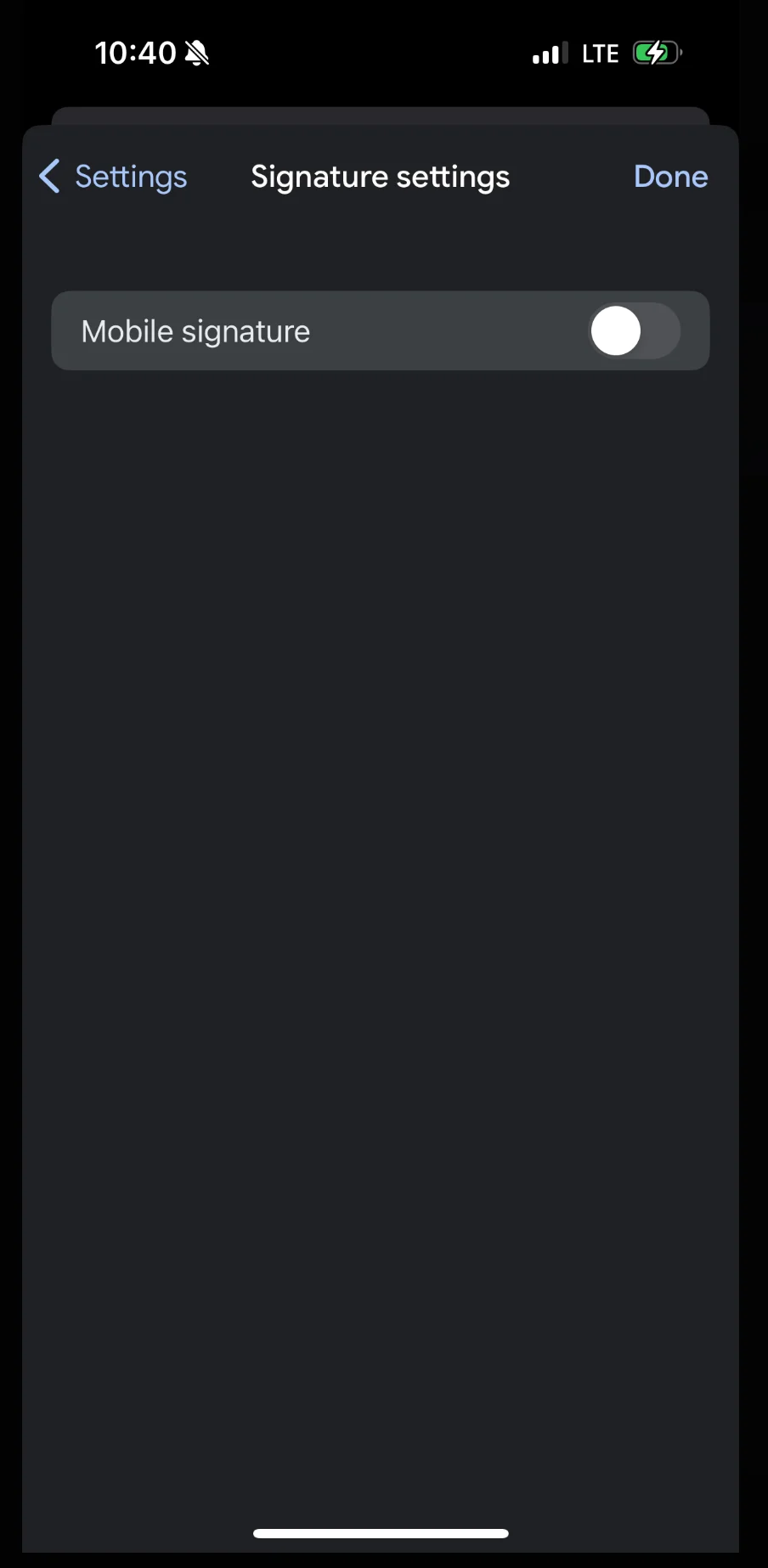
Turn off the mobile signature option
Make sure the “Mobile Signature” option is turned off. This ensures the Scribe signature is used instead of a local mobile signature.