1
Go to your Google Workspace admin
2
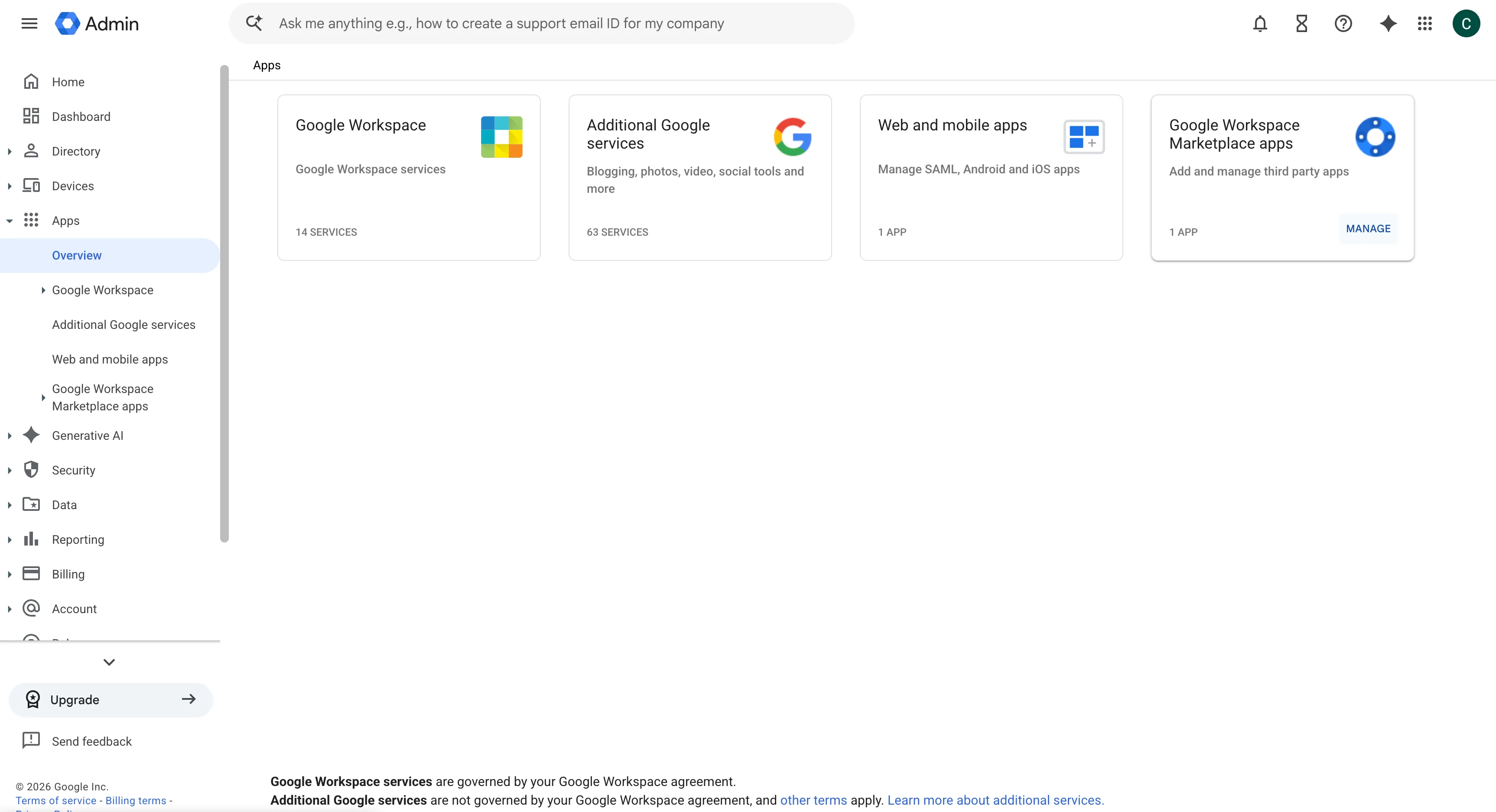
Click on Apps
In the admin console, click on the Apps section.
3
Click on Google Workspace Marketplace apps
Select the Google Workspace Marketplace apps option.
4
Click on the Scribe app
Find and click on the Scribe app in the list of installed Marketplace apps.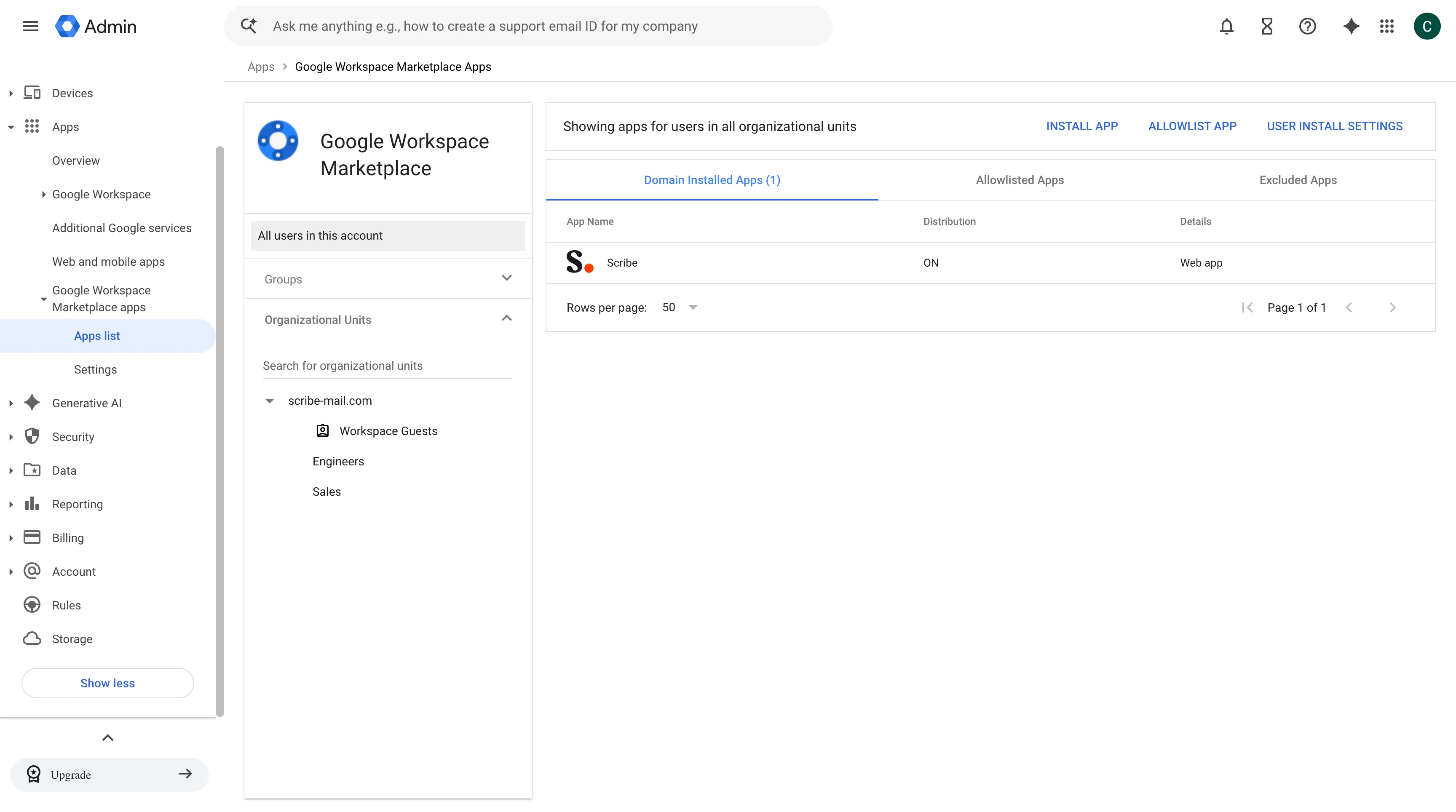
5
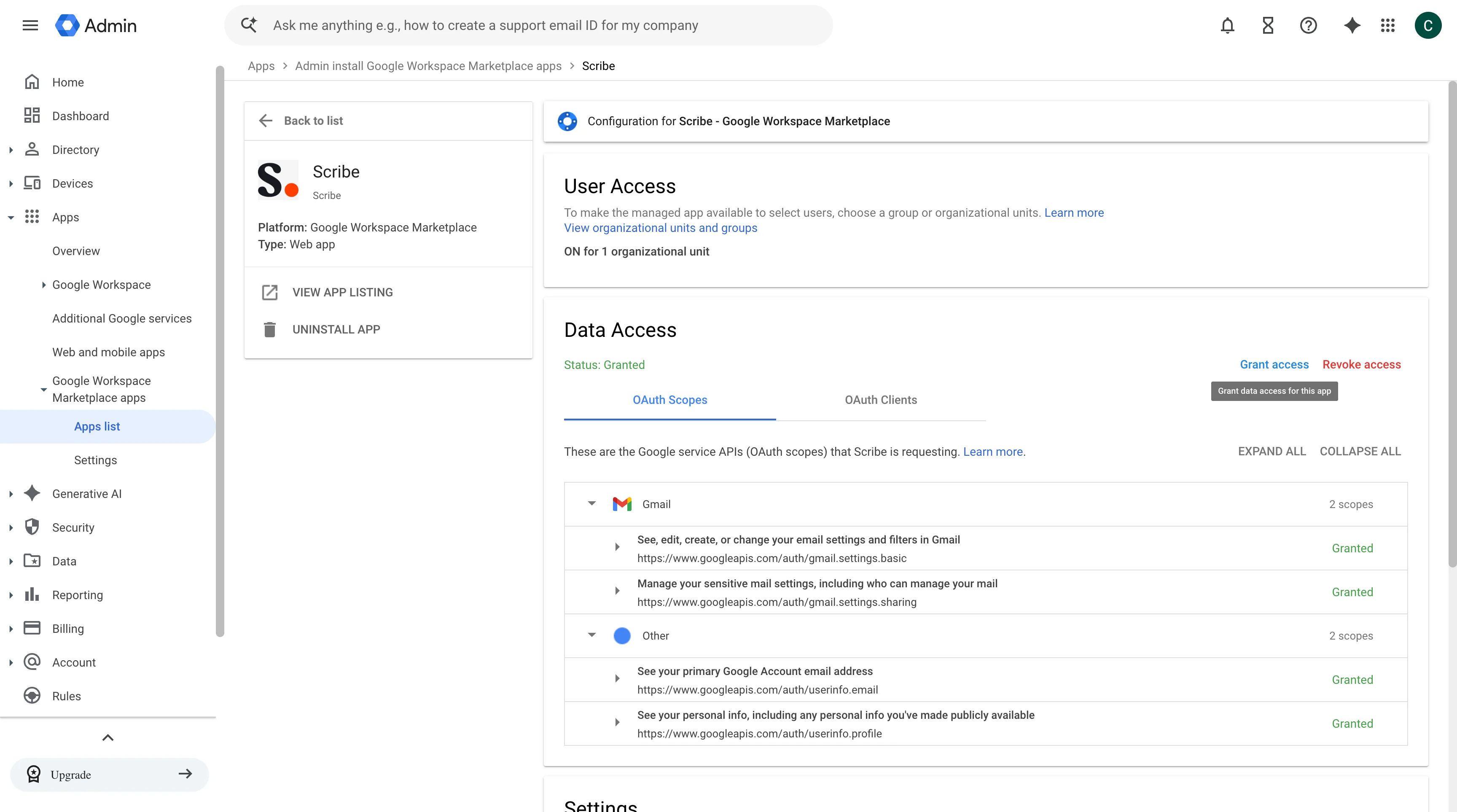
Grant access to activate the required scopes
Click on Grant access to activate the required scopes and restore Scribe permissions.