

Centralized one-click installation. No teammate action needed. Users see signatures when composing emails. Cloud-based installation: emails don’t go through Scribe servers.
Supported platforms: Zoho Mail on the web
How it works
Scribe writes each teammate’s signature into Zoho Mail as a signature added by an administrator. Zoho Mail then inserts it by itself:- in new emails, replies and forwards, above the quoted text;
- on each address it is installed for: the teammate’s main address and, if you import aliases, each alias with its own signature.
Zoho Mail adds the signature only in Zoho Mail. Emails sent from another app connected to Zoho Mail over IMAP or SMTP, such as Apple Mail or Outlook, don’t carry it. For those apps, use a manual installation.
Installation guide
Prerequisites
- A Scribe account with admin access
- A Zoho Mail organization, with a Super Admin or Admin account
1
Connect Zoho Mail integration
In Scribe, go to Integrations, open Zoho Mail under Signatures, and click Connect Zoho Mail.
2
Sign in to your Zoho account
If you are already signed in to Zoho, this step is skipped.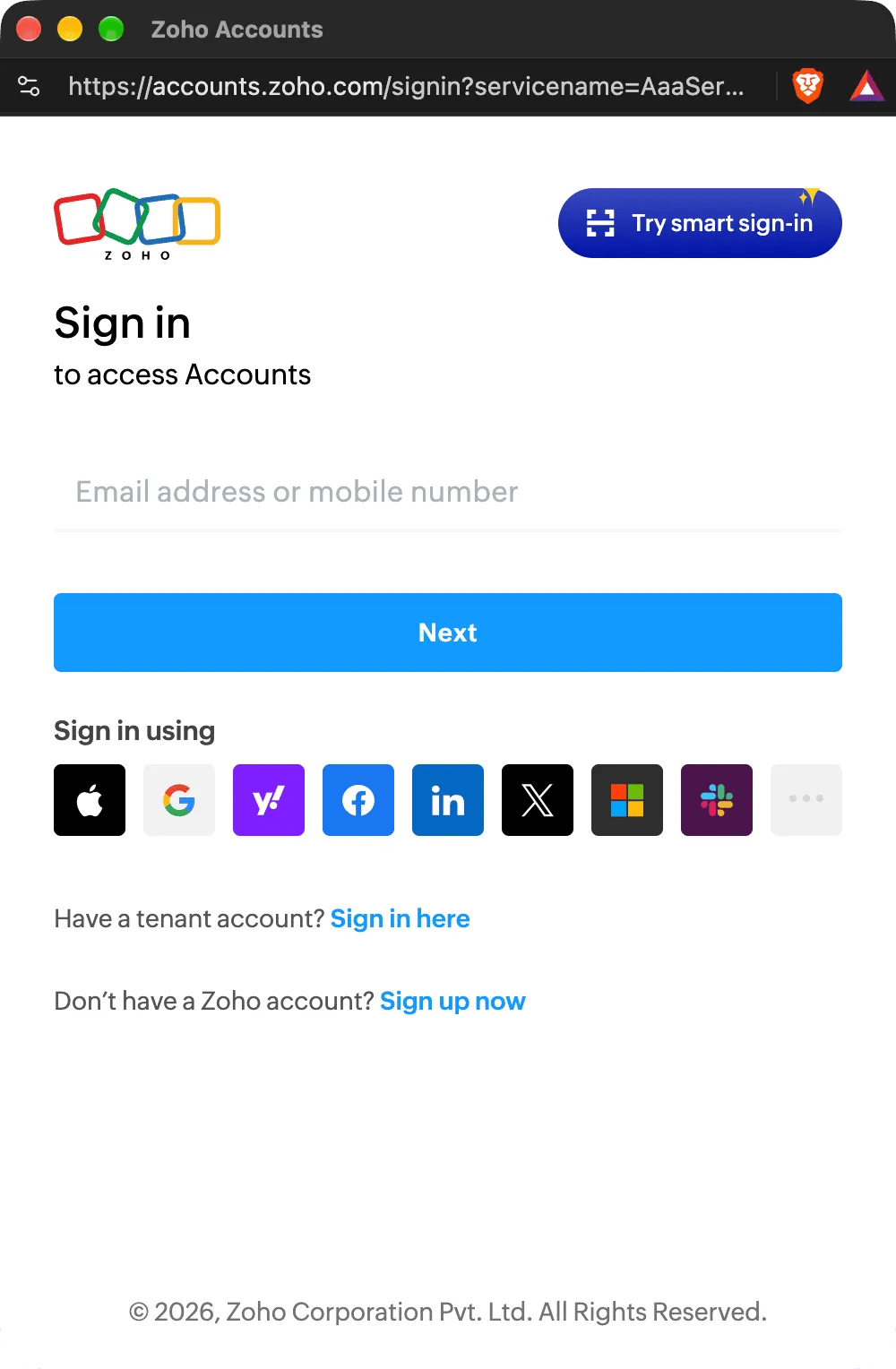
3
Authorize the scopes
Zoho has no permission for signatures alone, so it asks you to let Scribe manage your organization’s user accounts. Scribe only adds, updates and removes your teammates’ signatures. You can find the scopes we use from the Zoho Mail API here.Check I allow Scribe to access the above data from my Zoho account, then click Accept. The integration connects automatically.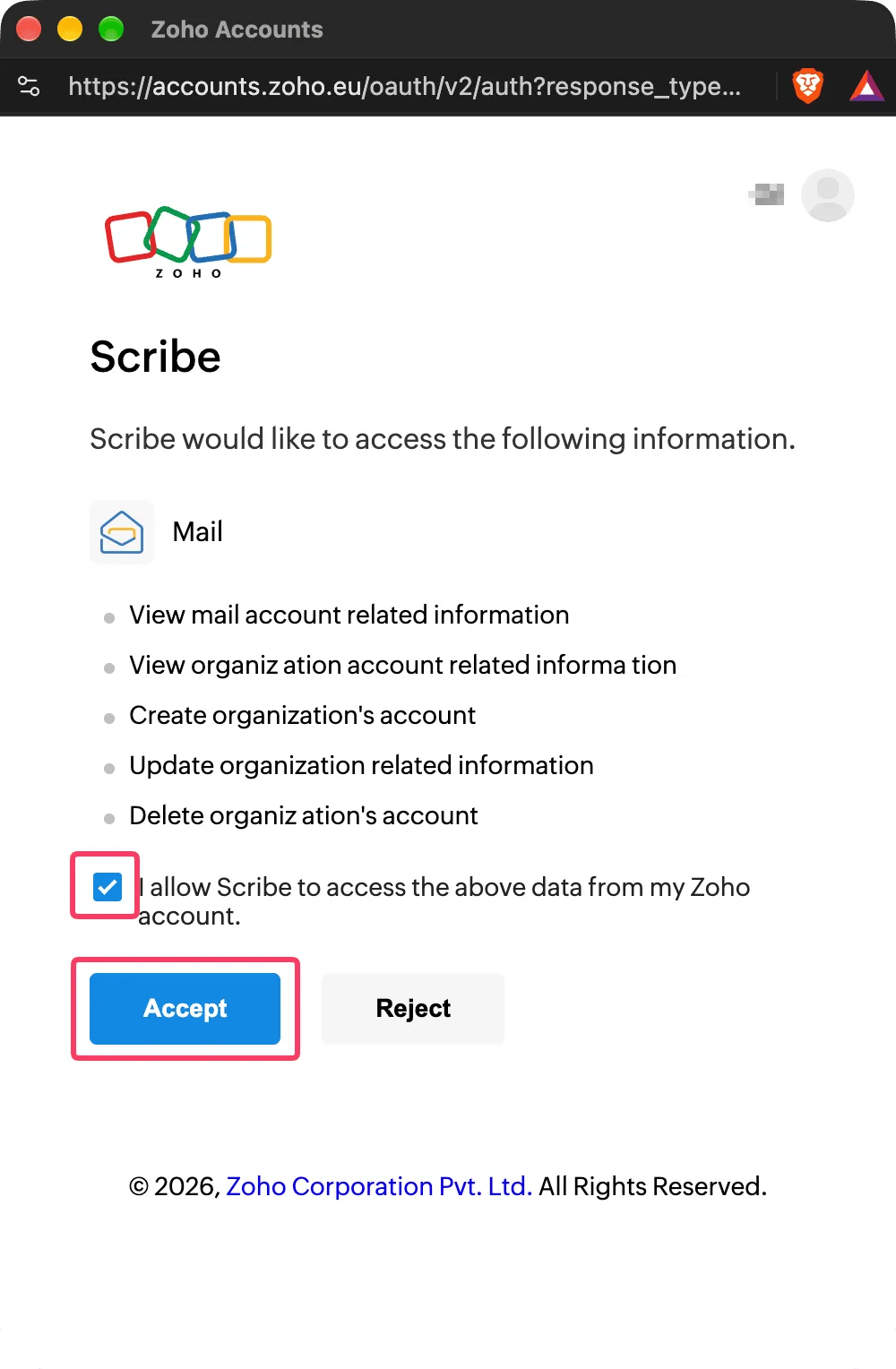
4
Install team signatures
From your signatures list, install all signatures at once for your teammates or install them one by one for a progressive rollout. Zoho Mail installs each signature at once: there is no waiting time.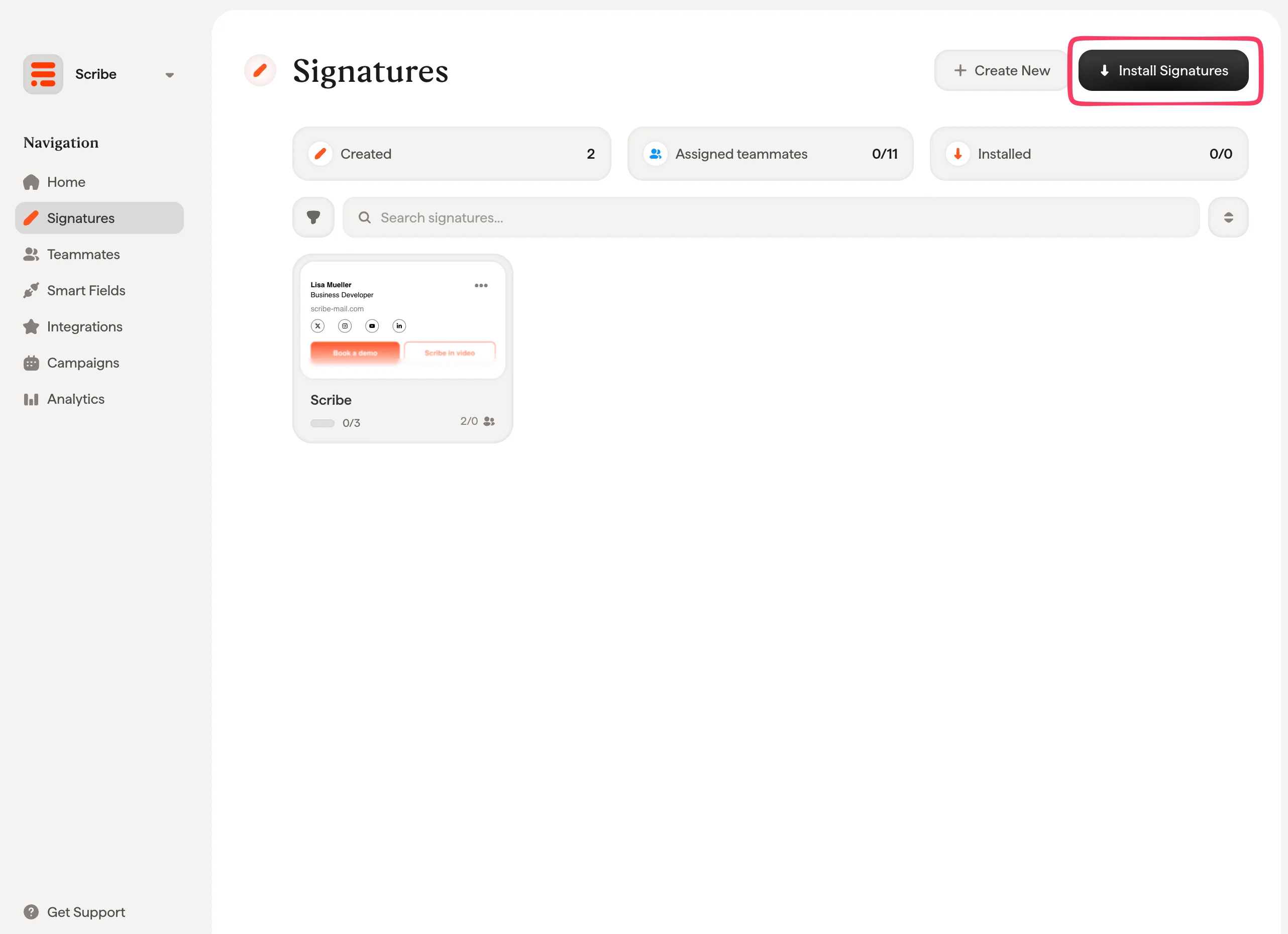
Scribe supports Zoho accounts in every Zoho data center except China (zoho.com.cn). One Zoho Mail organization can be connected to one Scribe workspace.
Troubleshooting
When an installation fails, the teammate’s status in Scribe says why. Each reason has its own page:- Signature too long for Zoho Mail: Zoho Mail refused the signature because of its size.
- Zoho Mail access lost: Scribe can no longer write signatures in your Zoho Mail organization.
- Zoho Mail signature not installed: the teammate’s address has no active mailbox in your Zoho Mail organization.
Related articles
- Integrations overview: all the ways to deploy Scribe signatures, cloud or server side.
- Zoho Mail teammates: sync your Zoho Mail users and groups with Scribe.
- Installation statuses and errors: what each installation status means and how to fix errors.