

Centralized one-click installation. No teammate action needed. Users see signatures when composing emails. Cloud-based installation: emails don’t go through Scribe servers.
Supported platforms: Web, Desktop, iOS, Android
Installation guide
Install Scribe Add-in
Get the Scribe Add-in from the Microsoft App Source.Click Install Scribe Add-in in Scribe to open the Microsoft App Source.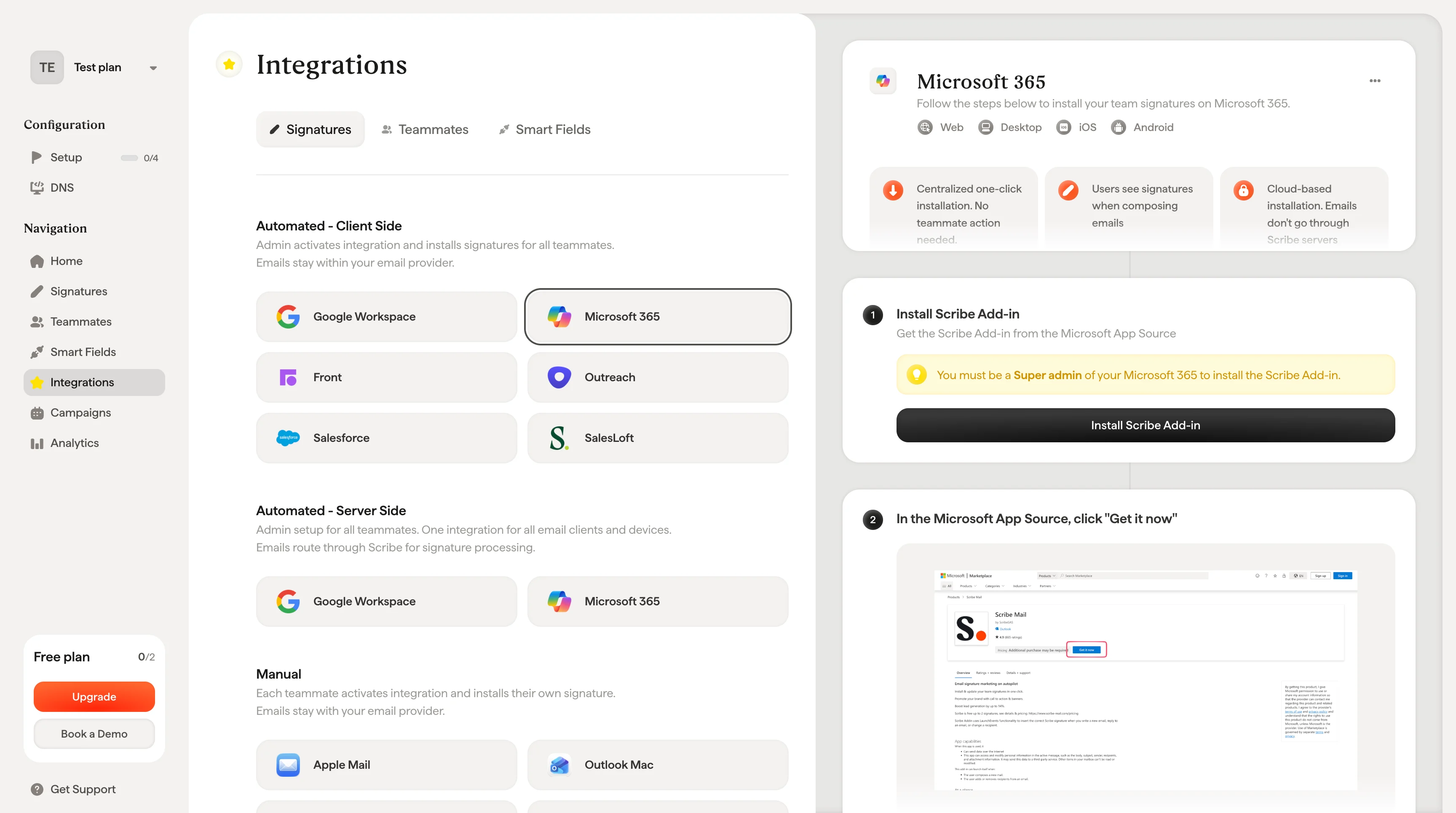
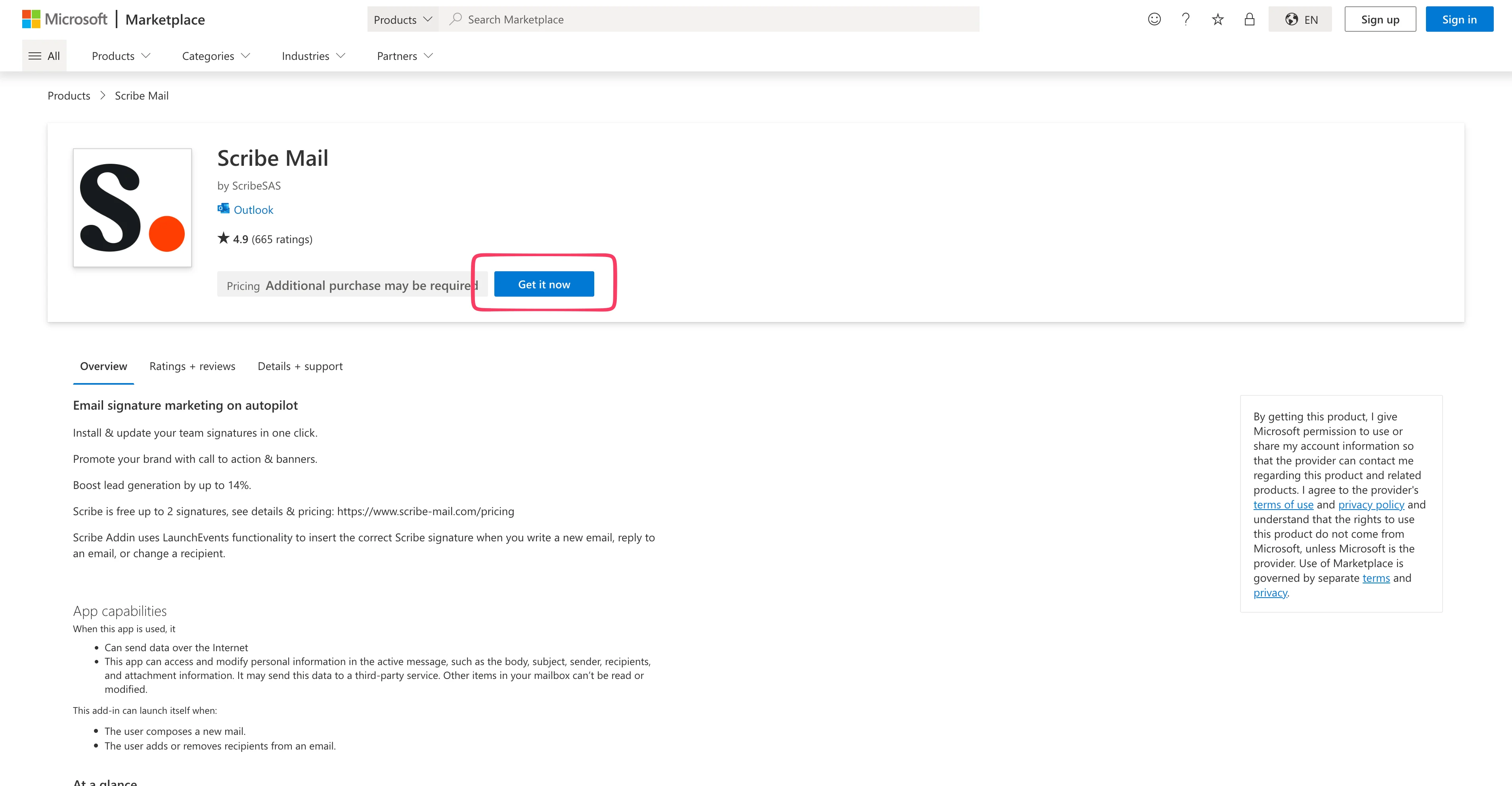
Select your Microsoft 365 account
You’ll be redirected to your Microsoft 365 admin dashboard. If redirected to Outlook Inbox instead, you’re not a Global Admin, and the add-in won’t work.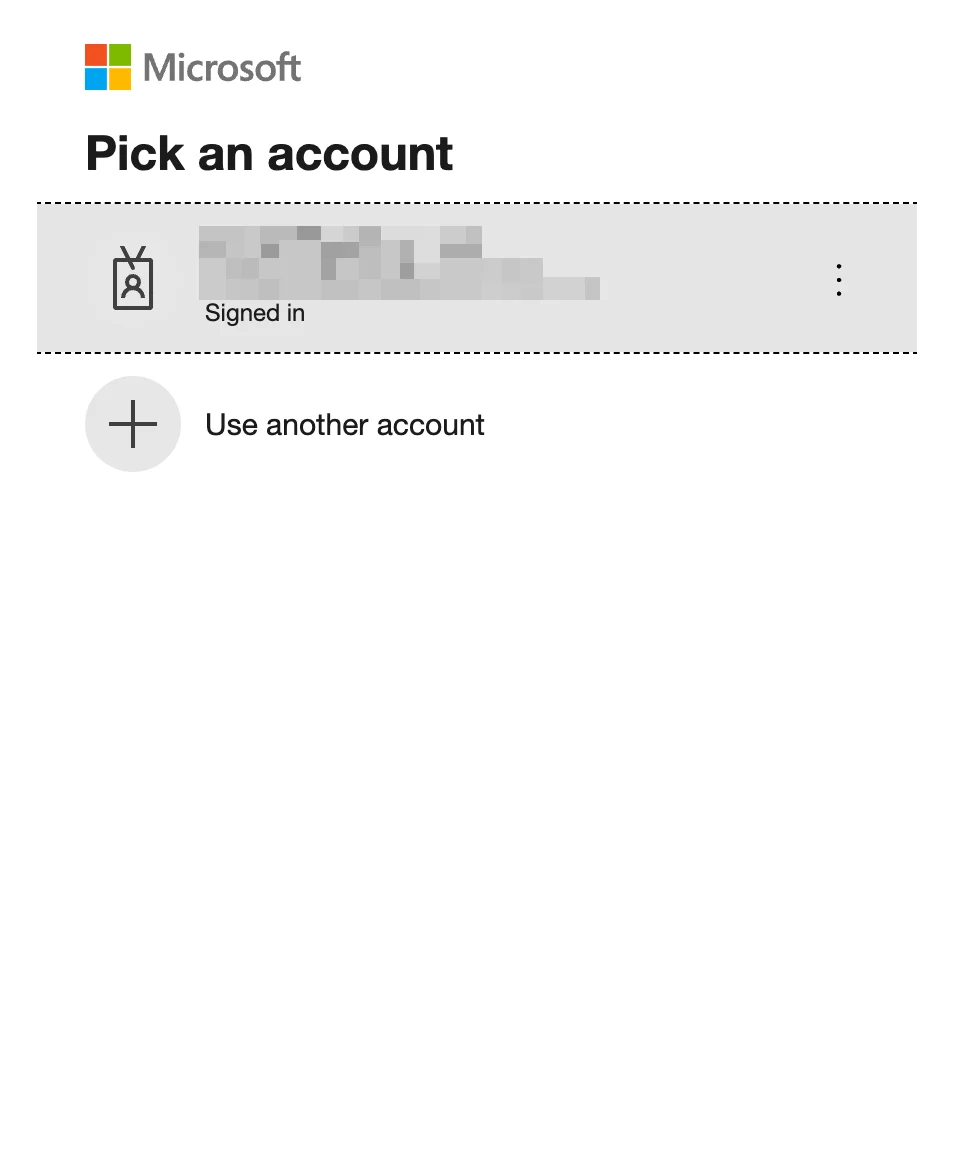
Select "Entire organization"
Choose which users get the add-in. Select “Entire organization” unless you want to test with a small group first, then click “Next”.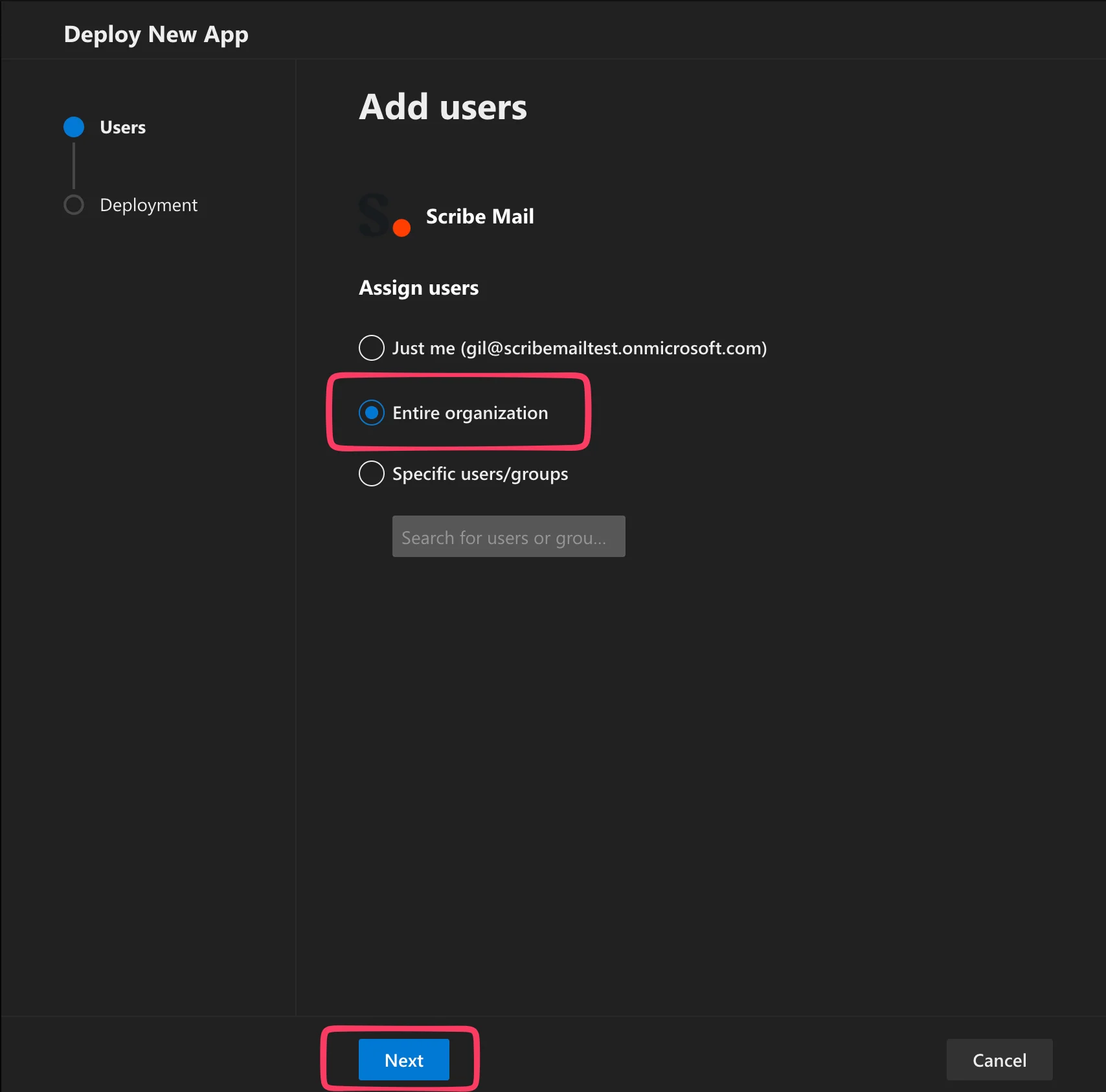
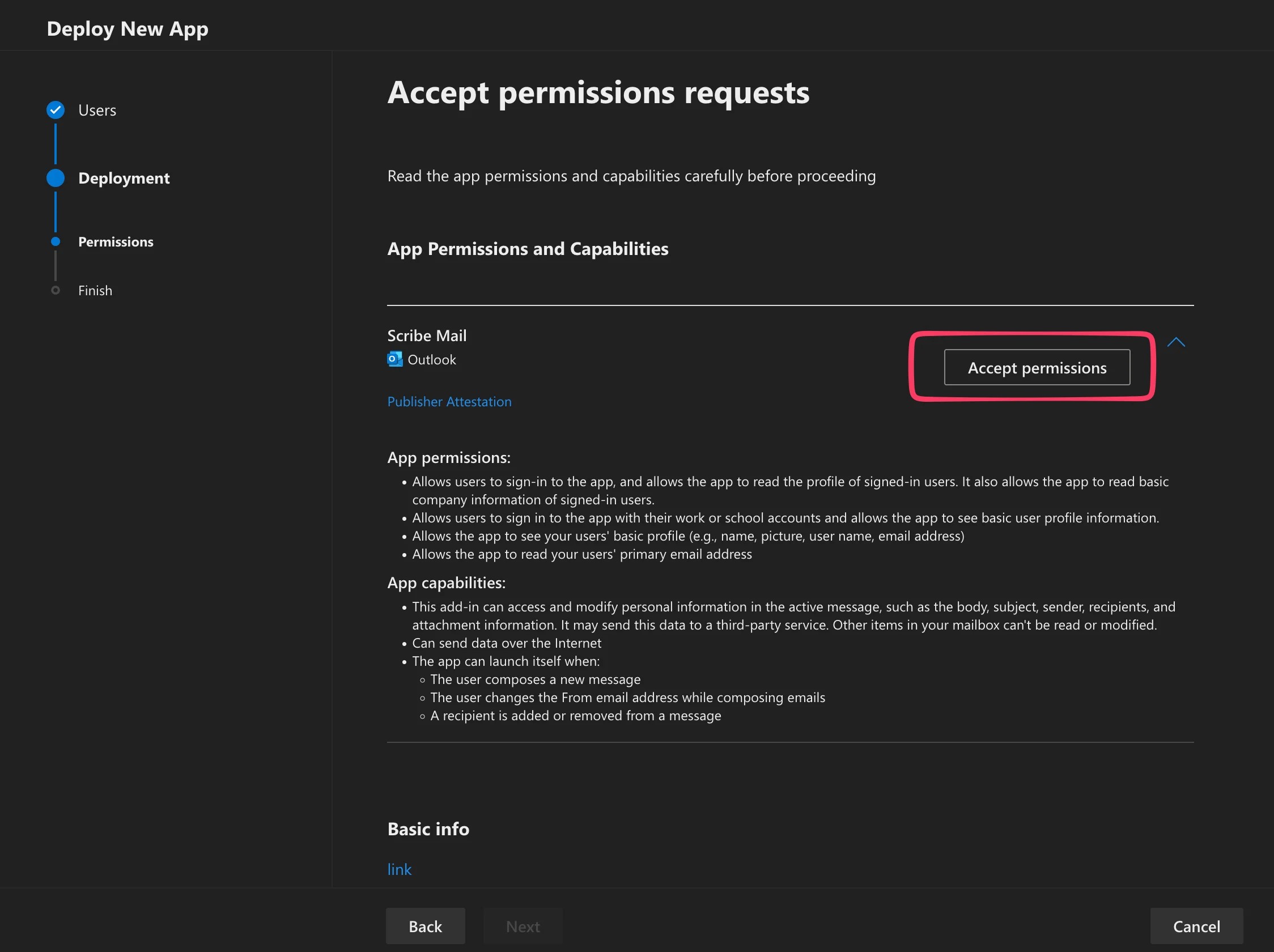
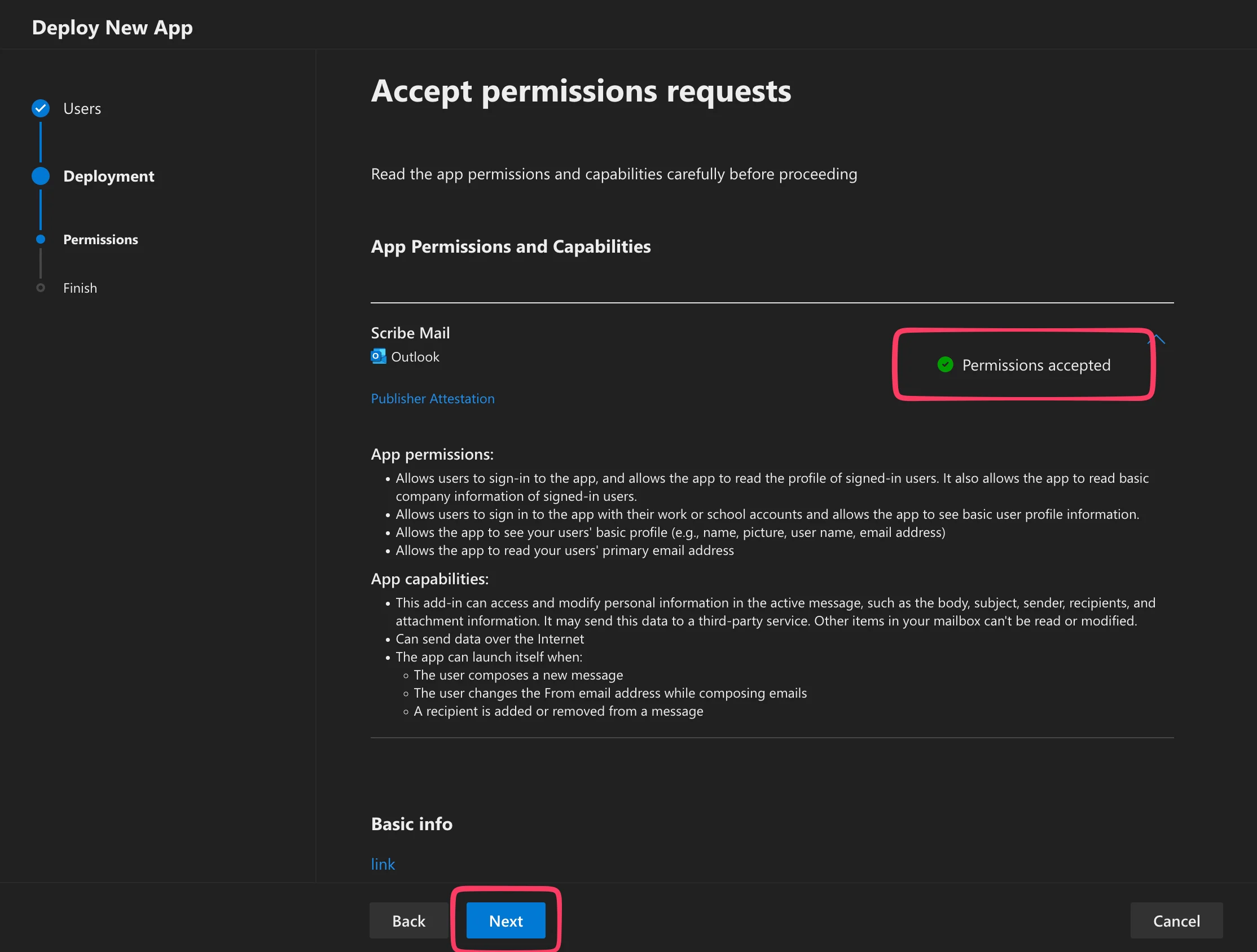
Click on "Finish deployment"
The add-in will now be deployed in your Microsoft 365 account and across all Outlook instances for your users.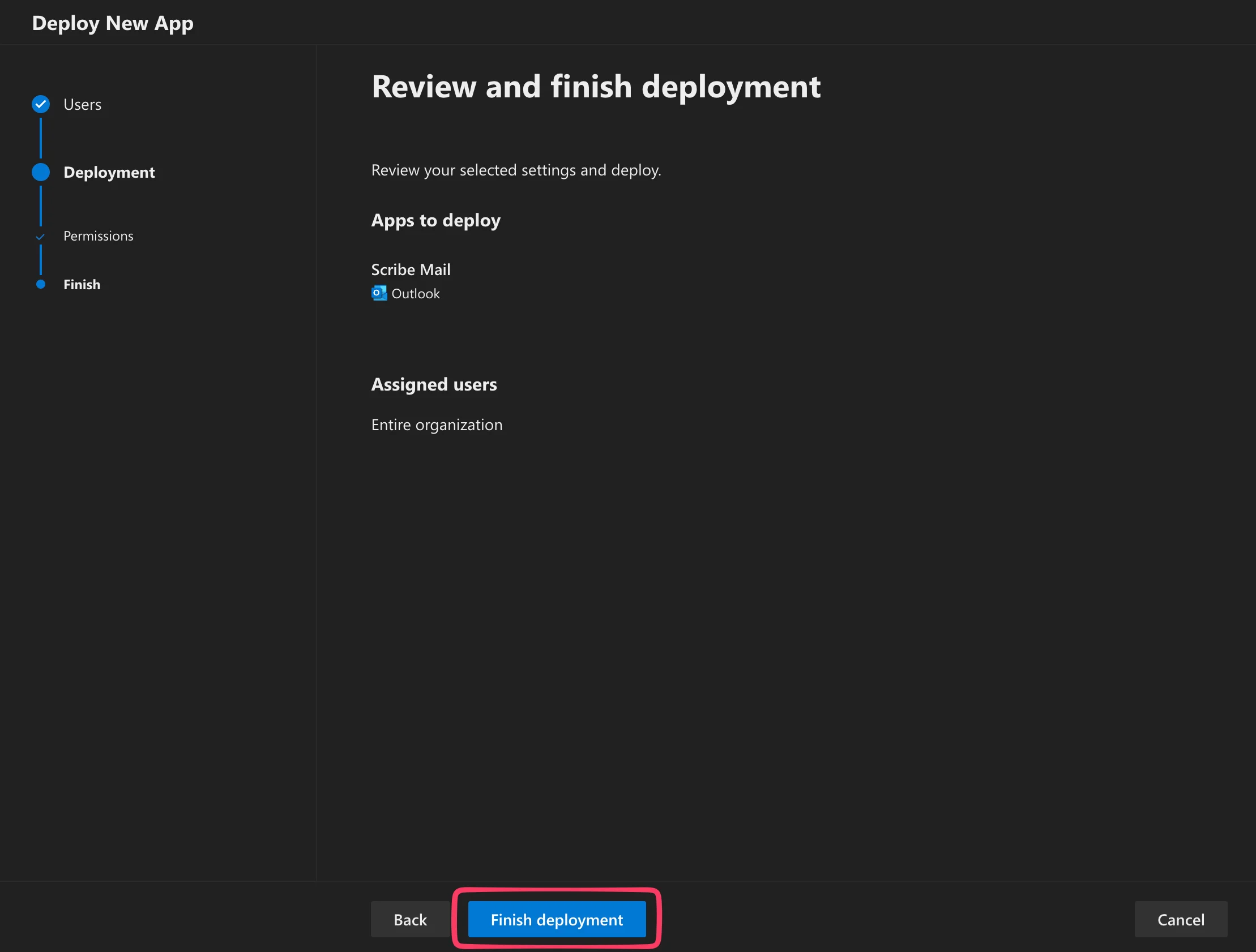
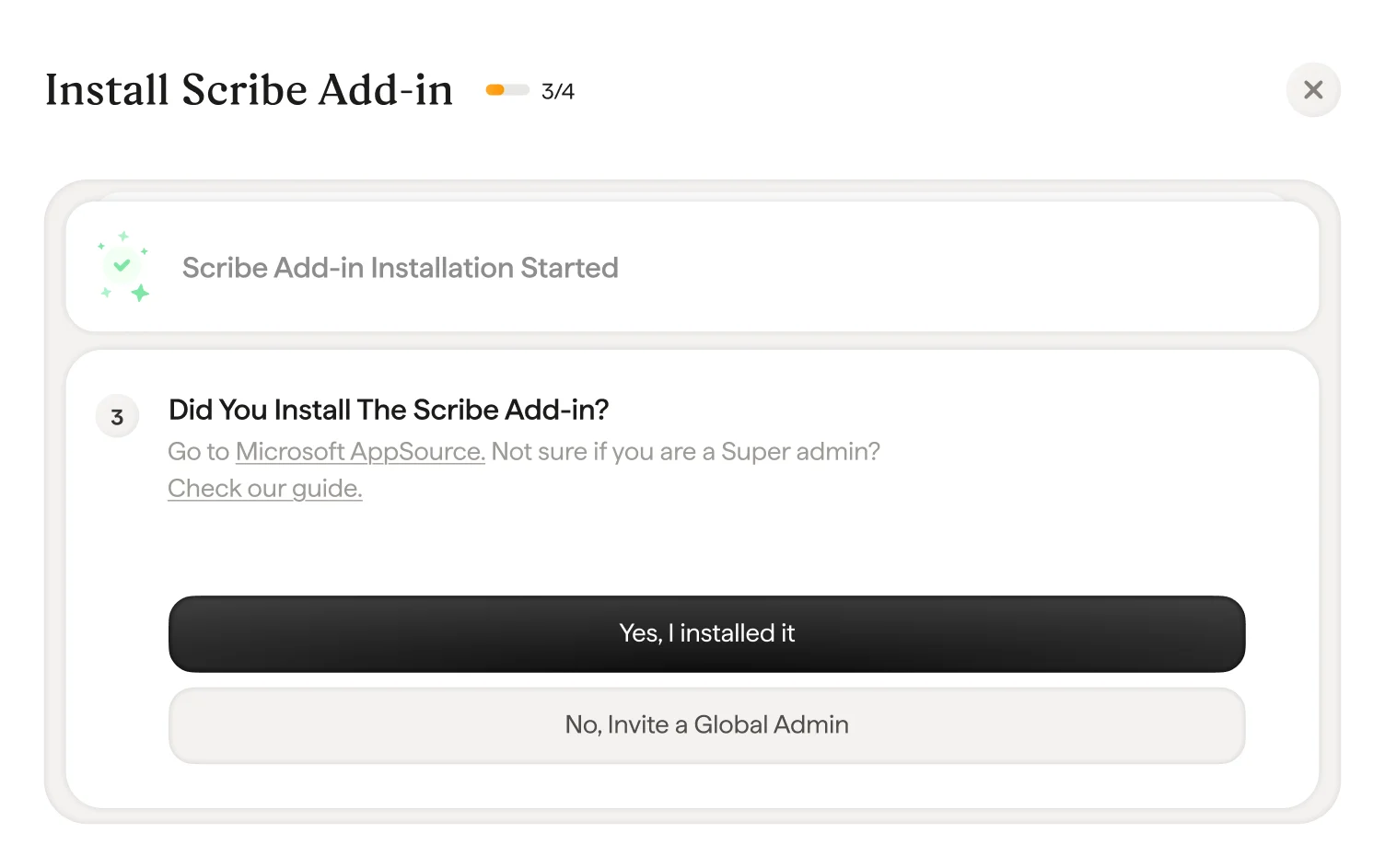
Wait for Microsoft validation
Microsoft can take up to 72 hours to install the Scribe Add-in across your organization. You will be notified by email when it’s done. If the validation is too long, make sure to check the troubleshooting list in the modal.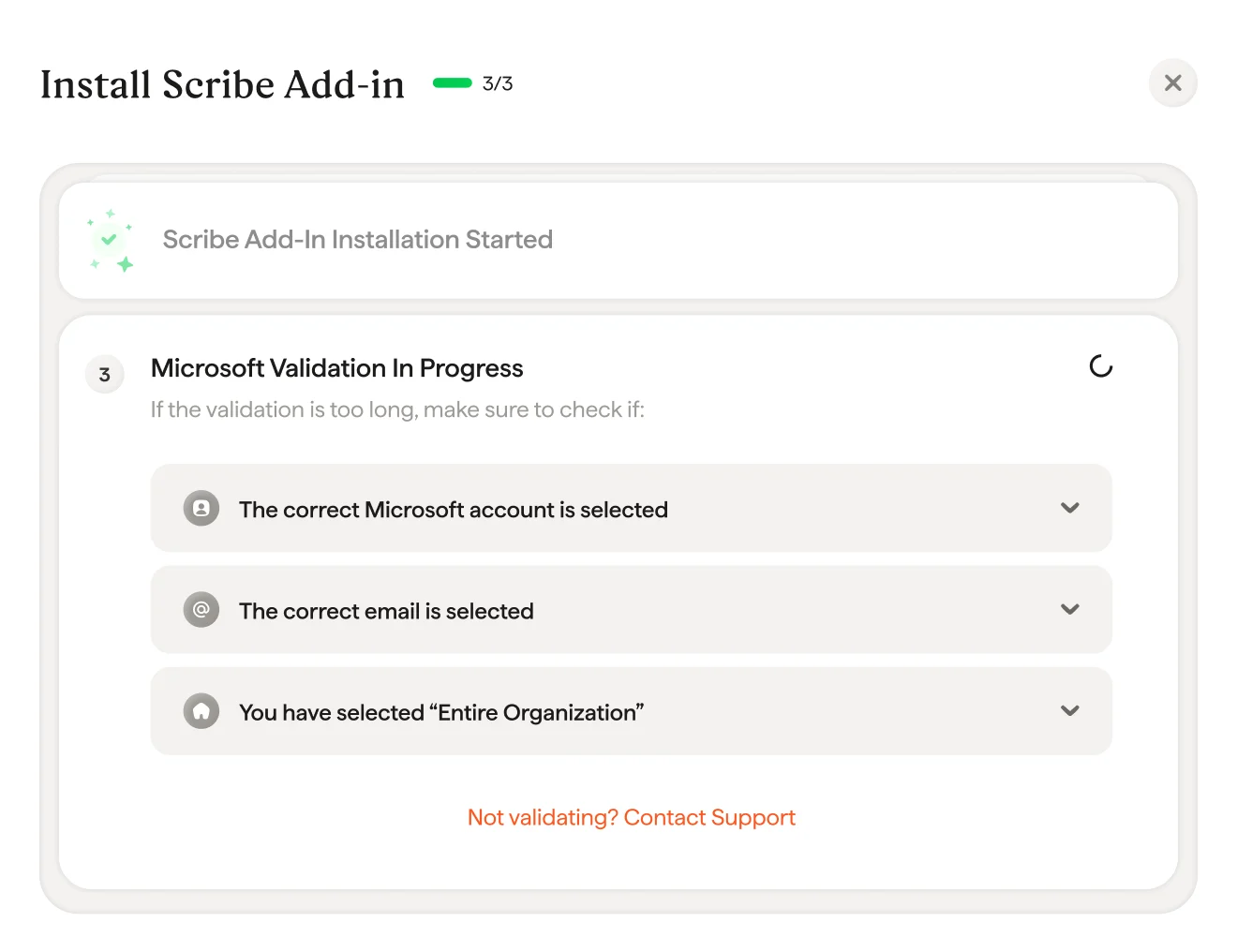
Scribe Add-in installed
Once you get the validation modal, click “Install signature” to go to your Scribe signatures list.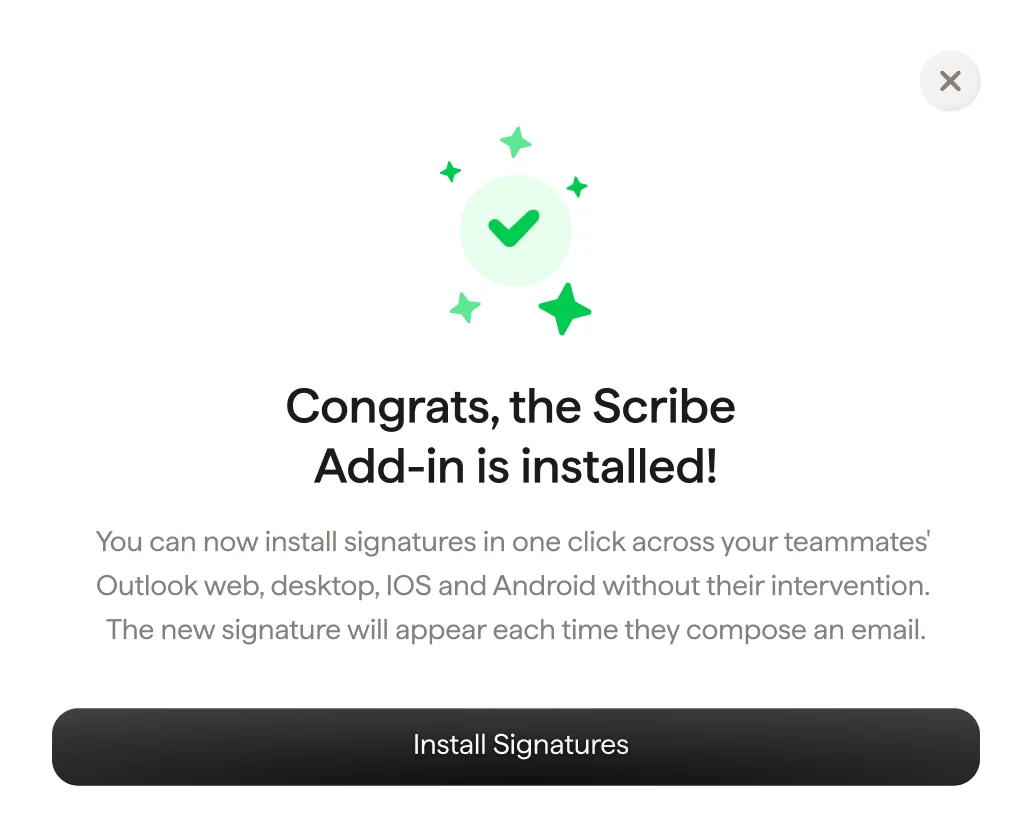
Install team signatures
From your signatures list, install all signatures at once for your teammates or install them one by one for a progressive rollout.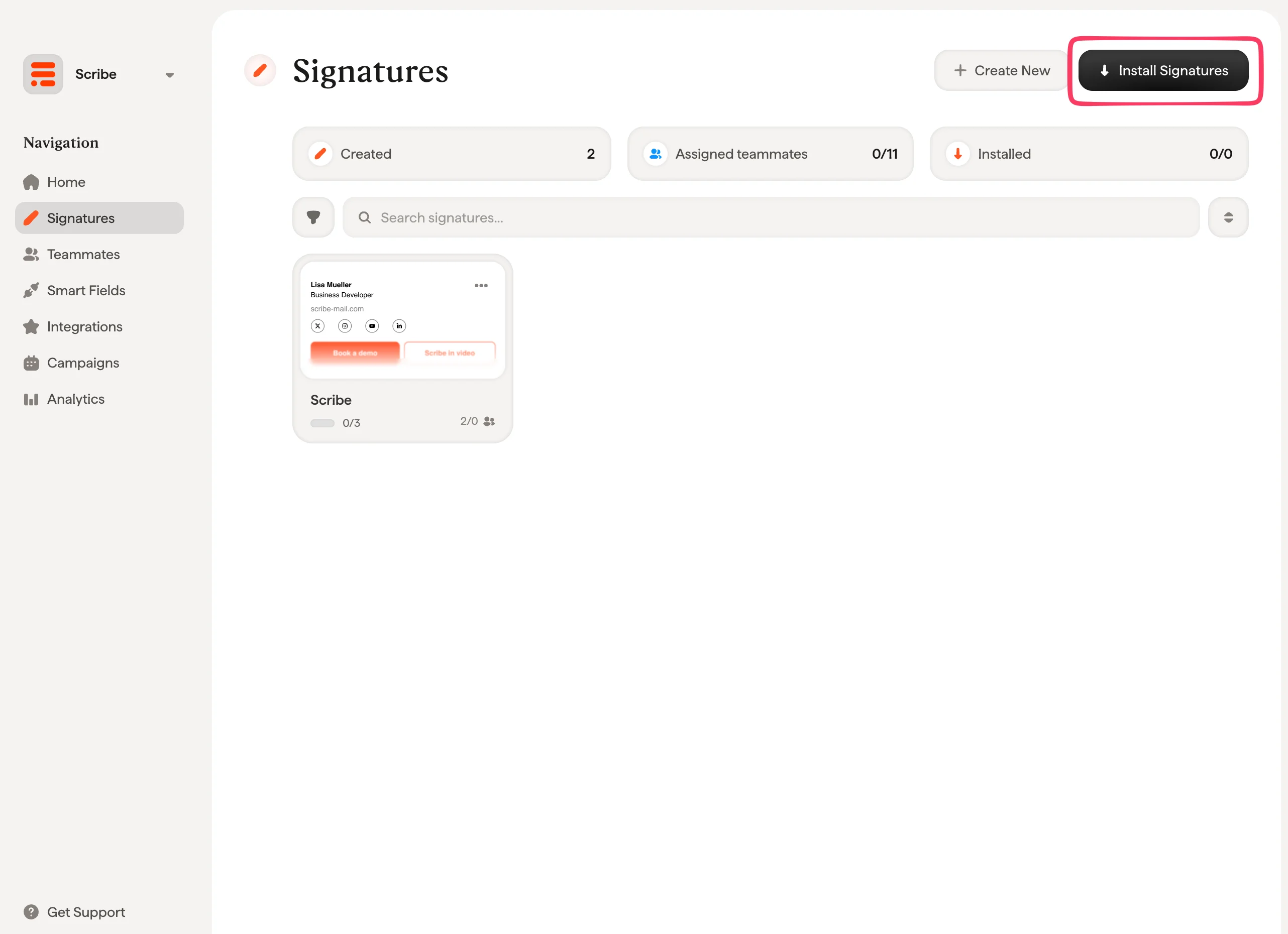
Related articles
- Integrations overview: all the ways to deploy Scribe signatures, cloud or server side.
- Google Workspace: one-click cloud install for Google Workspace.
- Signature variants: on-reply and internal variants for Outlook and server side.